


Need to add a new page to your site but don’t know where to start? Making a brand new site on WordPress.com and want to design a homepage quickly? There’s a new addition to the WordPress experience that’ll help with exactly that.
Let’s take a look at Page Layouts! They’re pre-designed pages you can drop content into, without needing to decide what to put where.
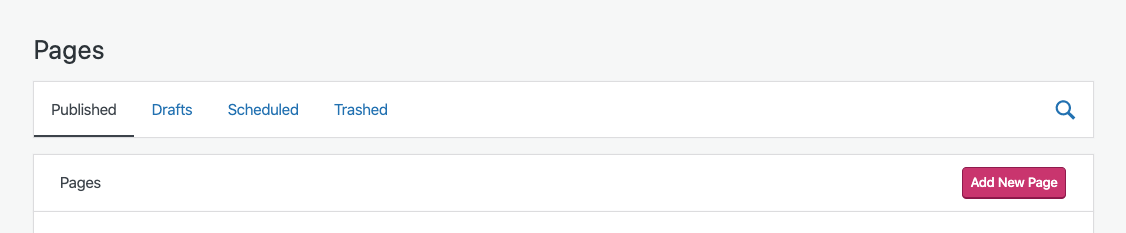
To add a Page Layout to your site, head to My Sites > Site > Pages and click the “Add New Page” button — it’s the pink one:
Next, we’ll show you a selection of layouts you can choose from — there are layouts available for
- About pages
- Contact pages
- Services pages
- Portfolio pages
- Restaurant Menu, Team, and Blog pages
- and even starting points for Home pages
Here’s one of the available Portfolio Page Layouts, for example.
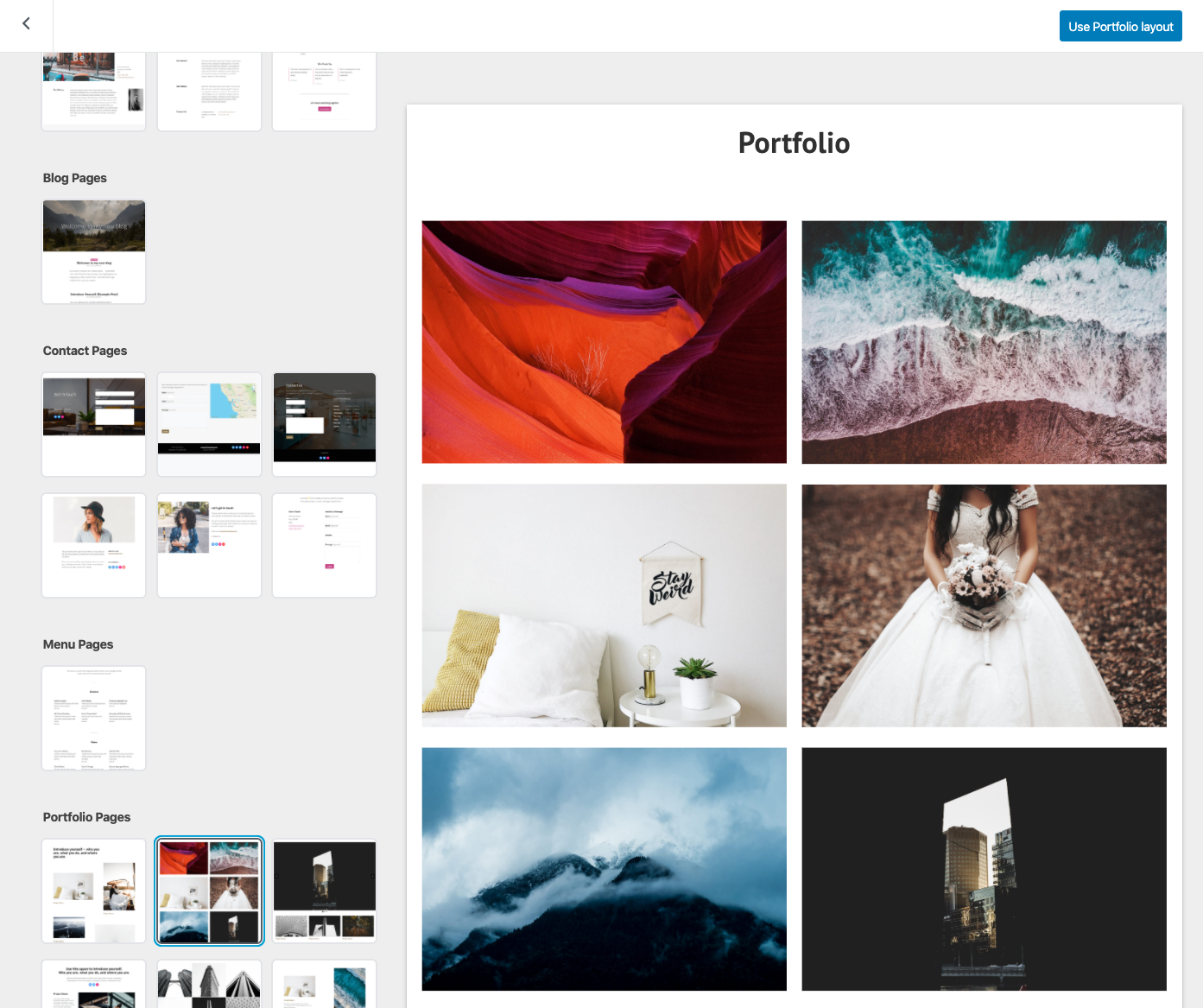
These layouts are all made using blocks in our block editor, which means you can edit the images, content, and layout all in one place. Start by replacing the default images and text, and you’ll be on your way!
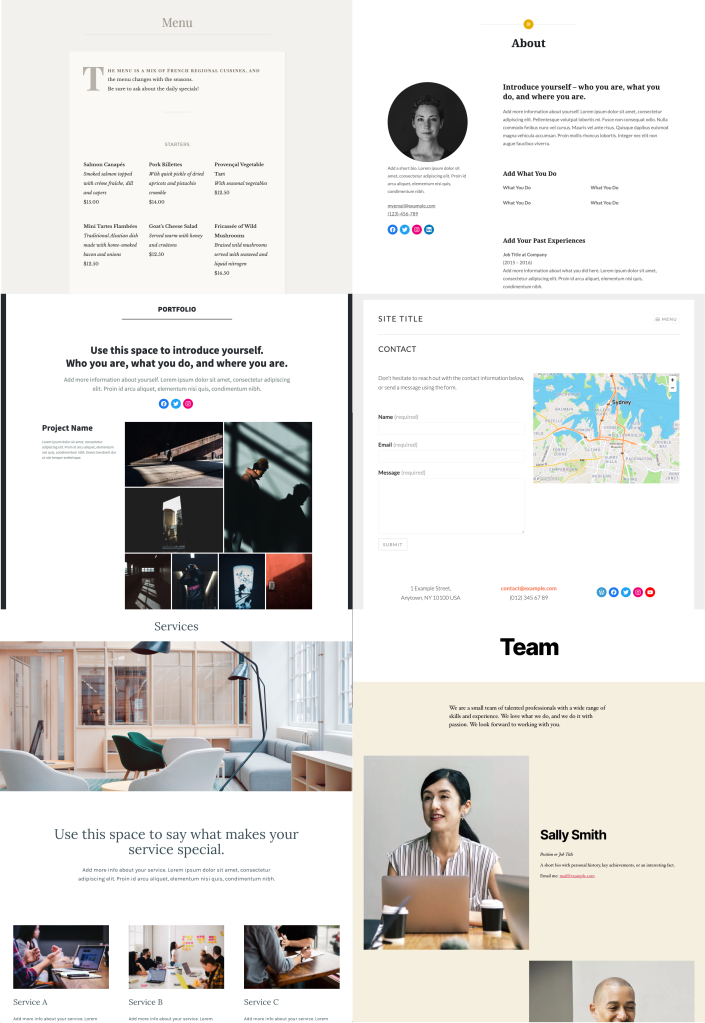
You can use Page Layouts to make great-looking pages with only a few clicks. For inspiration, here are a selection of layouts using a variety of WordPress.com themes.
And if you need help getting started you’ll find more detailed information on all of the above in our support documentation for Page Layouts.
What other types of pages and designs would be useful for your site? Let us know what you’d like to see — we’d love to hear from you!
 WordPress.com News
Very handy! Thank you!
I don’t see: “My Sites > Site > Pages” and can’t click the “Add New Page” button. What do I need install? Thanks!
No need to install anything. 🙂 But we have some additional instructions on our support site that will help you find that button.
https://wordpress.com/support/pages/#create-a-new-page
Is it possible to access these layouts using ‘Classic Editor’?
They won’t be available in the Classic Editor. These Layouts are built using the Blocks and tools provided by our Block Editor so they’ll only be available there.
I’ve already taken advantage of the “About” and “Contact” pages. Thank you! I’d like to see a FAQ page — and also a “description list” block ( in HTML) with terms and descriptions.
I intended to put the HTML tags but they’re not showing at all… they’re dl, dd, and dt.
We’ve got a block for that. 🙂 The custom HTML block will let you add those tags.
This is great and very timely as I need to do a huge update and overhaul of my ‘gallery’ page so I’m off now to check out the portfolio templates – thanks WordPress!
I’m new to WordPress and this has been helpful. Many thanks. 🙂
Thanks for the info…perfect timing as I’m needing to make a few changes to my blog!
Thanks for introducing these wonderful features.
Interesting, thanks for the update!
Wow. Thank you for the amazing post.