


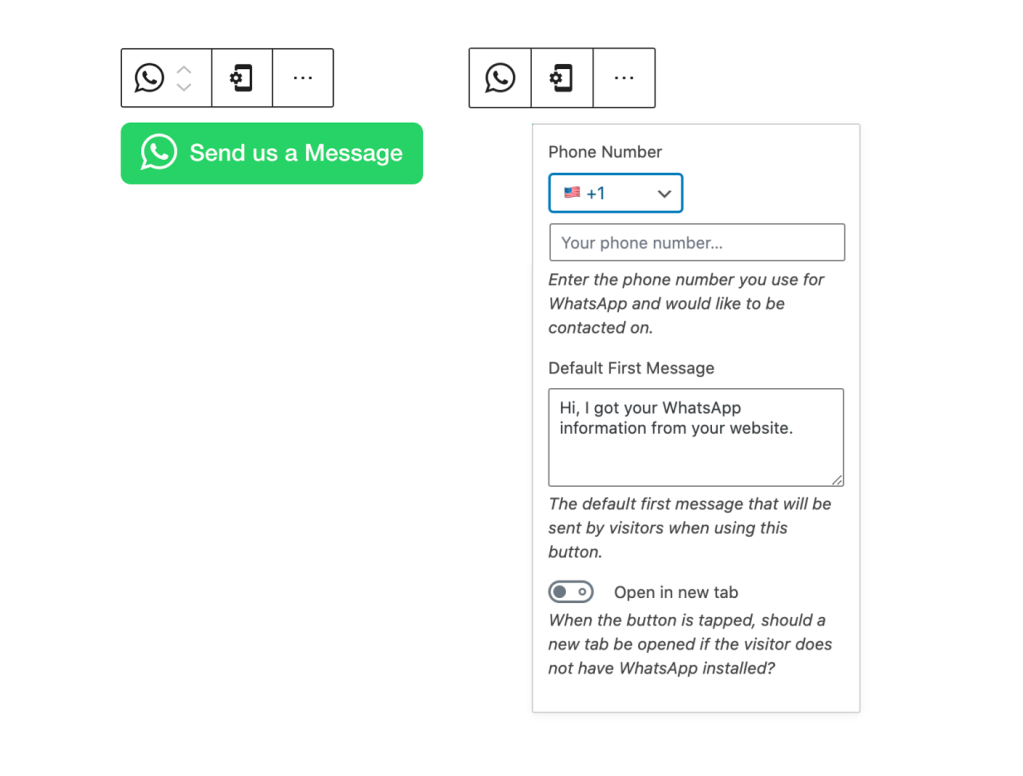
The world is mobile, and your visitors and customers expect to be able to easily contact you using their mobile device. With WordPress.com’s new WhatsApp button, you can provide a one-click, secure way for people to open WhatsApp, with your phone number and a message pre-filled.
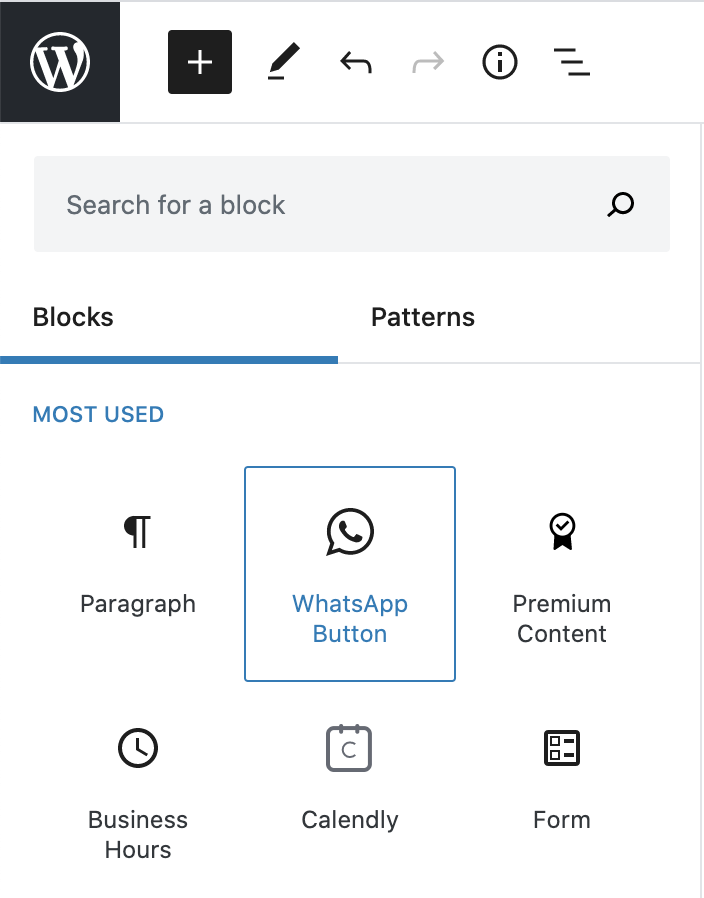
Adding the button is easy. In the block editor, create a new block and search for WhatsApp:
The WhatsApp button is available now to all WordPress.com sites on a Premium, Business, or eCommerce plan. You can upgrade your site to one of these plans, try it out for 30 days, and if you’re not satisfied with your upgrade we’ll grant you a full refund.
If you decide to cancel your paid plan after you’ve already accepted the free custom domain, the domain is yours to keep. We simply ask that you cover the costs for the domain registration.
We hope the WhatsApp button helps you connect with your customers and visitors in new ways. Give it a try today!
 WordPress.com News
Amazing
Thanks
Great advice, Thanks.
My question is , Only members can send or everyone is allowed?
That’s great
Used to have WhatsApp, but got rid of it after I read about security hacks
Great
On Sat, Aug 15, 2020, 9:53 AM The WordPress.com Blog wrote:
> Thandeka Presents commented: “Great” >
This is great – I’ve installed this on my contact page but I can seem to align it with all the other block elements – any tips would be much appreciated!
Nice
that’s great but again plan limitations is very bad
Wow nice one
Wow, that’s a great idea.
Nice
Thank you
Good
Hi, it is me from India.. New comer to your blogging community.. Supporting hand of you is pretty good to encourage me to do more…hoping your kind promotion..
Great
Cool
That’s great👍👍👍👍
Much needed… great step in the right direction .. keep up the good… thanks
Thank you
#GrahamBrecker
PRETTY good…awesome
Great
Such a great job
Thank you.
Great!
Great
sweet!
Thanks for this!
wow! Awesome post my man!!!!!!!!!!!!
Thanks
Insightful! I like it
Insightful! I love this
Great..