


At WordPress.com, we’re always adding features and pushing our blocks and Site Editor to do more so that you can create, design, and publish amazing things with ease. Our newest features are largely design-focused, giving you the confidence to explore a variety of styles and then easily apply them across your entire site.
Let’s jump in and see what’s new.
Site View: An easier way to navigate the Site Editor
Site View allows you to easily explore, navigate, and edit your site’s templates and template parts, including adding new templates right from this interface. To play around with Site View, simply click your site’s icon from the Site Editor.
When to use this feature: You want to see how all the pieces of your site fit together — and to jump between your templates and template parts for easy editing.
Clearer access to your advanced block settings
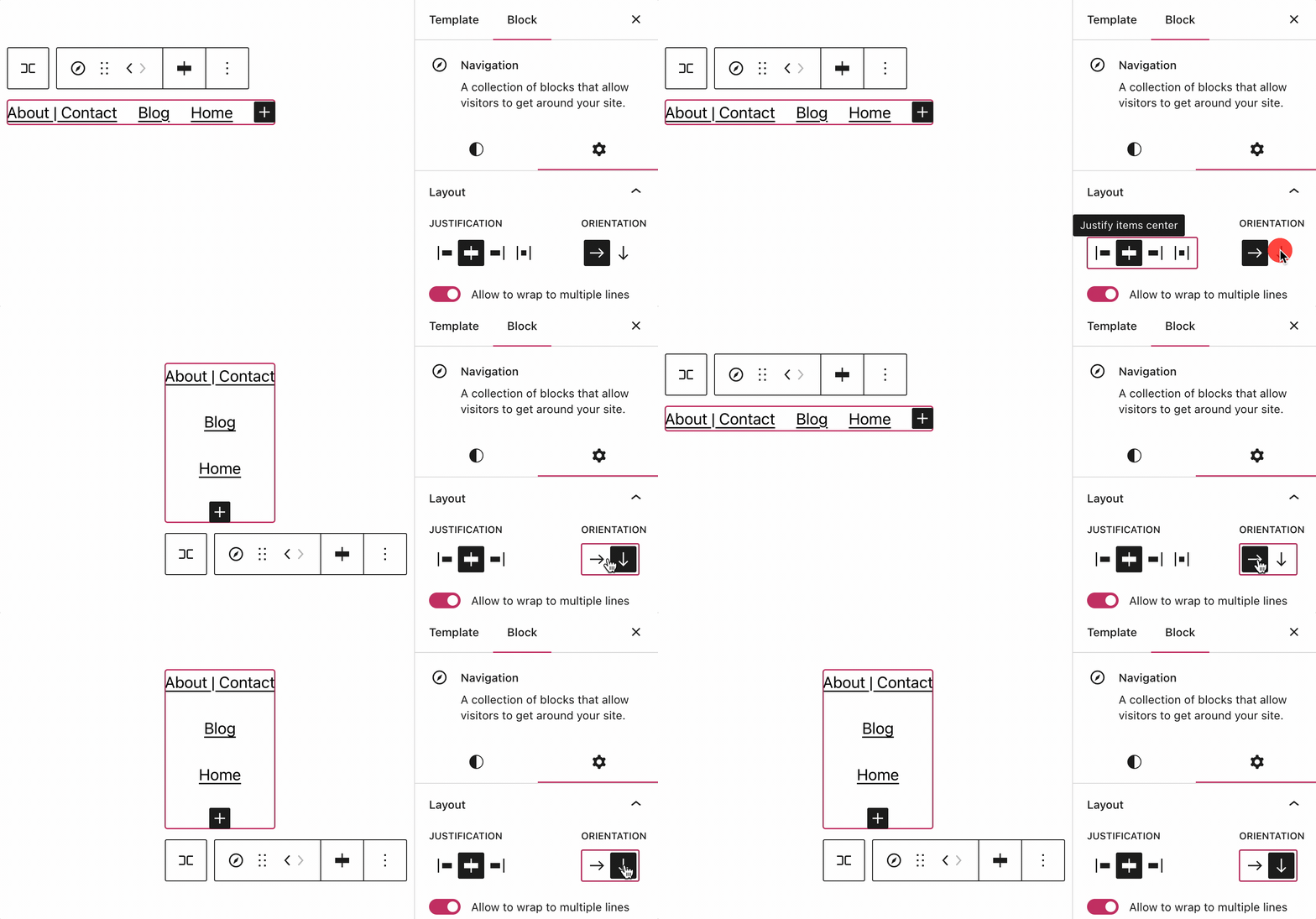
With more powerful blocks comes the need for easier, more intuitive access to advanced settings for those blocks. To that end, we’ve split block settings into two tabs within the sidebar. On the left side, you’ll find standard customization options like color, typography, and spacing. On the right side, you’ll find more advanced options, like layouts, custom CSS, and a button to apply changes across your entire site (more on that below).
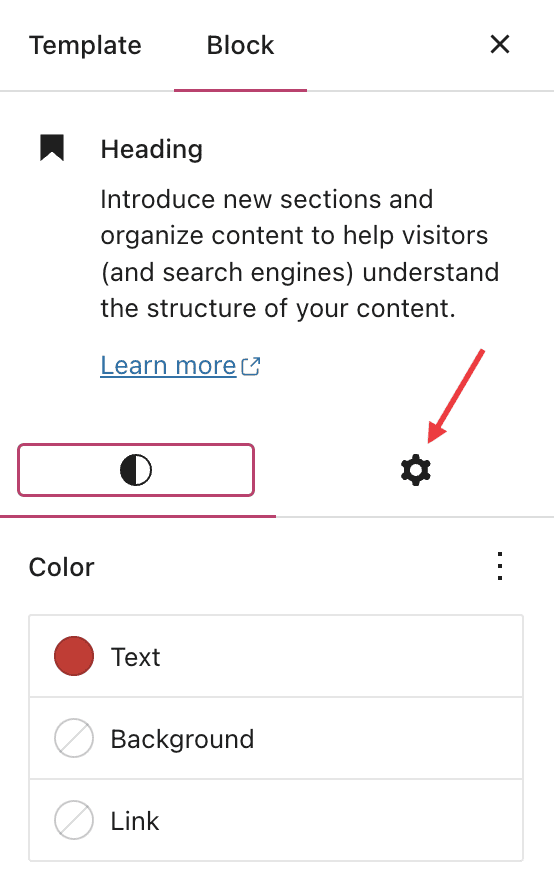
When to use this feature: You’re working on your navigation menu and need more customization than just color or typography options. Go over to advanced settings to change the orientation of the menu from horizontal to vertical — among other things!
Preview style options with the Style Book
A number of themes, including staff favorite Twenty Twenty Three, now come with styles, which change the look and feel of your site — color, spacing, etc. — within the overarching design aesthetic of the theme.
With the newly launched Style Book, you can now see how various styles affect different blocks. You’re able to preview colors, typography, embeddable media, and more.
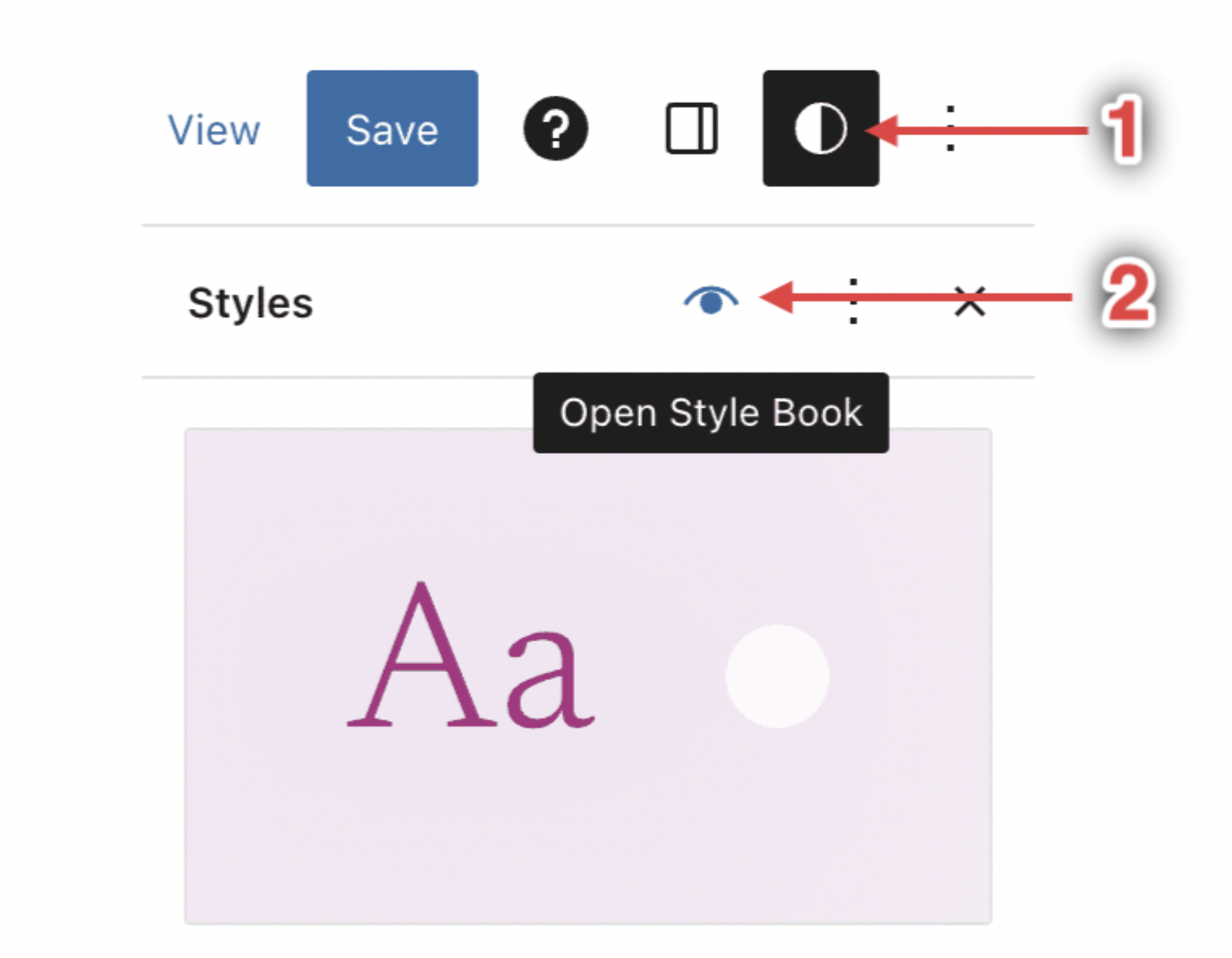
When to use this feature: You’re curious about switching up the colors or typography on your site, but you want to know what it’ll look like, especially within specific blocks, before committing.
Apply design changes across your entire site
When working and designing in the Site Editor, it’s easy to find yourself having created a certain style that you really like and want emulated across your entire site. With our new “Apply globally” button, you can do just that.
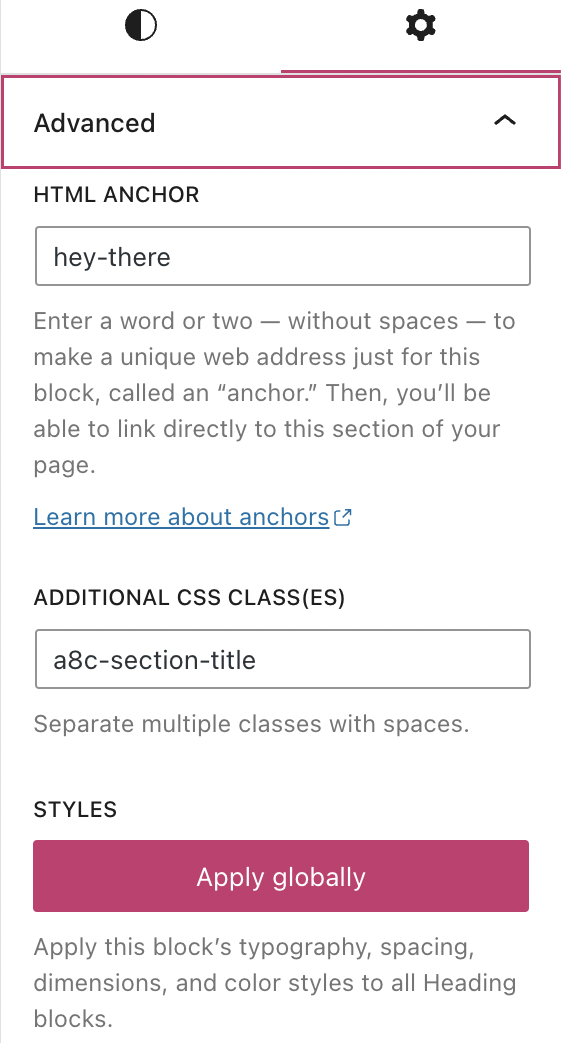
When to use this feature: You’ve spent some time styling a heading (or other block) on your homepage or a page template, and you want that look to carry over across all the headings (or whichever block you’re working with) on your site.
In Case You Missed It
In the midst of holiday season business, you may have missed some of our other recent and exciting updates:
Boost your traffic with Blaze

Learn how to turn your posts and pages content into clean, compelling ads that run across millions of sites on WordPress.com and Tumblr.
Explore new themes
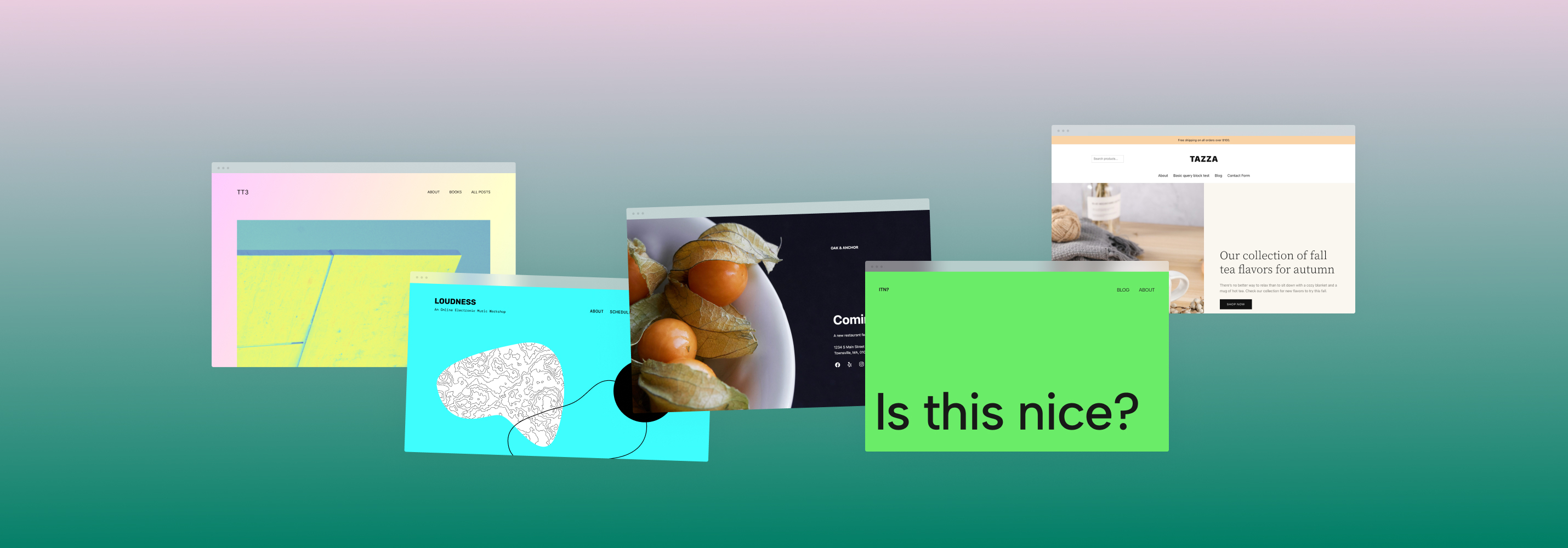
We introduced five beautiful new designs in January, including our new default theme, Twenty Twenty Three.
Grab yourself a .link domain

A .link domain name and Link in Bio page supercharges your social media by giving you a place to host all of your links.
Insert chapter breaks on your videos

Chapter breaks offer a quick, convenient way for viewers to navigate longer videos or see the outline of a video’s content at a glance.
Share your work-in-progress website

With Site Previews, you can generate a unique link for your in-progress Business or eCommerce site that allows your team or clients to access and explore the site without needing to log in.
 WordPress.com News
That’s all nice and well, but why did I receive a mail that I have to ad a tax ID on my site? I do no business, earn no money and use my blog purely on a privat non commercial basis.
If you aren’t a business, you likely won’t need to add business tax info. Please contact support directly if you have more questions about the email:
https://wordpress.com/help/contact
they weren’t very helpful there, just wrote to add a VAT number and consult an tax expert. Not amused really
Very helpful. Thanks.
Wlcm
That’s strange, why would they need your tax ID on a non-monetised blog? Is this in the USA only?
I could clarify it. They don’t really, they only need to charge me a bit more on my tarif to cover Vat. I don’t need an ID if I don’t do business, which I don’t.
Can you be more specific for me and what exactly “defining our business is’ or what WP thought it was compared to what it is in reality? Please and think!
Amen❤️
Wow, these new features sound fantastic! It’s great to see WordPress.com continuing to improve and making it even easier for users to create and design their sites with ease. The Browse Mode, clearer access to advanced block settings, Style Book, and the “Apply globally” button all seem like valuable additions that will enhance the user experience. Can’t wait to try them out!
That’s great…… 👌👍🙂
Oh yay, new toys to play with! Here’s hoping I don’t break anything lol
I love this
very interesting…
It important to try new thing by applying new methods.
Come to my site too
Wow these features are great it’s exciting to see WordPress enabling users to create and design their own sites
This is super great! I am just starting out my page 🙂 I’ve got a book review page!
nice
Wow, this is going to save my lots of problems
amazing
really interesting!
Wow,really interesting can’t wait to try them
Wow,really interesting
Okay 👍. Let’s keep on blogging .It’s my hubby nothing else.😂
WordPress.org and wordress.com which site is official? Thanks
They’re both official sites. WordPress.com is the official site for the hosting platform, whereas WordPress.org is the home for the WordPress software. If you want to learn more about the two, you can read this article: https://wordpress.com/support/com-vs-org/
Great post, WordPress has really stepped up their game when it comes to the new layout and design. Now more people can look forward to blogging
nice
Brilliant
Nice! New to WordPress and I’m still getting the hang of it. I can’t wait to try these new features out!