


When you create a new site, you may want to personalize it before making it public. On WordPress.com, we give you a safe space where you can work on building and editing your site until you’re ready to share it with the world.
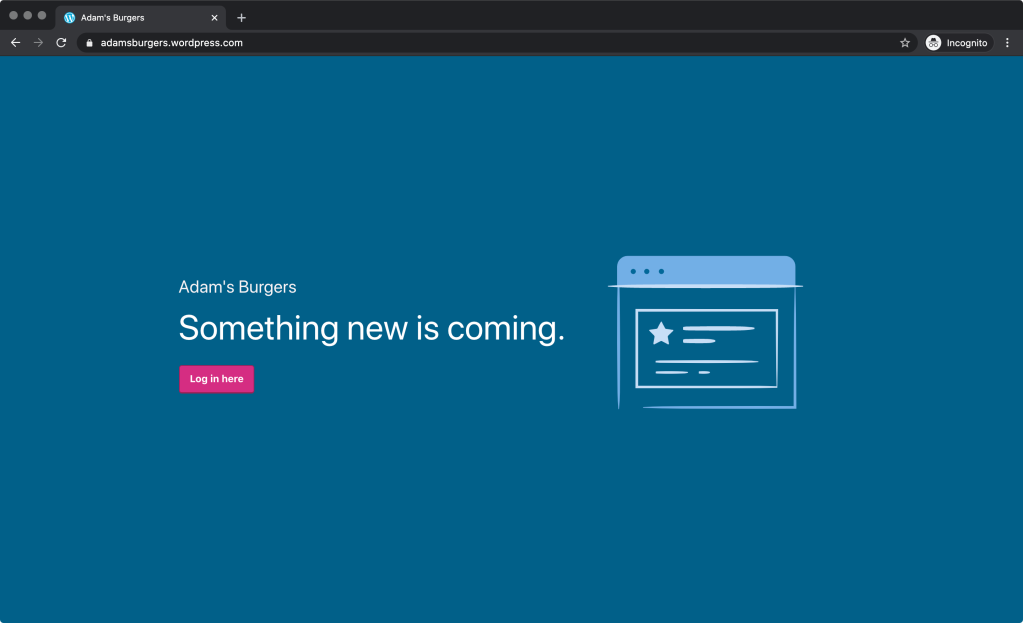
Until recently, this Coming Soon mode was limited to new sites without plugins or custom themes installed. We realize, however, that many users — regardless of how long they’ve had a website on WordPress.com — might want to make updates, change the design, or add new functionality without making these changes visible to the public until they’re complete. Now, all sites have this Coming Soon option, and you can toggle it on or off as you wish.
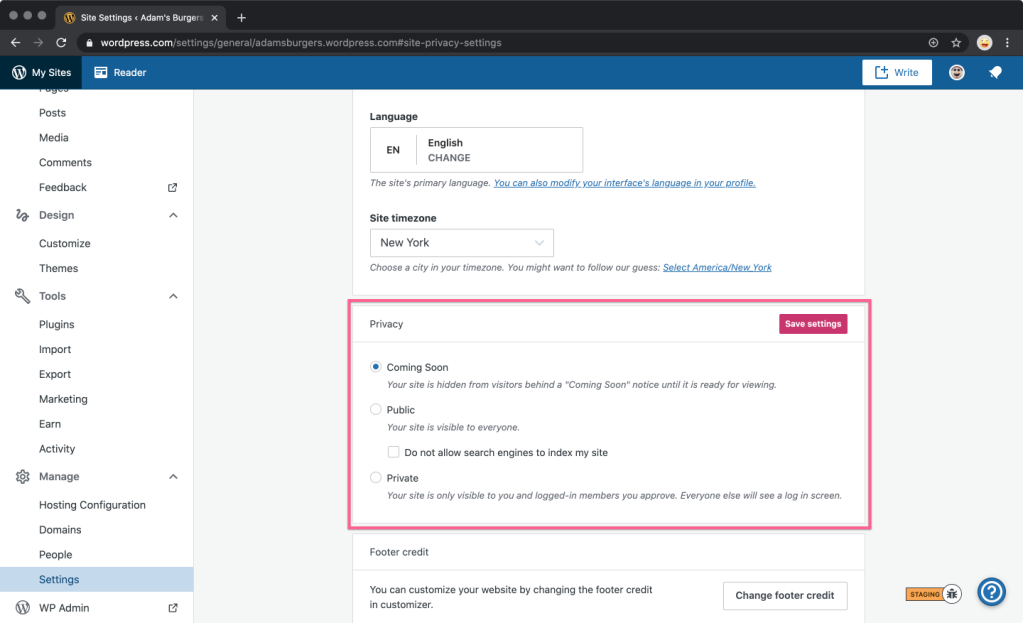
To set your site to Coming Soon, go to Manage in the sidebar, select Settings, scroll down to Privacy, and select the Coming Soon button. Be sure to click on Save settings for the change to take effect.
While in this mode, site visitors will see a landing page with your site’s title. You and other logged-in people that you invite will see the full website.
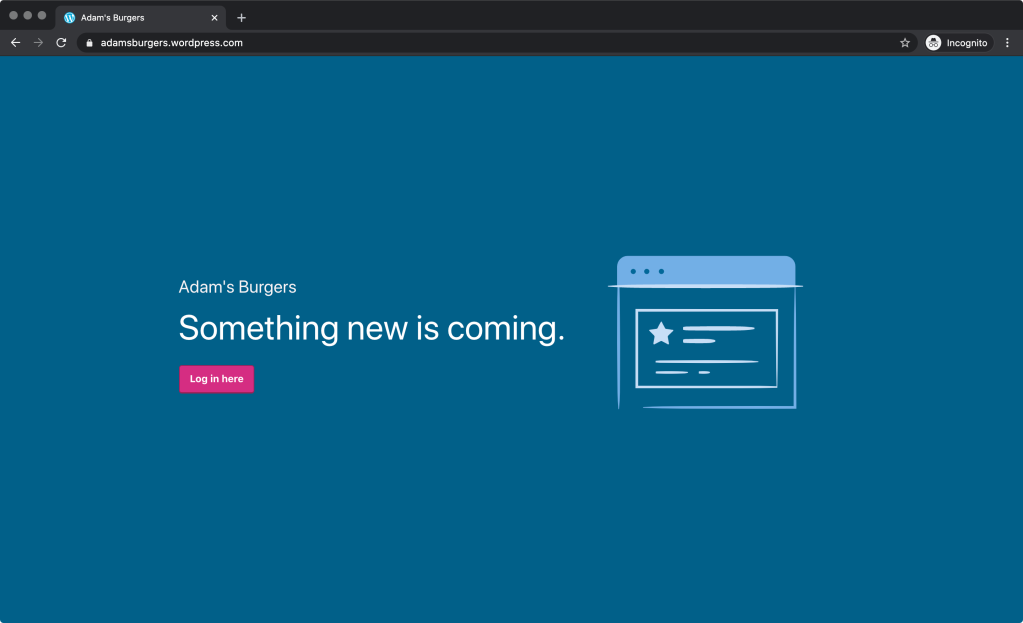
Logged-out view 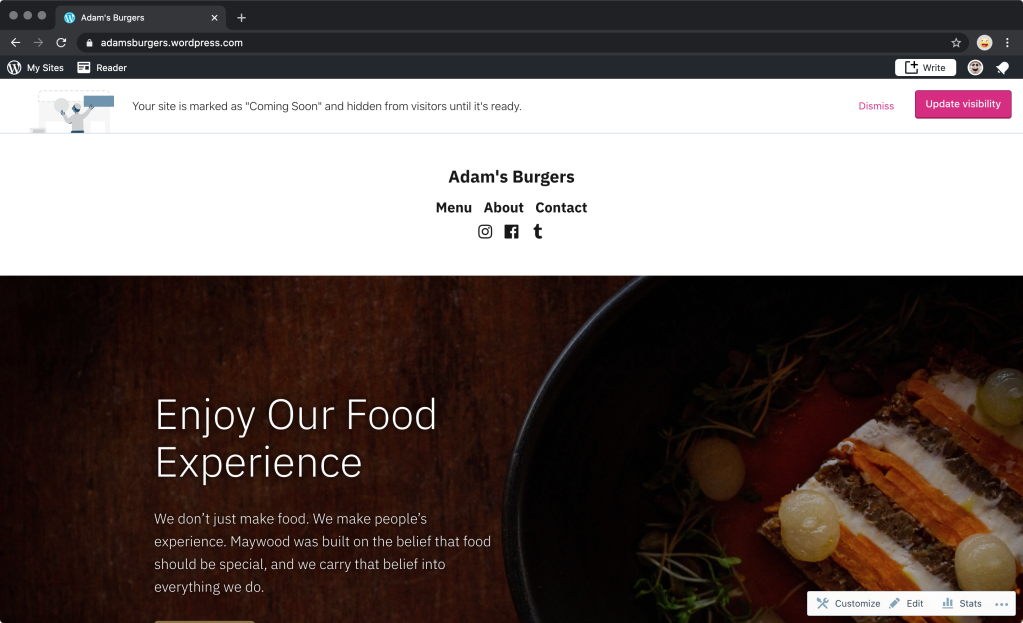
Logged-in view
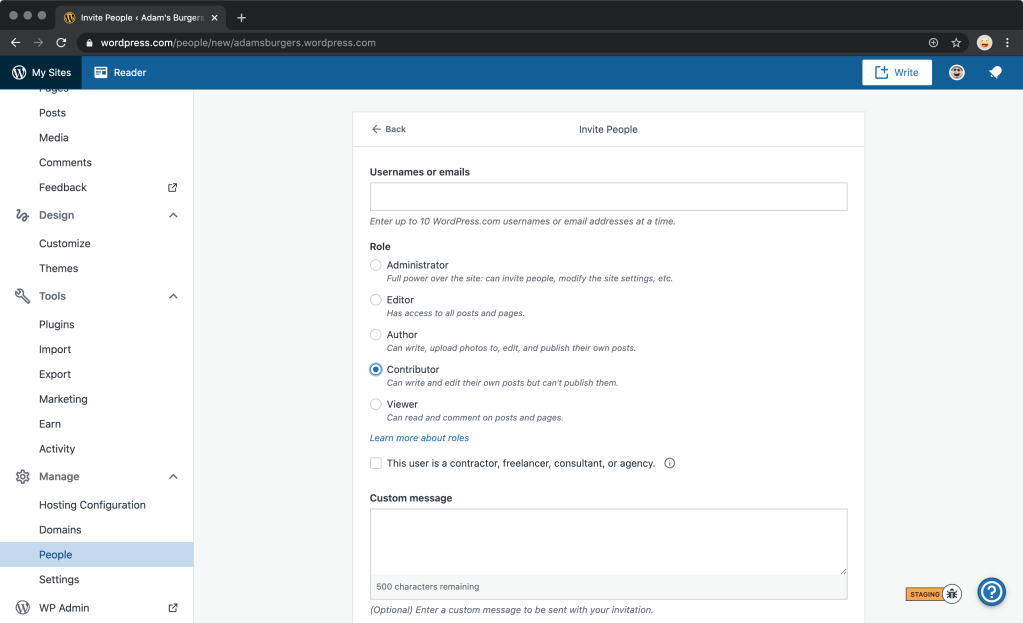
To invite people to view your site while in Coming Soon mode, add them as new users from the Manage → People → Invite button. Users will need to at least be a Contributor to view the site in this mode.
To make your site public again, go to Manage in the sidebar, select Settings, scroll down to Privacy, and select the Public button. Again, be sure to click on Save settings.
Private sites for all
If instead of sharing your site with everyone, you want to keep it private, and only available to invited members of the site — for instance, a private blog for your family, made up of photos and videos of your children or pets — you can use the Private option under Manage → Settings → Privacy.
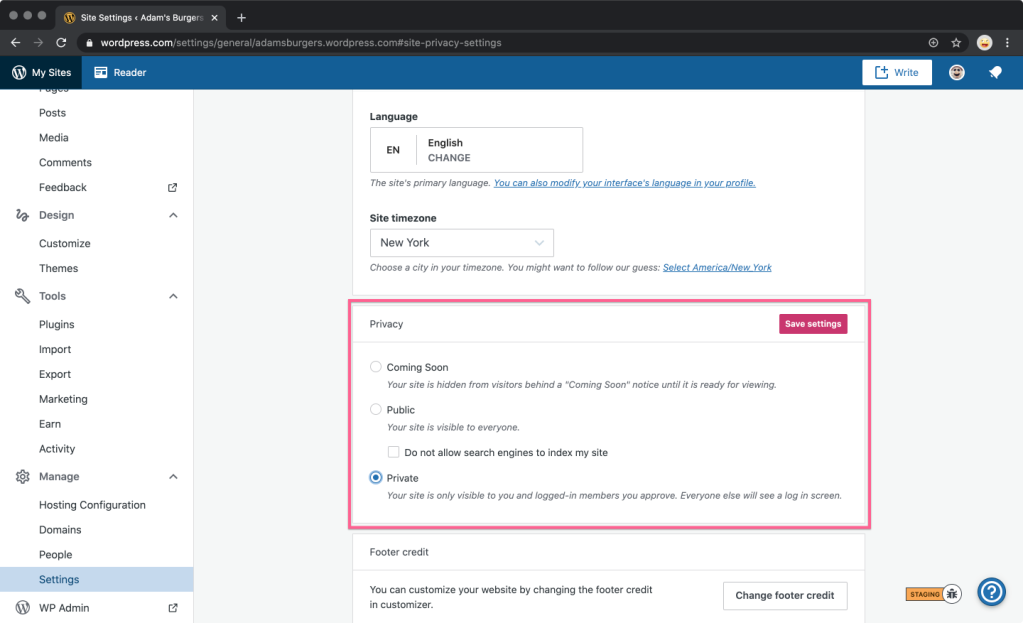
In this mode, instead of the Coming Soon landing page, logged-out visitors will see a more discreet prompt to log in.

No matter what you want to do on your site — whether making a few tweaks, refreshing your site design, or building a fully fledged online store — use the Coming Soon feature to keep it private until you’re ready to unveil it to the world.
We hope you enjoy this new feature!
 WordPress.com News
Fantastic thank you for your support!
This was great. I hope you share more WordPress tips with us. Very helpful.
Good info. Thanks!
Hi, when will this new feature be available?
It’s now available on all WordPress.com sites! While logged into your account, go to Manage in the sidebar, select Settings, scroll down to Privacy, and select the Coming Soon button. Be sure to click on Save settings.
I wish I had this when I was starting out haha!
Cool 😎
This is so cool! I wish I had it when I was a young blogger starting out but I’m sure that it will make this blogging experience 10x better for the new and incoming bloggers.
Sharing your personal experiences with other people is always a good practice, which you could find, for whom this could be really useful. Thanks for sharing.
That was a good tip.
I just opened a new website with WP and accidentally noticed this feature. Good!!!
That’s very helpful for us!
Thanks 🙌
This is a great idea.
Look forward to using it
That feature used to be overdue for the longest time, from the very first day, if you asked me. I’m glad it finally made it to get to see the daylight!
It’s nice to see that – as expensive it might be – WordPress.com is constantly further developed 🙂
Kind, regards, René
I am new comer on wordpress, still confused to use this site and blog both together. Still thank you for information.
Thank you for this useful wordpress tip.
Thanks for the WP tip – a refresher is always useful.
Great feature
Great!
That is very good. Certainly makes it possible to build a site and not worry about people seeing it before it’s launched.
Great Move!
Awesome 👏
great feature, thank you! 🙂
Are you also planning to make a “private” option available for non-logged-in users? E.g. for a family blog, but readers do not have to have an own wordpress account?
This is indeed something we’re looking into adding.
Thank you, I am really looking forward to this! 🤩
Do we need to first create the content and then launch the website!
No, you can create/add your content and build your site in private and “behind the scenes” first.
Thanks @cherilucas
Thank you!
This is a great information
Thanks
Very informative. Thanks
Thank you, it was really very helpful.
Perfect timing.