Adding banner to theme without existing banner
-
Hi there.
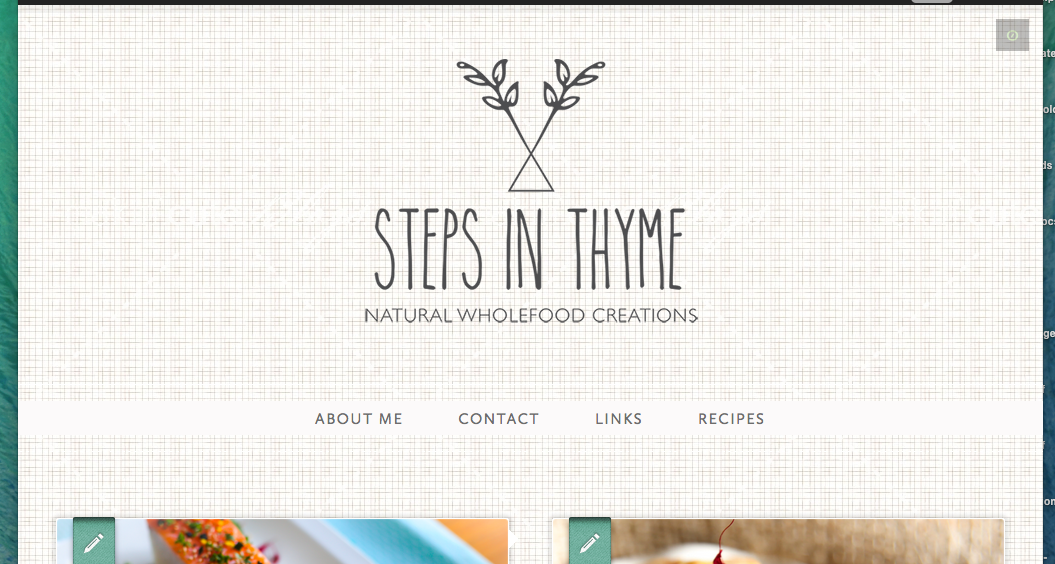
I was wondering if its possible to use the space above the menu bar of my site to upload a same size banner with logo etc.
I feel like my logo is floating in space as it is now.Would love any feedback.
Thanks,
ShantalaThe blog I need help with is: (visible only to logged in users)
-
I liked your site as it is now. But if you think there is too much space between logo and the menu bar, there is a 30px bottom margin for the logo which we can remove using the following CSS:
header[role="banner"] .branding {
    margin-bottom:0
}
Please add this CSS and let me know what you think or if you need anything else.
-
-
No problem. What sort of banner do you want there?
Could you let me know if you wish to display text or image?
Example banner image:
nav:before {
display: block;
content: url('https://chaittestpress.files.wordpress.com/2015/03/banner.png');
}
Example banner text:
nav:before {
display: block;
content: "This is my banner text";
}
Please don’t hesitate to ask if you need any thing else :-)
-
Perfect! The image one is just what im after.
Only much deeper, approx 600 px deep if thats possible.
Really appreciate your help. Thank you. -
Upload whatever image you want for the banner to your Media Library and replace the url in the above CSS with the url of the uploaded image.
Let’s see how it goes.
-
-
Hey so I tried a banner but it really didnt work with the theme unfortunately.
Now i have a new problem i wonder if you might be able to help me with…
I am having troubles changing my logo.
For some reason its locked on a tiny logo I uploaded last night.
No matter what size logo I now put up I only get this small one.Even if I try to upload a picture or something random. I still get this tiny logo. Can you help?
-
Could you link me your banner image? I will try to upload and see if I can put it up there.
I see quite a big logo on your blog at present: https://cloudup.com/cvZCe3NpPWl
Isn’t this your updated logo image?
-
-
It could be because your browser is still caching your old tiny logo. You can try clearing the browser cache or try in a different browser or computer.
Is the image you linked above is the one you want as a banner? It is your logo, isn’t it?
-
-
-
-
-
Hi, this is what I’m seeing on your site right now in Safari, Chrome and Firefox: https://cldup.com/qUl0GCV3mu.png . Is that what you are seeing?
If you are still seeing it tiny, can you let us know which browser and browser version you are using (looks like Chrome 40-something) and also take a screenshot for us, upload it to your media library and then post the URL here so we can see?


- The topic ‘Adding banner to theme without existing banner’ is closed to new replies.
 WordPress.com Forums