

Adding Site Logo To Blask Theme
-
Hi,
Regarding adding a logo to the Blask Theme –
Under Appearance>Customize > Site Identity
there is the option to either add a logo, or add a logo and check the “Display Header Text” box.If the second option is selected, the logo is displayed, but so too are BOTH the site name and tagline.
Question: is it possible using CSS to add a logo & display the tagline but NOT display the site name?
Any help is appreciated. Thx
Note: I have the premium plan.
The blog I need help with is: (visible only to logged in users)
-
is it possible using CSS to add a logo & display the tagline but NOT display the site name?
Hi there,
If you’d like the site tagline to display with your logo, please keep the current settings as they are, then try adding the css below in My Sites → Customize → CSS :
.site-description {
    position: relative !important;
}
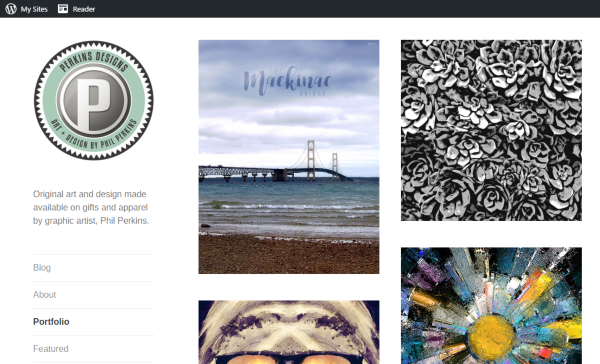
Here’s a screenshot of how it should look when the css is added:
-
-


- The topic ‘Adding Site Logo To Blask Theme’ is closed to new replies.
 WordPress.com Forums