Admin links look for https://www.mywebsite.com, should be http:// only
-
Since 2 days, when I open */my-blogs and click dashboard, the browsers (all) deliver the message “Website not found” because the link is using https instead of http for http://www.mywebsite.com. All admin links are popinting to https://www.mywebsite.com. How can I turn them back to point at http://www.mywebsite.com again as they did for many months.
The blog I need help with is: (visible only to logged in users)
-
You’ve reached support for sites hosted at WordPress.com, but your site at renesollberger.com is hosted on Hostgator, so we will not be able to provide direct assistance since we don’t have access to your site.
However, when logging into your Dashboard, the link should turn to https because you’re sending a password, and for security reasons, that information needs to be encrypted so no one can intercept that data.
Your actual website should be located at the regular http address.
If you need more assistance with this issue, you may wish to post on the WordPress.org forums, which are the appropriate forums for sites using WordPress but not hosted with WordPress.com.
-
Okay, you’re saying that the link turning to https://www.mywebsite.com/wp-admin should be fine, but then I get the screen with the message “This website cannot be displayed” because this address does not exist. It is different with my other blog on wordpress.com where the link is pointing at https://myblog.wordpress.com/wp-admin, this link works.
-
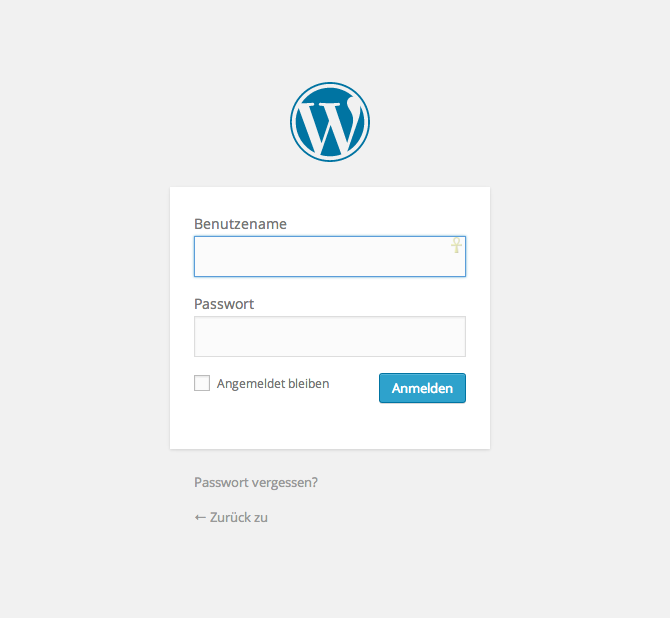
When I just tried going to http://renesollberger.com/wp-admin/ I got a log in screen. When I went to the same address with https:// I got an SSL error. For what it’s worth, when I tried to access one of my own self-hosted sites using https I got the same result.
I’d recommend just using the http URL from here on out. If you’re still running into issues with this, however, there’s not much more I can do since the site is not hosted with us and I have no access to your site or server.
-
Thanks, that is exactly what I experience. The problem is: I cannot use just http URL because the link leads to https URL, and this started just 3 days ago. So I better talk to Hostgator?
-
That’s very peculiar then. When I go to http://renesollberger.com/wp-admin/
this is what I see: https://i.cloudup.com/2OSsWvrrg4.png
If you’re not getting there, you might want to try a different browser; if that doesn’t help, please post in the WordPress.org forums for more ideas, or contact Hostgator for further assistance.


- The topic ‘Admin links look for https://www.mywebsite.com, should be http:// only’ is closed to new replies.


 WordPress.com Forums