

auto-hyphenation (splitting text)
-
Is there a way to turn off the automatic word splitting (hyphenation) that’s happening irregularly with my text? I find it distracting to read and don’t see a way to control it, besides spending lots of time adding and removing words to see how the splits change. I’m using the McKinley theme.
The blog I need help with is: (visible only to logged in users)
-
Hi there,
So this is actually determined by the browser. For example in Safari/Firefox you can view the hyphenation as seen here:
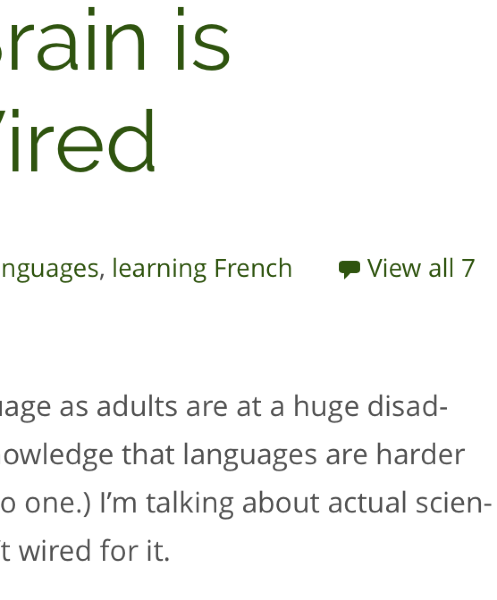
and
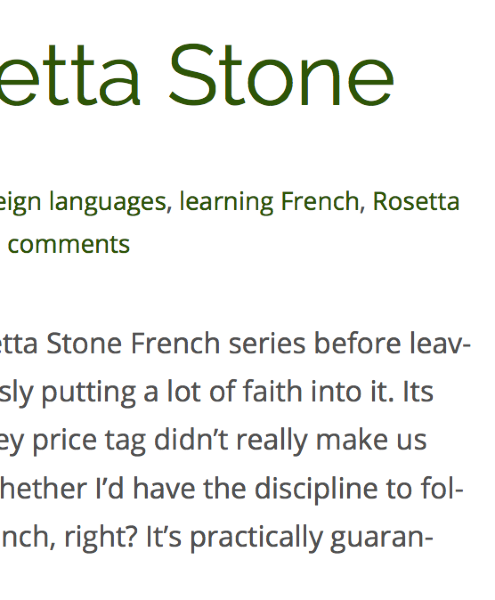
However, in Chrome this is not the case as seen here:
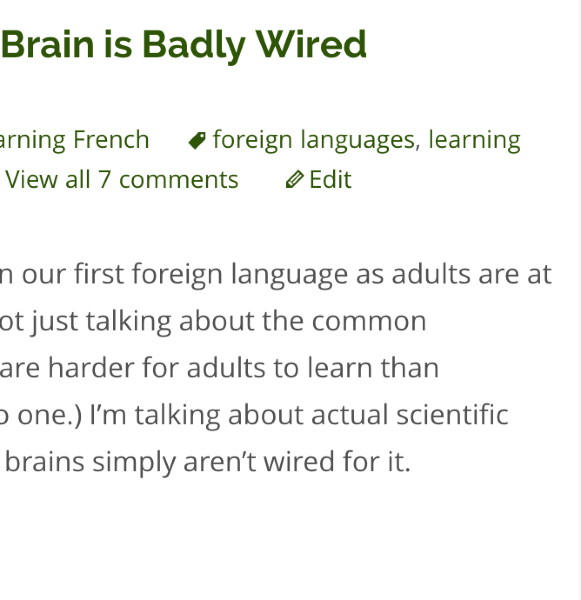
There is a way to remove this via CSS, but you will need to purchase the Custom Design upgrade for $30/year. With this theme you can apply custom fonts/colors and edit CSS, which is what you would need.
If you think that this is a good upgrade for you let me know and I can help you with the code to remove the hyphenation.
Cheers!
-
-
Hi there,
You can get a good idea of what people see in other browsers using a tool like BrowserStack. Here’s a screenshot of what your site looks like to someone using IE 11 on Windows 7:
http://www.browserstack.com/screenshots/2e24cf066d43705b9bd3708f666673bd8aeb5b7f
Please let me know if I can do anything more to help with that. :)
-
-
Great! You can purchase upgrades on the Store page in your site’s dashboard here:
https://adventuresincongo.wordpress.com/wp-admin/paid-upgrades.php


- The topic ‘auto-hyphenation (splitting text)’ is closed to new replies.
 WordPress.com Forums