

background color of the featured area in the edin theme be changed?
-
can the background color of the featured area in the edin theme be changed?
@ thepicturebar.com
The blog I need help with is: (visible only to logged in users)
-
Hi there,
Are you talking about the white background here?
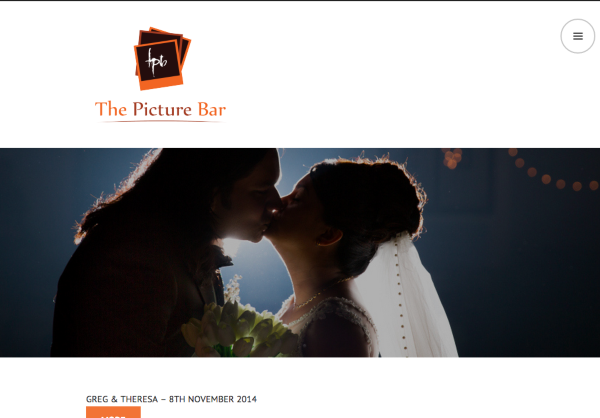
In order to change that, you can edit CSS. Please go to Appearance → Customize → CSS and add the following:
.site-header, .site-content, .content-wrapper+.grid-area, footer#colophon {
	background: CSS_COLOR_VALUE;
}

footer#colophon {
	border: 0;
}
Where it states, CSS_COLOR_VALUE, choose a color from here:
http://www.w3schools.com/tags/ref_colorpicker.asp
Let me know if you have any questions with this!
-
-
-
Hi,
It worked but not on all the pages.
http://thepicturebar.com/62-2/events/
and similarly other internal pages too. -
Ah, so change your CSS to this:
.site-header, .site-content, .content-wrapper+.grid-area, footer#colophon, .grid-area {
	background: #000;
}

footer#colophon {
	border: 0;
}


- The topic ‘background color of the featured area in the edin theme be changed?’ is closed to new replies.
 WordPress.com Forums