Button
-
Hi Guys,
How can I create a button to insert on my site that changes colors once the mouse hovers over it?
Many many thanks!
The blog I need help with is: (visible only to logged in users)
-
Hello there!
You’ll need to use the HTML/text editor (https://en.support.wordpress.com/editors/) when editing a page, and place in this link:
<a href="http://urlhere.com" class="custombutton">Button text</a>
You can change the http://urlhere.com to whatever link you would like the button to go to, and the Button text to whatever text you would like on the button. The most important thing is that the class=”custombutton” doesn’t change.Then in your custom CSS area place this code:
.custombutton {
	background-color: #414d7f;
	padding: 15px 20px;
	color: #FFF;
	font-weight: bold;
	text-transform: uppercase;
}

.custombutton:hover {
	background-color: #343434;
	color: #ffffff;
}
You can feel free to change the colours, the first block is for the default button look and second block for the hover. I placed in lines for font-weight and text-transform but you can feel free to take those out as it’s purely just a design addition I thought looked nice.
Let me know if that doesn’t work!
Sage -
Hi Sage,
It didn’t work :( I wonder if it’s because we didn’t say the page where the button is located?
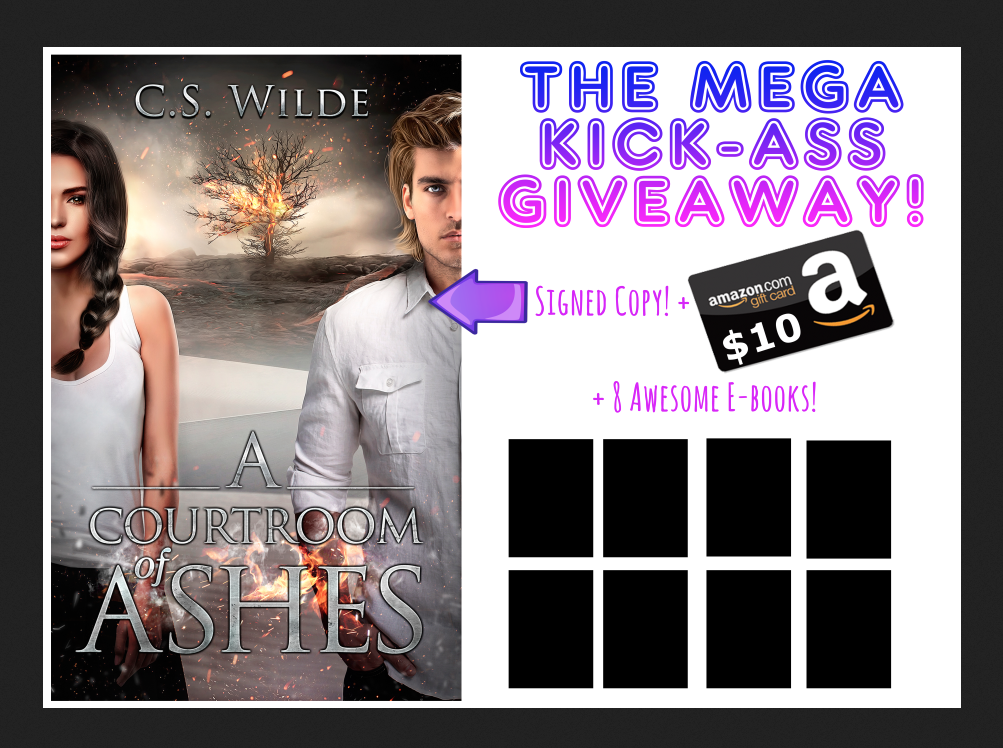
This would be the page, I pasted the ENTER THE GIVEAWAY html there :( -
-
Hi there acswilde,
Try changing the class=”custombutton” to class=”button”
Let me know if that works.
Cheers
-
Hey there,
It doesn’t look like the custom CSS is showing at all, are you sure it is in your custom CSS area? You’ll need an upgraded plan in order for it to work properly.
Let me know,
Sage -
It worked!
How can I make the font bigger though? I tried adjusting the padding but the button didn’t change sizes. Also is there a way to make it round on the edges? : D -
Hey there,
Sorry, I forgot something.
In order for the CSS to work, provided you have the upgrade which allows for CSS as Sage mentioned, you need to change the following also:
.custombutton -> .button
.custombutton:hover -> .button:hoverCheers
-
Aha, so it won’t let me customize the button?
But I have a paid plan, so I’m not sure why it’s not working? -
Hi there,
If you have the Premium or Business Plan, you should see the option to add CSS when you visit your Customizer. If you have the personal plan, which is also a paid plan, you will not see the option for CSS.
If you do have the Premium or Business Plan and don’t see the CSS option in your Customizer, then there might be some kind of issue that is out of the scope of what the volunteers on this forum can handle.
Add “modlook” to the tags section on the right side of this forum. This will call on a staff member to look into your account. They’ll clear things up for you. :)
Hope this helps!
-
Hi Sacredpath,
Nah it was the only solution I could find. The css button didnt work…
Do you know if I could switch between wordpress.com to wordpress.org?
-
Hi, you can certainly move to .org. This support page has more information on that. Although it is much easier to self-host a WordPress installation than it used to be, it still requires more work on your part, and some knowledge of web hosting and how to work with server stuff is a big plus if something should go wrong.
The issue with the button can be resolved and we can get a hover effect for you using the standard button if you wish to give that a go. Just let me know.
-
Sounds like a plan, SacredPath :)
Can I add a pop up window too, like, if someone clicks the button a pop-up window opens? -
Oh also the text on this page is more to the left than the middle. It feels disproportional, do you know how to keep the content justified?
-
The popup window would require something like Javascript or jQuery, which we can’t use here at WordPress.com.
On the right margin on the top image, I don’t see anything in the CSS to cause this. What I do notice is that you have more whitespace on the right of your image than on the left. I would suggest editing that image and crop out the whitespace on the right so that it matches the left and then upload and use that image instead.
-
Oh not the image, I meant the body of the text (the white box where the text is displayed is way too wide). Is this set up by the image?
-
In this screenshot you can see that there is extra whitespace on the right of the image. If you scroll down your giveaway page to the text line that begins “Increase your chances of winning…” you will see that that text goes nearly full width of the white content container. I’ve looked at the CSS and there is equal amounts of padding on the left and right of #wrapper. I really think the issue is the whitespace on the right of the image.
-
-
No need to spend more time on this, Sacred, I’m throwing in the towel… :(
If I can’t move to wordpress.org I’ll go to Wix. Can’t see any future for my business in wordpress.com. Your timely and awesome support is highly appreciated, this has absolutely nothing to do with the support on the forums which is AMAZING. Just wish wordpress.com was as amazing as you guys.
So, I have my wordpress.com domain. Can I buy a domain at bluehost, but then isn’t it already bought by wordpress?


- The topic ‘Button’ is closed to new replies.
 WordPress.com Forums