

Can I use portrait images in a McKinley template, and have them stay as portrait
-
Can you use portrait images in a gallery within McKinley template – and have them stay as portrait?
I want to set up a post which is a gallery of images from a trip – the photos are all different sizes (both portrait and landscape) but it resizes them all to fit within their landscape gallery size, therefore chopping off the tops and bottom. Can I tell it to not resize and leave the image portrait or a different size landscape and fill the background with black for example?
The blog I need help with is: (visible only to logged in users)
-
Hi there,
When you add a gallery try the tiled mosaic layout because that should keep the landscape/portrait format nicely.
I actually use it all the time on my blog and it’ll end up looking something like this:
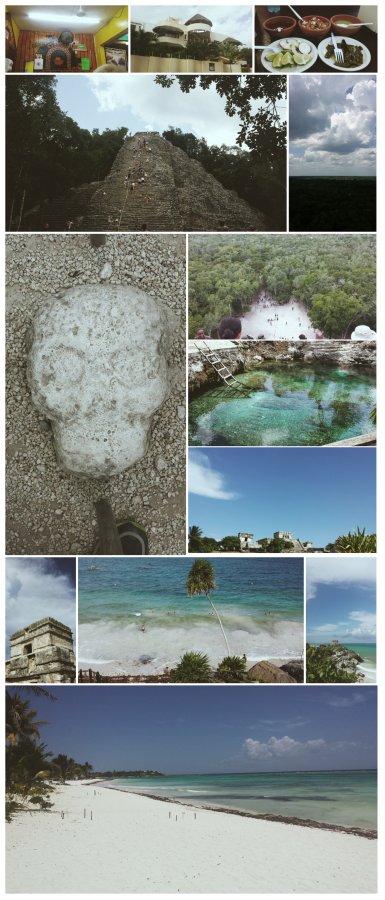
You can find more information about this and other styles here:
http://en.support.wordpress.com/images/gallery/
Let me know if this is not what you are looking for!


- The topic ‘Can I use portrait images in a McKinley template, and have them stay as portrait’ is closed to new replies.
 WordPress.com Forums