

Cancelling automatic payments from PayPal to WordPress
-
I have been charged a $60 fee that I had no idea was coming. How did it automatically withdrawal from my PayPal account, and more importantly, how do I stop it? I have cancelled the automatic withdrawal from my PayPal account, but can’t find where in WordPress to go to cancel there as well.
The blog I need help with is: (visible only to logged in users)
-
Hey there –
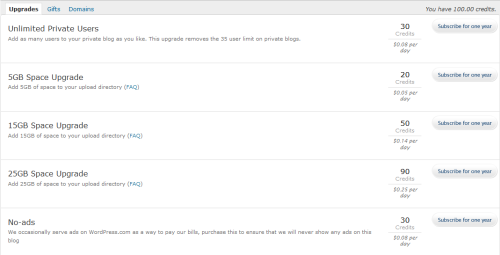
You can go to Dashboard > Store > My Upgrades and cancel the automatic payment there: Canceling Upgrades
WordPress.com provides a 30-day refund on all upgrades except Domain Registrations, Domain Renewals, and Guided Transfers. The following support link should assist you in getting a refund:
-
It appears that there is another user account that has an upgrade that was just renewed. If that’s your WordPress.com account, you can log in under that account and cancel the upgrade. Alternately, if you or the individual who owns that account posts in this thread to request the removal of the upgrade, I would be happy to take care of that and refund the renewal purchase.


- The topic ‘Cancelling automatic payments from PayPal to WordPress’ is closed to new replies.
 WordPress.com Forums