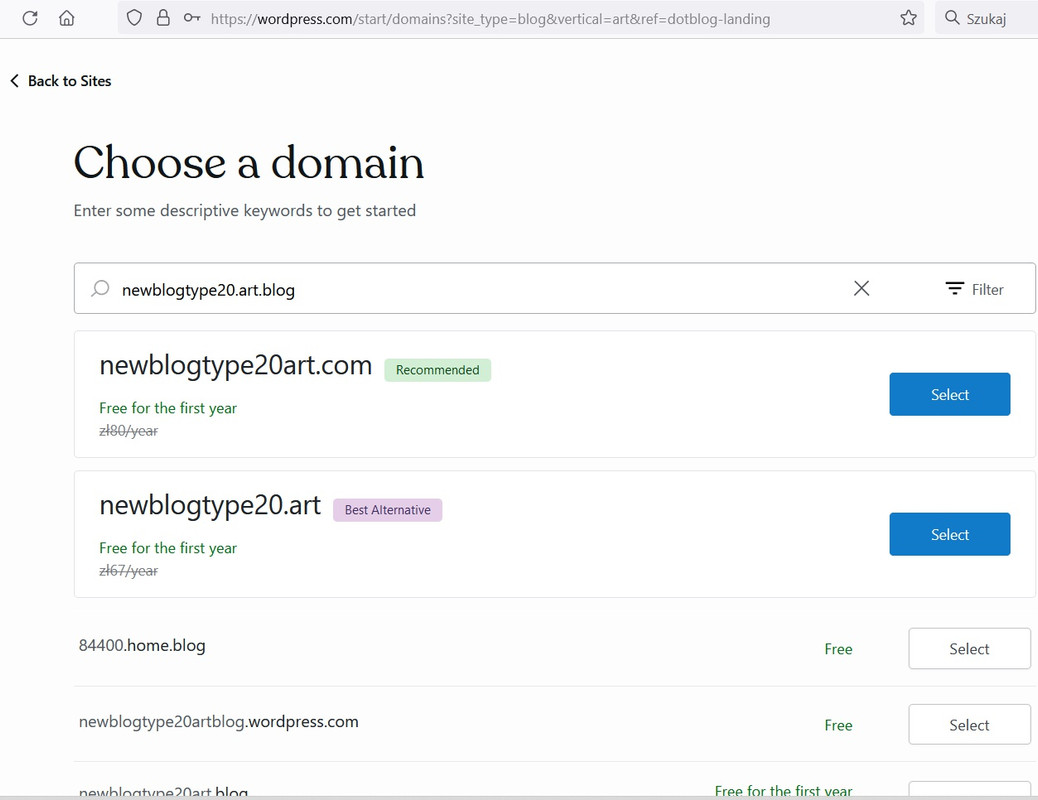
Can't create blog with *.art/code/photo.blog subdomain
-
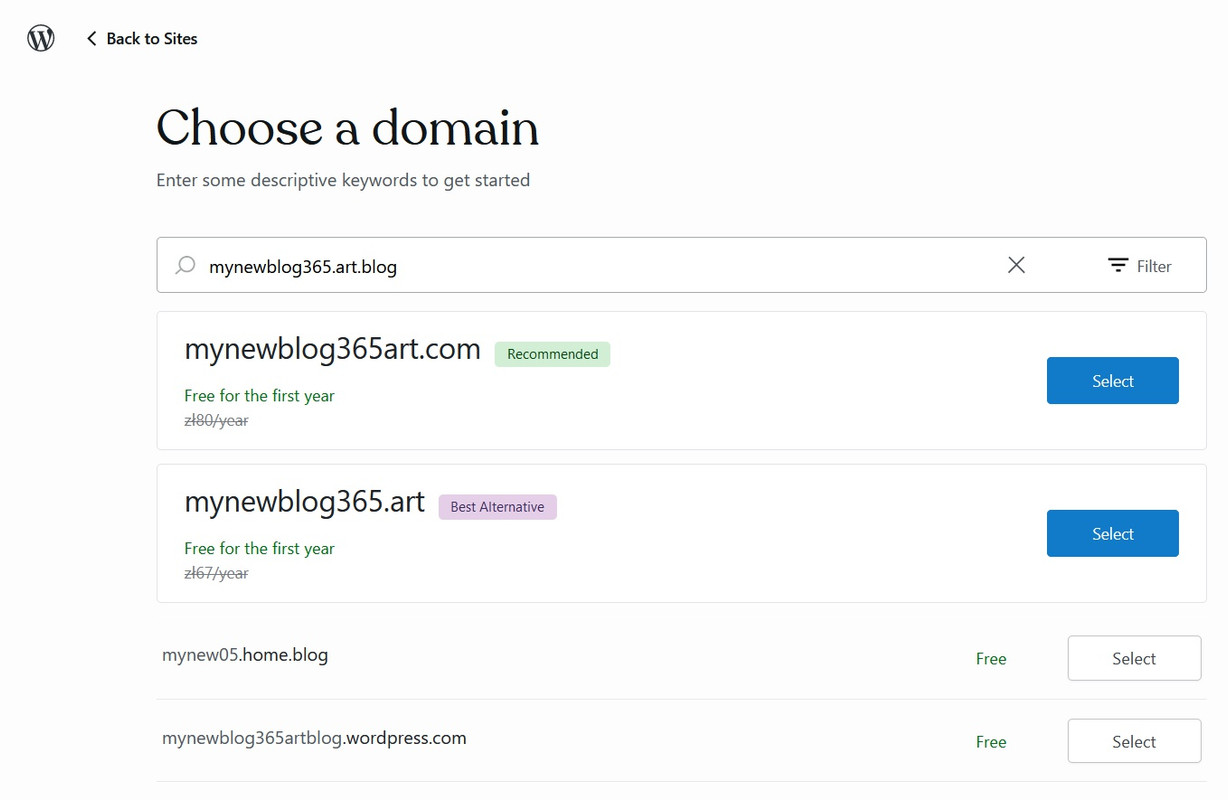
I can’t create a new blog with the .art.blog subdomain (and other types .code.blog, photo.blog, etc). Every time, it only shows me the availability with the domain *.home.blog and nothing else. Even though I’m typing the entire site address.
-
Hello,
The
.com,.artand.blogare already domain extensions. You cannot have two extensions (.art.blog).Try using
mynewblog365and search, the options mynewblog365.blog, mynewblog365.art among others will appear.You can also use it like this:
mynewblog365art(without the dot) and the option mynewblog365art.blog will appear.Let me know if it worked.
-
You only need to buy the domain. The subdomain has a textual element before the main domain, for example,
art.mynewblog365.blog, orphoto.mynewblog365.blogMore information:
https://wordpress.com/support/domains/connect-subdomain/ -
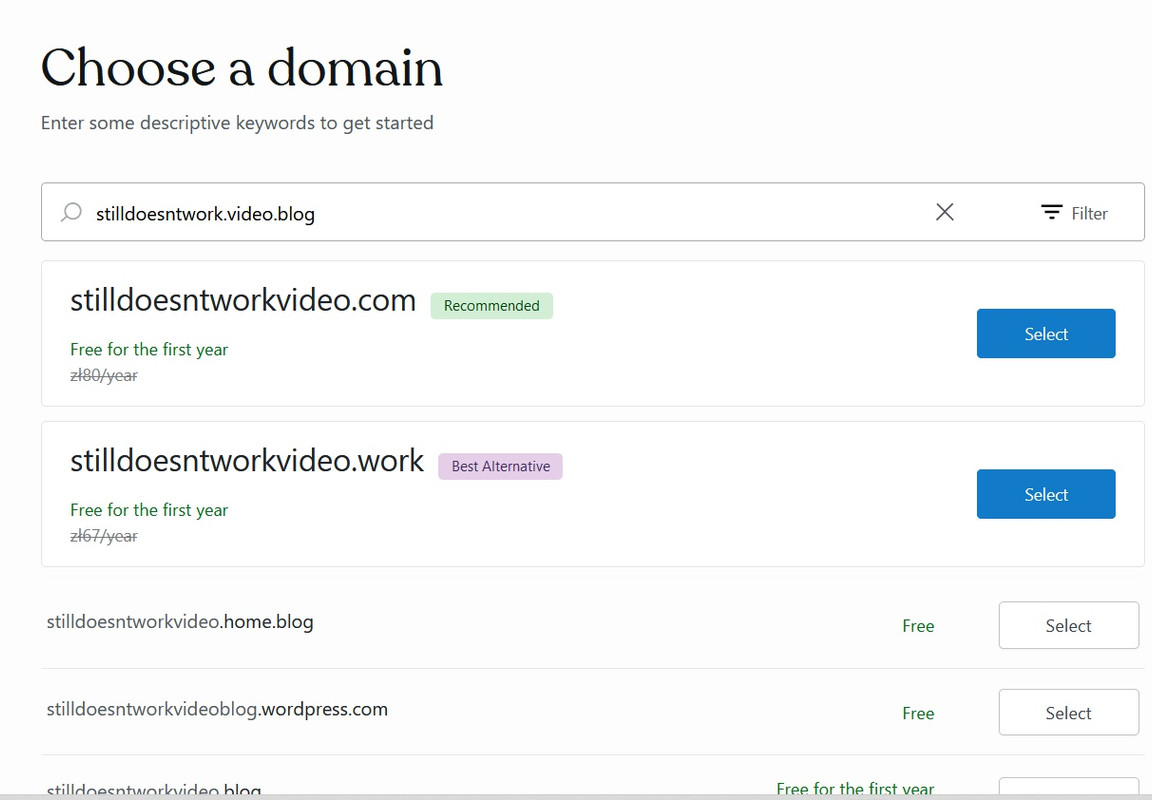
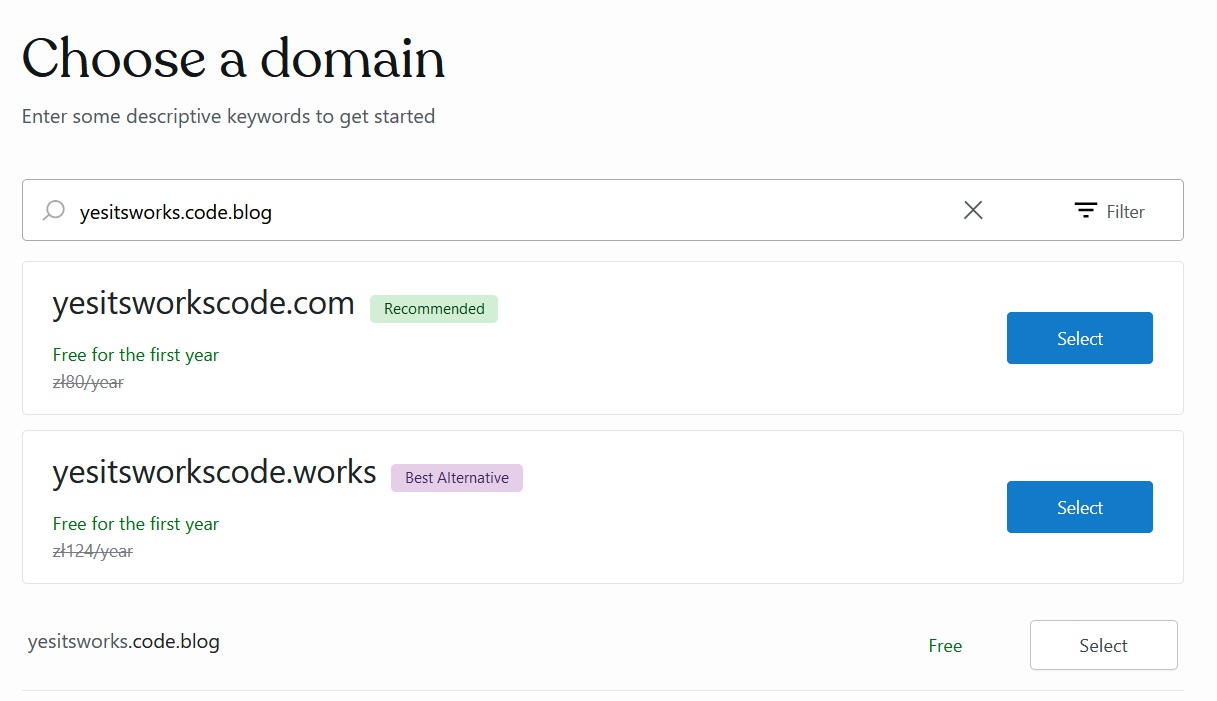
I didn’t mean first-level domains like *.blog or *.art. Just free subdomains provided by wordpress.com.
Only *.home.blog works for me at the moment.
-
I understand your doubt.
Thanks for sharing more details.
I’m tagging the WordPress team to help us out.
Soon they respond. -
-
Hi! I think the current signup flow won’t _recommend_ other subdomains, but if you type the name you want and it’s available, you can choose that option.
If you want to test whether it’s available beforehand, just go to thesiteaddress.art.blog — if it redirects to art.blog, the name is probably available.
I hope this helps!
-
-
None of the extensions listed at
https://wordpress.com/blog/2018/11/28/announcing-free-dotblog-subdomains/ are available to me either apart from home.blog. I tried via “add a site” so I don’t know if new users would face the same issue as they appear to create sites via a different “flow” to existing accounts. (Although new users are unlikely to know of the existance of all those subdomains. And the subdomains aren’t included in the “filter” dropdown which would be helpful but of course I understand the desire to steer people towards paid options). -
Hi, I’ve let our developers know about this, and I’ll update you here once I hear back from them.
-
-
-





- The topic ‘Can't create blog with *.art/code/photo.blog subdomain’ is closed to new replies.
 WordPress.com Forums