

Change Domain Mapping
-
Hello, Would you please update my domain mapping so that my domain strategiccircle.com maps to strategiccircle.wordpress.com instead of bobramseyseminars.wordpress.com? Thanks!!
The blog I need help with is: (visible only to logged in users)
-
I’ll tag this thread for Staff assistance with moving the domain mapping. Please subscribe to the thread so you are notified when they respond and please be patient while waiting.
-
Hi Bob!
It has been moved as requested as seen here:
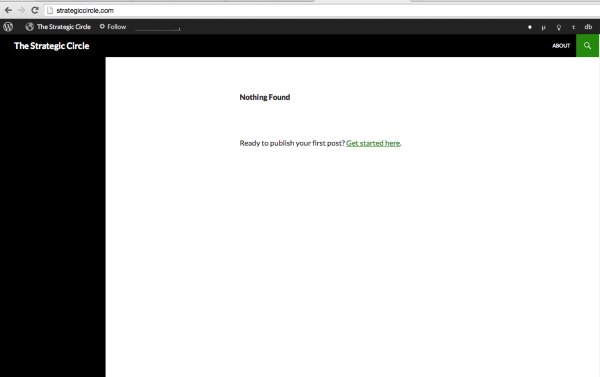
If that is not what you see, please try clearing out your cache and cookies using the guide below:
Let me know if you have any questions with this!
-
I need some help. For some reason, my site http://www.emotivefruition.org is now mapped to my other domain, http://www.thomasdooley.us.
I want to to keep both domains separate, but somehow they now have combined.
How can I keep both accounts separate. Ugh, do I have to pay a fee now?
T
-
Looks like it worked. Thank you so much!
I’m very impressed with your fast and effective support. Keep up the good work!
-
@emotivefruition-
Hi there,
I see that you added the domain: thomasdooley.us, but you have not updated the nameservers to us yet. Please contact your registrar and have them change the nameservers to:
- NS1.WORDPRESS.COM
- NS2.WORDPRESS.COM
- NS3.WORDPRESS.COM
You can find more information about this here:
And no, you will not have to pay a fee in addition to the domain mapping. :)
Cheers!
-
-
Thank you! That solved the problem.
But now thomasdooley.us forwards to emotivefruition.org!
Neither domain wants to be separate. What do I do?
-
You added the domain mapping: thomasdooley.us to the site: emotivefruition.wordpress.com which is why you are seeing this:
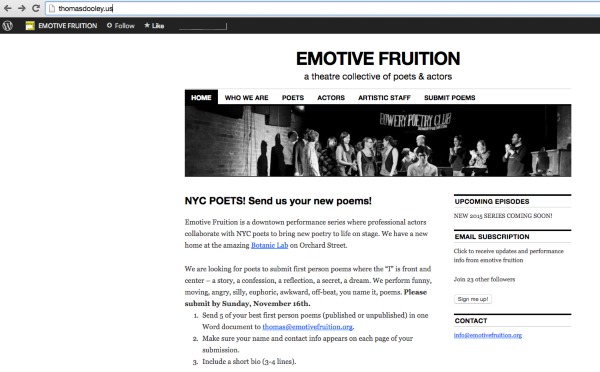
If you have another WordPress.com site that you want the domain mapped to, please provide me with the URL and I can transfer the domain mapping.
-
-
@emotivefruition-
Since that site is in a completely different account I have sent you an email for confirmation. Once I receive confirmation I will have it transferred into the other account. Please check your email.
Cheers!


- The topic ‘Change Domain Mapping’ is closed to new replies.
 WordPress.com Forums