

Changing the size of an image inserted by URL
-
I often insert images using the URL code and you used to be able to type the size in pixels as you inserted that image, or edit the image after insertion and type the size then. I cannot see that option anymore, I can only drag the corners of the image to change its size which is imprecise, or flick over to the text tab and change it in the html code. This is time-consuming for a post with a lot of images and I have to hunt through all the code. Plus I need to know the width AND the height to change it in proportion whereas before you could just leave one field blank. Is there any way to get that old option back, to specify the size when inserting?
The blog I need help with is: (visible only to logged in users)
-
Changes have been made to the images editor. Have you checked the support documentation for image editing? http://en.support.wordpress.com/images/image-editing/#resizing
-
Yes, but that only seems to refer to images that are uploaded to the media gallery. I am inserting some images using their URL code, it’s those images I want to be able to accurately resize, as I was able to before.
-
I’ll tag this thread for a Staff follow-up because I did not keep pace with thee changes and solutions being posted into the thread that over 400 posts in it. https://en.forums.wordpress.com/topic/image-resize-1?replies=430 My time was too precious to waste it on crawling through them to find answers and I was very angry so I walked away. Please subscribe to the thread so you are notified when they respond and please be patient while waiting.
-
-
Hi there!
Indeed changes were made to the image editor and that feature is no longer available. This was announced and discussed here:
Alternately, you may resize your image by selecting it then dragging the white boxes found on each corner.
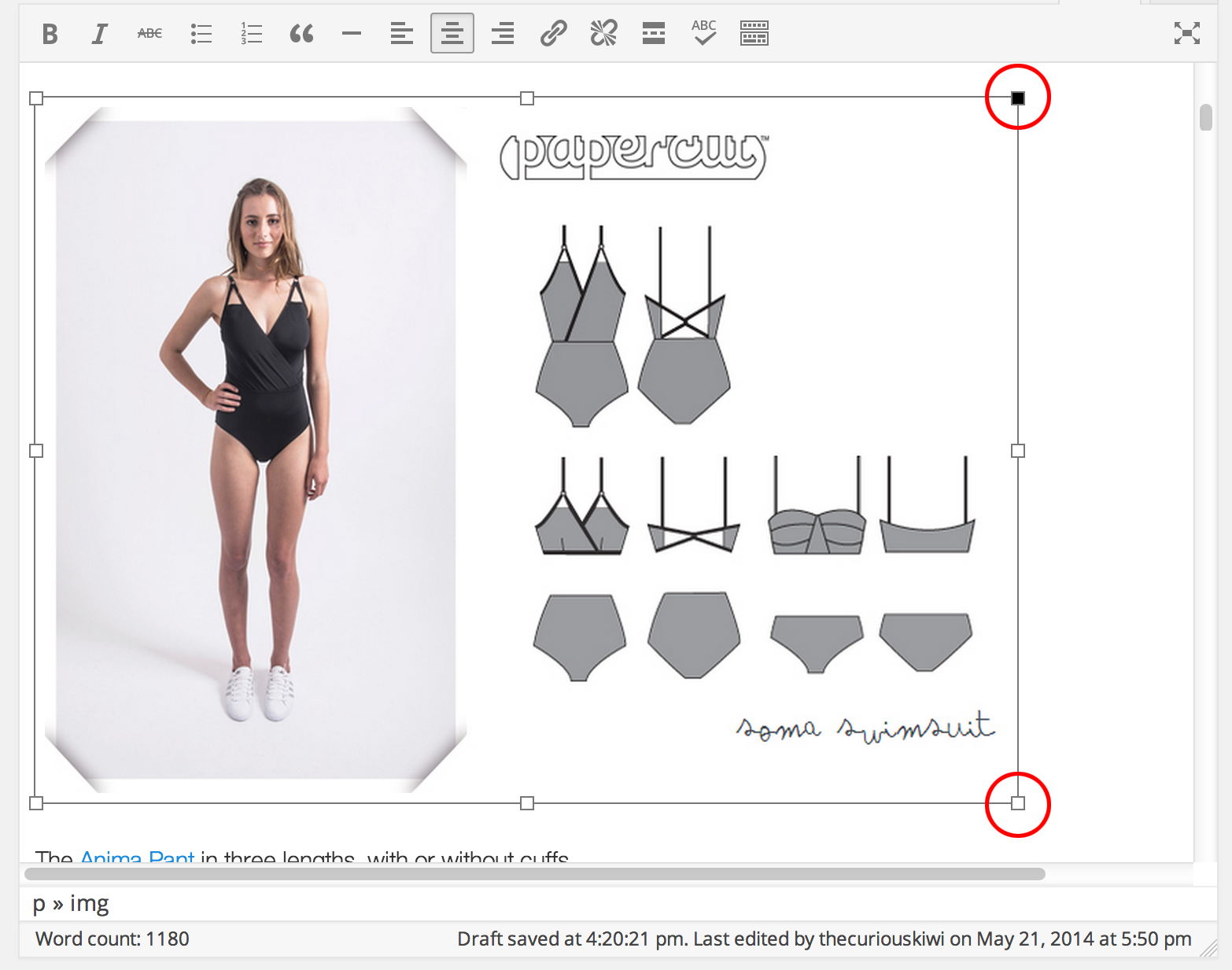
Or, you may set the image’s exact width and height manually in Text Editor mode.

Let me know if there’s anything else I can do for you. Cheers!


- The topic ‘Changing the size of an image inserted by URL’ is closed to new replies.
 WordPress.com Forums