Color Codes
-
Hi,
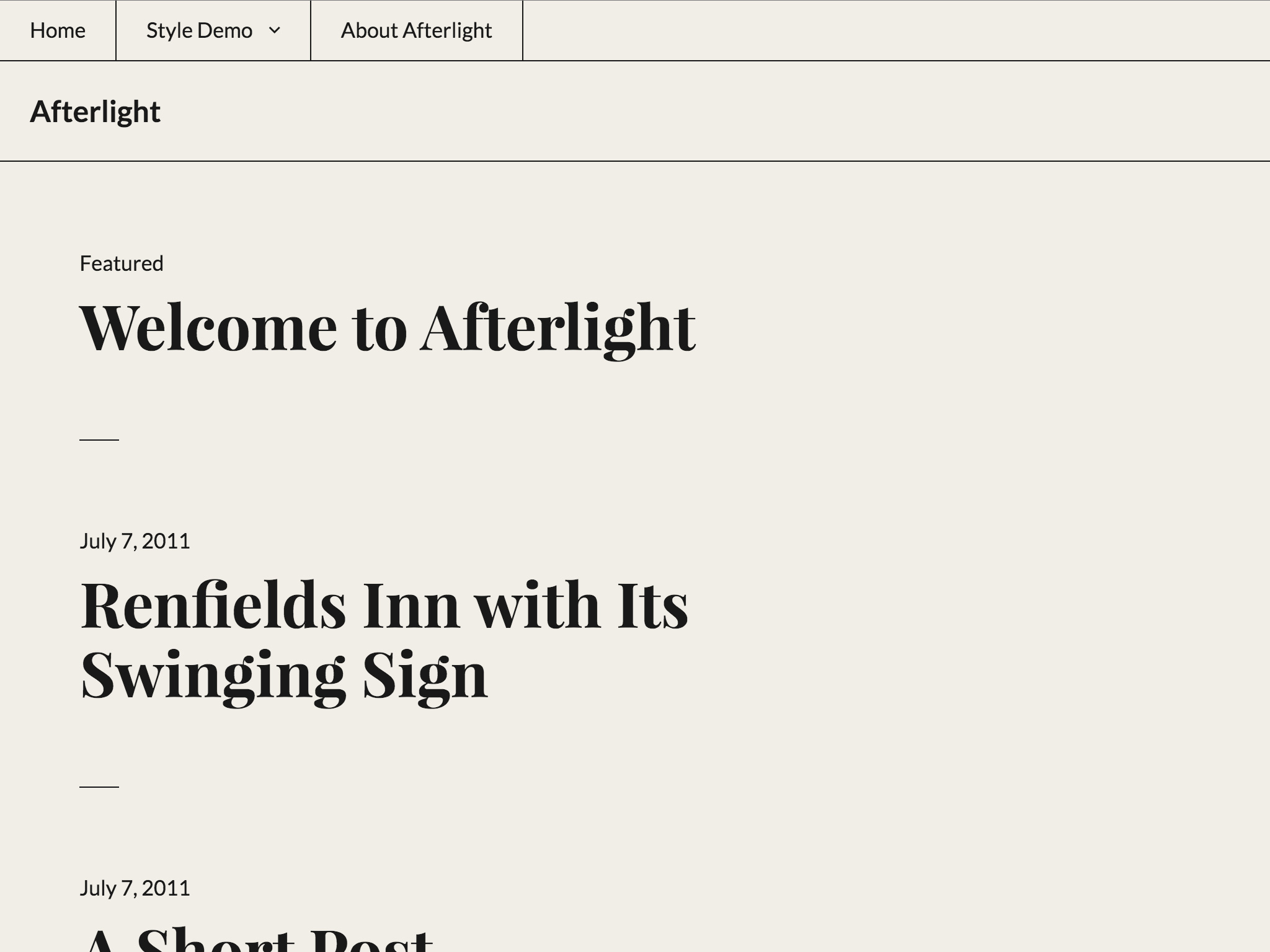
I would like to use this colour for my blog:
https://theme.files.wordpress.com/2015/04/afterlight-white.jpgWould you be able to help me out with the color code that I need for the background? I’m using the Afterlight theme.
The blog I need help with is: (visible only to logged in users)
-
Hey, Samuel.
You can set the color going to Appearance > Customize or clicking on this link http://www.samuelstolton.com/wp-admin/customize.php?return=%2Fwp-admin%2Fthemes.php
Once you are in the Customizer just choose the “Colors” tab.
Good luck!
-
Hi thanks, but it’s really hard to find that exact colour! Weirdly enough there was a block color code pairing available with wordpres.org for this theme
-
Hi again. The exact color is #F1EEE7.
There is a handy Chrome addon for these kind of things:
https://chrome.google.com/webstore/detail/colorzilla/bhlhnicpbhignbdhedgjhgdocnmhomnp?hl=enI hope that helped.
Cheers! -
That’s useful, thanks. Any idea how I change the font colour for this theme? Thanks so much for your help, this is killing me softly!
-
Hi. If you are on the “Premium” plan you can just add the following CSS rule on the “Custom CSS” panel right there on the customizer:
body {
    color: #000000;
}
Good luck!
-
That’s so helpful, thank you. One last thing – what’s the easiest way to get rid of the ‘Proudly powered by WordPress | Theme: Afterlight by WordPress.com’ footer detail at the bottom?
-
Hey!
Sure thing. In the Customizer, on the “Site Identity” tab, if you scroll all the way down you will see “Footer Credits”. You can´t fully remove it but you can change it so in only shows the WordPress logo and nothing else.
I hope that helps.
Bye! -
Thanks but I can’t actually find a “Site Identity” tab on the customizer. Any ideas where it could be?
-
-
I’m afraid not. There’s only a tab that says: “Site Title, Tagline, and Logo.” In which there’s no info on changing the footer. Could it be the theme?
-
Unfortunately after ‘Site Icon’ there is simply nothing else there. Maybe I have to edit the php code with my hosting company?
-
You can just add this code:
.site-info {
 display:none;
}
That being said, I just realized your site is NOT on WordPress.com but on a self hosted server. That being the case I have to suggest you ask for further assitance at the WordPress.org forums, this forum is only for WordPress.com sites.
Good luck!
-
-
Álvaro – thanks for helping out here! Wherever possible, it’s super helpful if you can point self-hosted users to a specific theme forum over at WordPress.org, rather than the general support forums – otherwise the theme developer (in this case us – WordPress.com/Automattic) is unlikely to spot it. Thanks!
samueltstolton – if you need further help with the self-hosted version of Afterlight, feel free to post in its forum at WordPress.org:
https://wordpress.org/support/theme/afterlight
You’ll need a free WordPress.org account to post – if you don’t already have one, you can register here:
-
-


- The topic ‘Color Codes’ is closed to new replies.
 WordPress.com Forums