

CSS to disable doodad/ornaments in Book Lite
-
I would like to disable the ornaments/doodads that appear at the end of each section in Book Lite. Is there any CSS to remove that?
The blog I need help with is: (visible only to logged in users)
-
Hi there,
Custom CSS becomes available when upgrading the site to WordPress.com Business or Premium.
If you decide to upgrade and you’d like help with this change, just make a post over in our CSS Customization forum, and we’ll assist you there.
-
Hi dcoleonline,
giveme100pt.com is on the Premium plan. I have access/admin, but am not the owner. Do I just post in the other forum, or does the owner of the site have to post the question?
-
Hi again,
Sorry I missed that the site had Premium.
I went ahead and moved this thread to the CSS forum to save time.
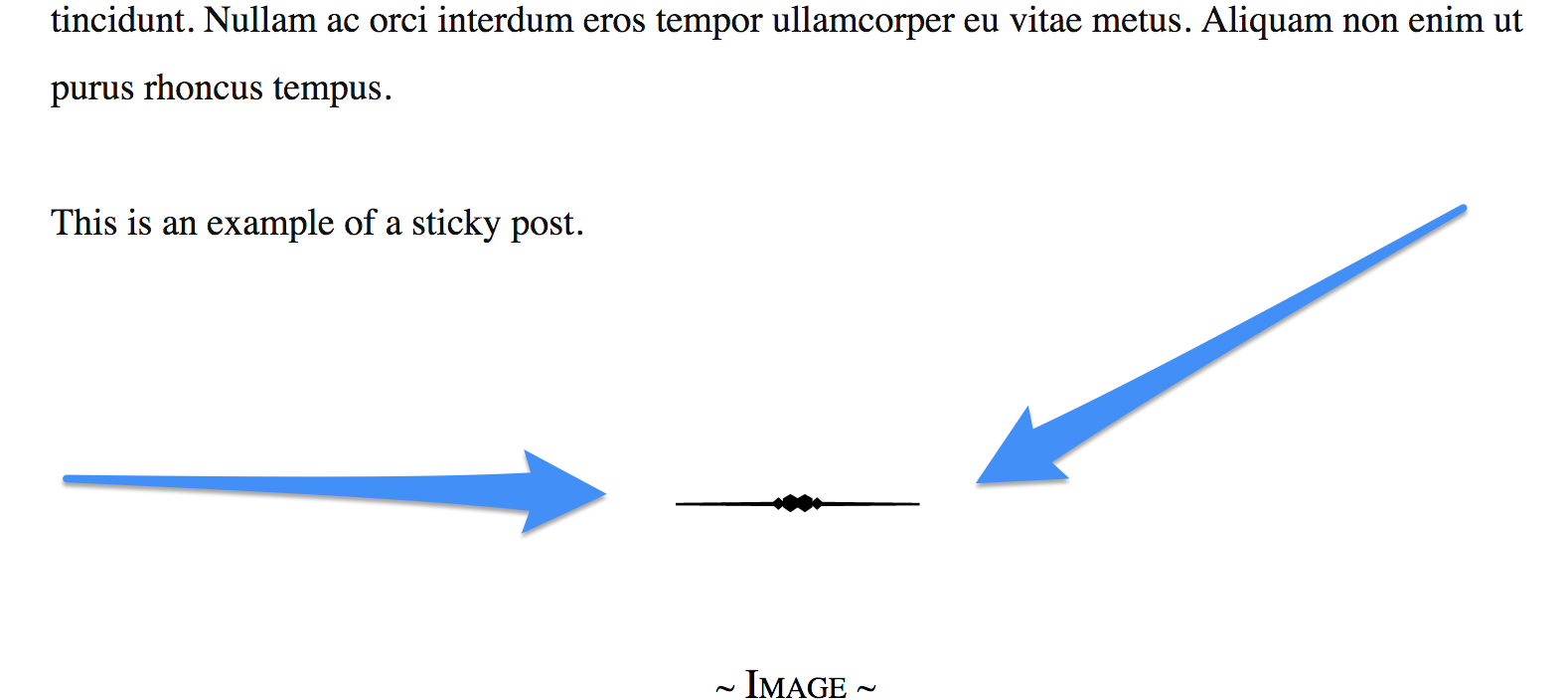
I noticed that the site has the Shoreditch theme active at the moment.Looking at the Book Lite demo, is this what you’d like to remove?
-
-
Hi, add the following to the custom CSS to get rid of that decorative element below the posts in Book Lite.
article { background: none; } -
Hello, that got rid of one of the two doodads, thanks. I still have one more for the Footer 2 Text area. Is there a way to remove that one as well?
-
Ah sorry, I missed that one. Change what I had given you into the following to get rid of both.
article, #secondary {
	background:none;
}


- The topic ‘CSS to disable doodad/ornaments in Book Lite’ is closed to new replies.
 WordPress.com Forums