

Custom Design upgrade
-
I purchased the Custom Design upgrade so that I could change the fonts and colors of my page. However, even after having purchased the upgrade, the changes I have made have not been applied to my blog.
The blog I need help with is: (visible only to logged in users)
-
Hi there,
After going to your blog, I found that the fonts/colors that you choose have been applied as seen in the screenshot below:
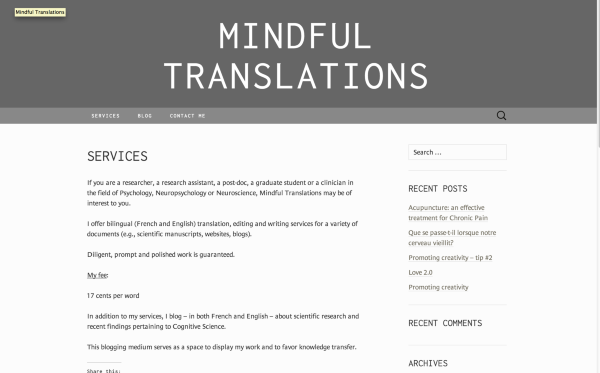
If you are still having trouble viewing it, can you please try clearing out your cache and cookies using the guide below?
Feel free to reach out if you have any questions!
-
Hi,
Thank you for your response. I am having trouble changing the color of the title of my blog – all of the other changes I’ve made (font etc.) have been applied, except for the color of my title, which I really wish to change. Has this problem occurred before?
-
-
Sure. Go to Appearance > Customize in your Dashboard and click on the CSS tab. Please add this to your CSS:
.site-header h1.site-title {
  color: #5A1638;
}
You can change the color at any time by editing the color value.
Let me know if you have any questions with this!


- The topic ‘Custom Design upgrade’ is closed to new replies.


 WordPress.com Forums