

Customizing page backgrounds
-
CSS reflected on this link – http://escortinternetdesign.co/about/ is
body.page-id-15 {
background: url(‘https://escortinternetdesign.files.wordpress.com/2015/05/home.jpg’);
background-repeat: no-repeat;
background-position: right top;
margin-right: 500px;I think it looks nicer than embedding the pic by the dialog, but the white space below the pic is relational to the width of the margin. That’s fine, but I want it to be the color black.
Please Advise,
Gail -
Edit your CSS snippet to this:
body.page-id-15 {
	background: url('https://escortinternetdesign.files.wordpress.com/2015/05/home.jpg');
	background-color: #000000;
	background-repeat: no-repeat;
	background-position: right top;
	margin-right: 500px;
	margin-right: color: black;
}
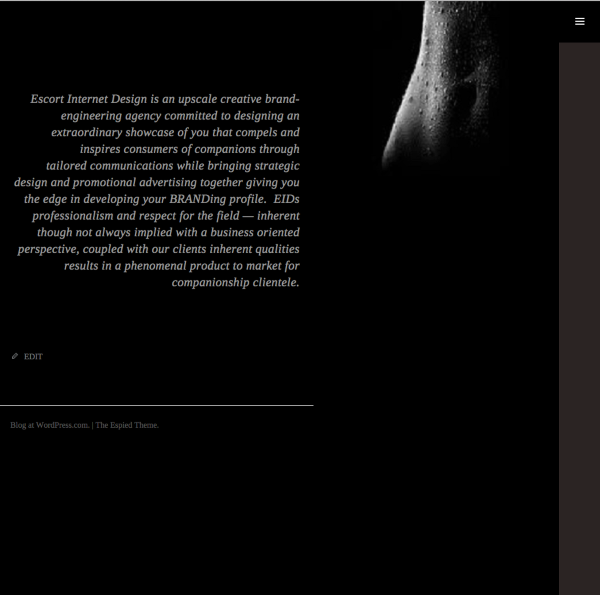
Adding that background-color property removes the white space:
-


- The topic ‘Customizing page backgrounds’ is closed to new replies.
 WordPress.com Forums