

displaying media
-
With your new system, how do you put a border around an image and how can you get a URL that is linked to an image to open in a new page? Both of those features were available before. Thanks.
The blog I need help with is: (visible only to logged in users)
-
-
Hi there!
There were some recent changes to the Visual and Image Editor as explained here:
You are correct; currently, the option to edit the border value has been removed. It may be something that we look to add back in in the future. For now, you can remove or add the border by inserting border=0px in the HTML as shown here:
<img class="alignleft size-large wp-image-15039" src="URL" alt="Featured Image -- 15038" width="584" height="389" border="0px" />Just adjust the number 0 to how thick you want the border to be. To be clear, you will need to adjust the image code in the Text Editor. This is explained here:
The option to open an image link in a new tab window has also been removed from the image editor. However, you can still do this through the link editor.
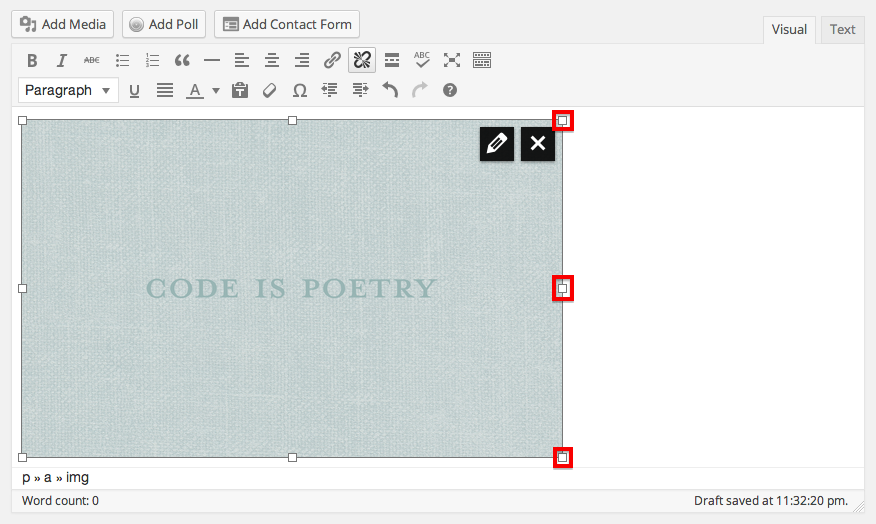
First you’ll need to select the image by clicking on it:
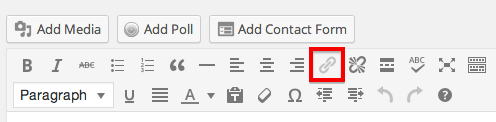
Then, click on the link button:
There, you’ll be able to check the box next to “Open link in a new window/tab.”
Let me know if you have any additional questions!


- The topic ‘displaying media’ is closed to new replies.
 WordPress.com Forums