

Domain Removal
-
I need the domain name fbcwebbersfalls.com removed from wordpress. It won’t let me remove it or change the Nameservers so I can point it to a new host.
The blog I need help with is: (visible only to logged in users)
-
I know it isn’t using wordpress.com nameservers, but you need to remove it from your servers completely as it’s association with your servers is causing errors as the new site is also a wordpress site hosted on ipage.
-
-
No, the nameservers have been changed on IPage for 2 weeks, when I change the wordpress theme installed on IPage to fbcwebbersfalls.com this wordpress site shows up, so it’s not a matter of changing the nameservers as that has been done.
-
Although fbcwebbersfalls.com has been registered, it is not using WordPress.com nameservers.
We require that your name server configuration include only the following servers or their numeric equivalents:
NS1.WORDPRESS.COM
NS2.WORDPRESS.COM
NS3.WORDPRESS.COMYour name servers are as follows:
NS1.IPAGE.COM
NS2.IPAGE.COMIf you have access to change the nameservers for this domain, please remove all nameservers not on the required list above.
-
Secondly, when I type fbcwebbersfalls.com into the address bar of any browser, it shows up on the original wordpress.com site and the url changes to https://fbcwf.wordpress.com/
-
https://fbcwf.wordpress.com/ does not redirect to http://fbcwebbersfalls.com
I tagged this thread for Staff assistance. Please subscribe to it so you are notified when they respond.
-
-
If you have not cleared your browser cache then please do that http://en.support.wordpress.com/browser-issues/#clearing-your-browser-cache while waiting for Staff help.
-
@kensharpe1-
Hi there,
I am currently seeing two very different sites. When I go to https://fbcwf.wordpress.com/ I see this:
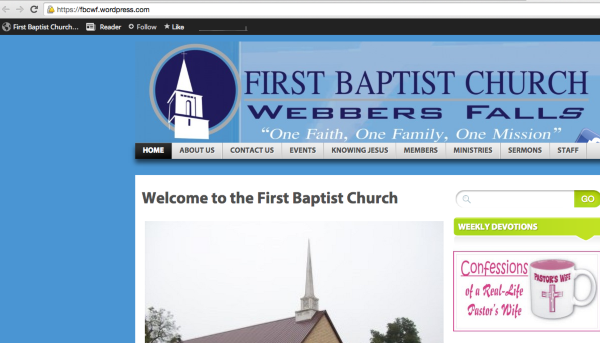
and when I go to http://fbcwebbersfalls.com, I see this:
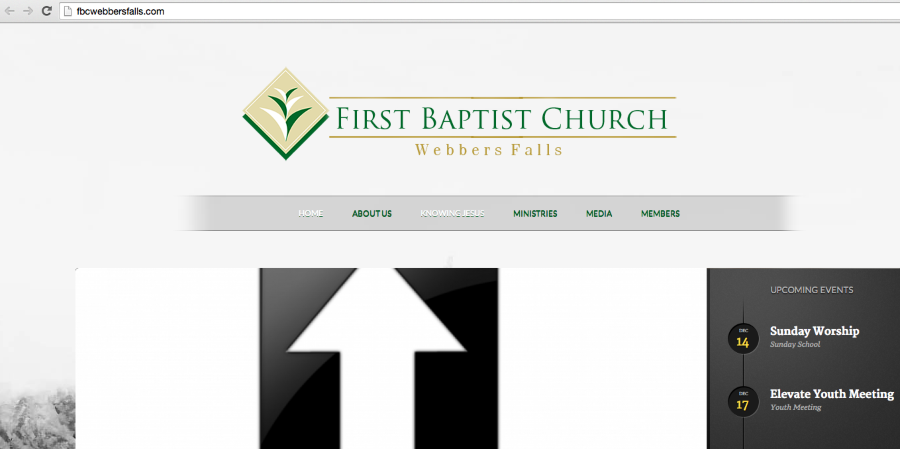
Since you are not using the domain mapping, I have also removed that from your account so it is not connected in any way. If you are not seeing the screenshots above, can you please try clearing out your cache and cookies using the guide below?
Let me know if you have any questions with this!


- The topic ‘Domain Removal’ is closed to new replies.


 WordPress.com Forums