

Embedding Instagram Posts in blog
-
Hi there, I just noticed all of my IG links that I had in my blog posts are no longer working. I switched to the block editor and tried embedding it, but it stated that the link was not supported.
I have a personal plan with wordpress, is this feature no longer supported on personal plans? Is it supported on any plans?
thank you
blog: beautyfindsforme.com
The blog I need help with is: (visible only to logged in users)
-
Hi @cbiancardi,
Can you please share a post where Instagram isn’t working? And are you trying to embed public posts using the Instagram block?
-
-
also on existing posts under the classic editor, I see this message, but when I click on the instagram box, it does open up a new window to the post.
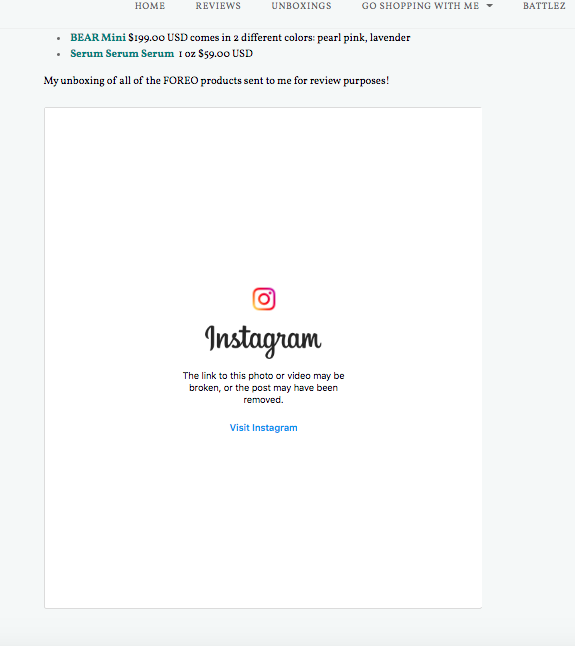
blog post
-
I’m a bit confused here. I was doing some testing, and none of your posts will embed on my test site, while I can embed any other content from Instagram.
Has something changed on your Instagram account lately? Have you changed any privacy settings?
-
-
Hi @cbiancardi,
Can you please toggle your Instagram account privacy to private, and then back to public again? Please let me know if you can embed a post once you’ve done that.
-
After doing some testing it looks like you might have embeds disabled in your Instagram settings. Can you check your account following Instagram’s instructions here and make sure “Embeds” is enabled?
https://help.instagram.com/252460186989212
If it is, you may need to reach out to Instagram as they are the ones who control whether or not your content on their platform would be accessible on other sites and why your account settings are not being followed.
I hope that helps!
-
Thank you!! that was it – I don’t know how that got turned off as I always had it on.
thank you so much – I feel really stupid as I didn’t check that first
-
I spoke too soon – haha
I did the embed on this post
https://beautyfindsforme.com/2022/02/13/naruko-jing-cheng-platinum-bright-clear-essence-review/(look to the bottom of the post) and in the block editor, it looked GREAT. However, when I posted it, it just shows a link :(
-
I just tried that same Instagram embed on my test site and it works just fine.
Can you delete that embed and re-add it using that same URL? I think the post may be caching the old “invalidated” widget content.
Let us know if that works!
-
I did do that and nada. I created a test page and it comes up. I cleared my cache as well.
-
Hi there,
To clarify, you created a test page, and the Instagram embed works when you try it there? E.G. the issue is only when you try to embed it on https://beautyfindsforme.com/2022/02/13/naruko-jing-cheng-platinum-bright-clear-essence-review/
The reason I ask is because I was able to embed this Instagram video on a test page (created on your site) and it works fine for me. You can see it here: https://beautyfindsforme.com/test-with-instagram-embed/
Out of curiosity do you have any HTML code or other additions to your blog post besides text and images? Thanks for the additional info!
-
yes, that is correct. It seems that that blog post was made when I had embedding off – when I turned on embedding, my older posts worked as that was when I had embedding on, and brand new posts embed fine. It is just that one blog post that it isn’t taking at all.
Is there a way you can try and update my post with that link in the section where I have it now? I cannot get it to embed at all on my end.
https://beautyfindsforme.com/2022/02/13/naruko-jing-cheng-platinum-bright-clear-essence-review/
I just do text & imagines – my html is standard stuff, like strong, em and paragraphs. I don’t use stylesheets or complex html
thanks!
-
Hi there,
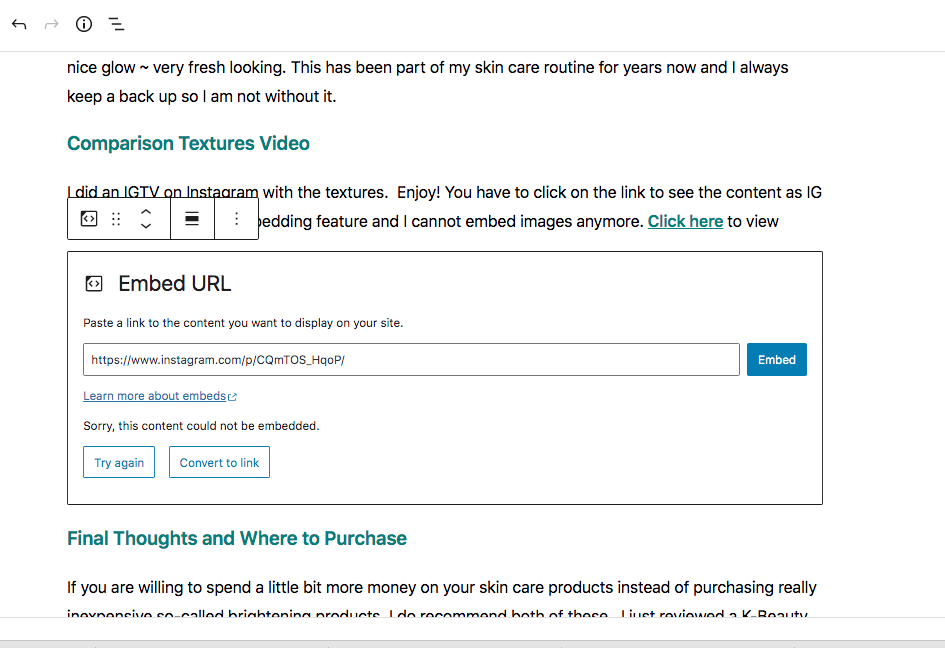
The problem is that you’re using a instagram.com/tv link to add it to that post, and that version of the URL doesn’t appear to be embeddable:
https://www.instagram.com/tv/CQmTOS_HqoP/You need to use the instagram.com/p link instead, that you get when viewing the post on Instagram:
https://www.instagram.com/p/CQmTOS_HqoP/Remove the
tvversion of the link you have and paste in thepversion instead, and the embed should work.(I’m not sure where that
tvlink comes from – I clicked on several of your posts on Instagram, and all of them takes me to thepversion of the link in my browser. But if you’re viewing thetvversion, e.g. https://www.instagram.com/tv/CQmTOS_HqoP/, click on the datestamp at the bottom above the comment reply box, and the post will reload at thepversion instead.) -
-
That’s strange. It worked fine for me when I tried it on your post and previewed earlier. But now that you’ve updated the post it doesn’t work for me either.
I copied all your content from that post, and pasted it into a new post on my test site, and the embed works fine there, so it’s not anything in the content of the post that’s causing problems. The problem must be something with the specific post itself, but I have no way to check what that might be – I’m not seeing any errors in the browser console, and it makes no difference to clear the cache for your post, which are the only two things I can check.
As that post doesn’t have any comments yet, can you try copying it to a new post on your site and re-publishing?
In the editor, click the three vertical dots top-right, and select Copy All.
Then create a new post, press Cmd-V to past, add your tags, categories and featured image again, and publish. If the embed shows in the copied version, you can then delete the original where the embed isn’t showing.
-




- The topic ‘Embedding Instagram Posts in blog’ is closed to new replies.
 WordPress.com Forums