

Enlarging the picture on my front page?
-
How do I enlarge the picture on my front page? There is too much white space around the picture on my front page. How do I enlarge the picture to take up more of the space?
The blog I need help with is: (visible only to logged in users)
-
Hi there!
I’ve responded to your domain question in your other thread:
https://en.forums.wordpress.com/private-support/registeringtransferring-domain-name
Once we have that straightened out, we can work on this!
-
Thank you Shawna! I believe that I got the mapping part worked out now so any help you can give me on the picture enlargement now would be great. Thank you!
-
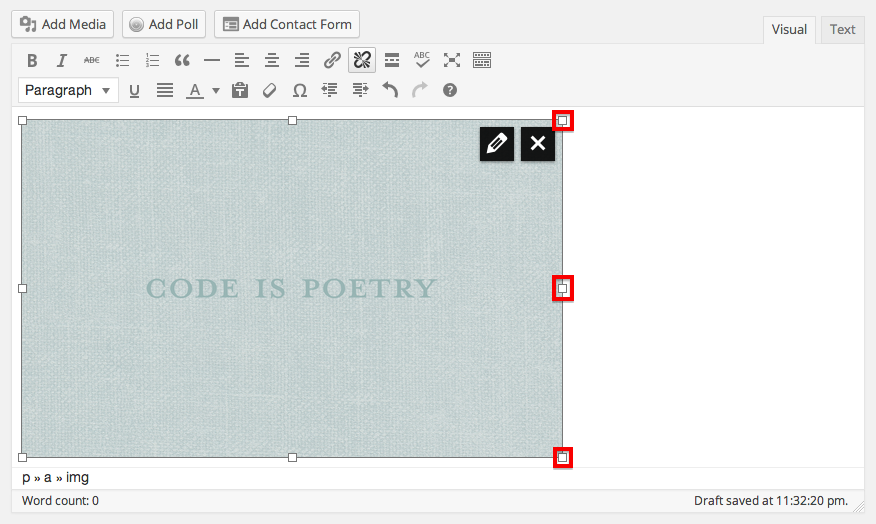
You can edit your image size in the editor by dragging the boxes that appear around the outer edge of your image when you click on it:
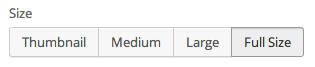
Or by selecting one of the various options that are available when you click on the pencil in the upper right hand corner of the image:
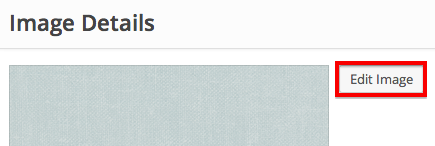
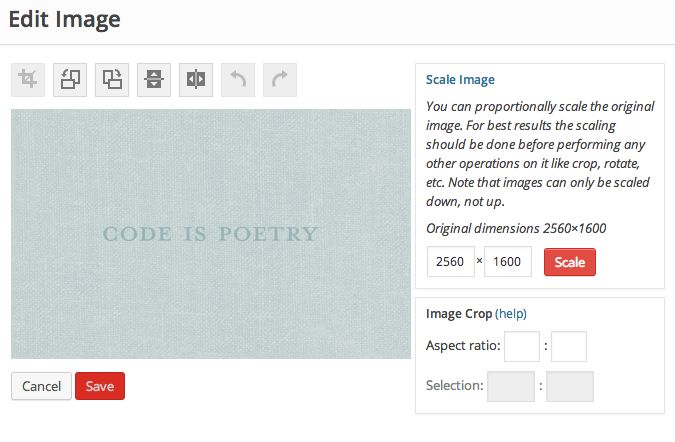
You can also edit your image with precise pixel count. Once you’re in the image editing menu through the pencil in the upper right hand corner of the image, click on Edit Image:
Then you can crop or scale the image:
Let me know if I can help with any of these options!
-
Thank you! That helped. My picture was a featured picture and so I was having trouble but once I added it as media into the text portion, then I saw what you were talking about and was able to drag it and make it bigger. You have been a HUGE help to me. Thank you so much!
-


- The topic ‘Enlarging the picture on my front page?’ is closed to new replies.


 WordPress.com Forums