

Expanding Title Size
-
-
I’m no longer seeing this behavior:
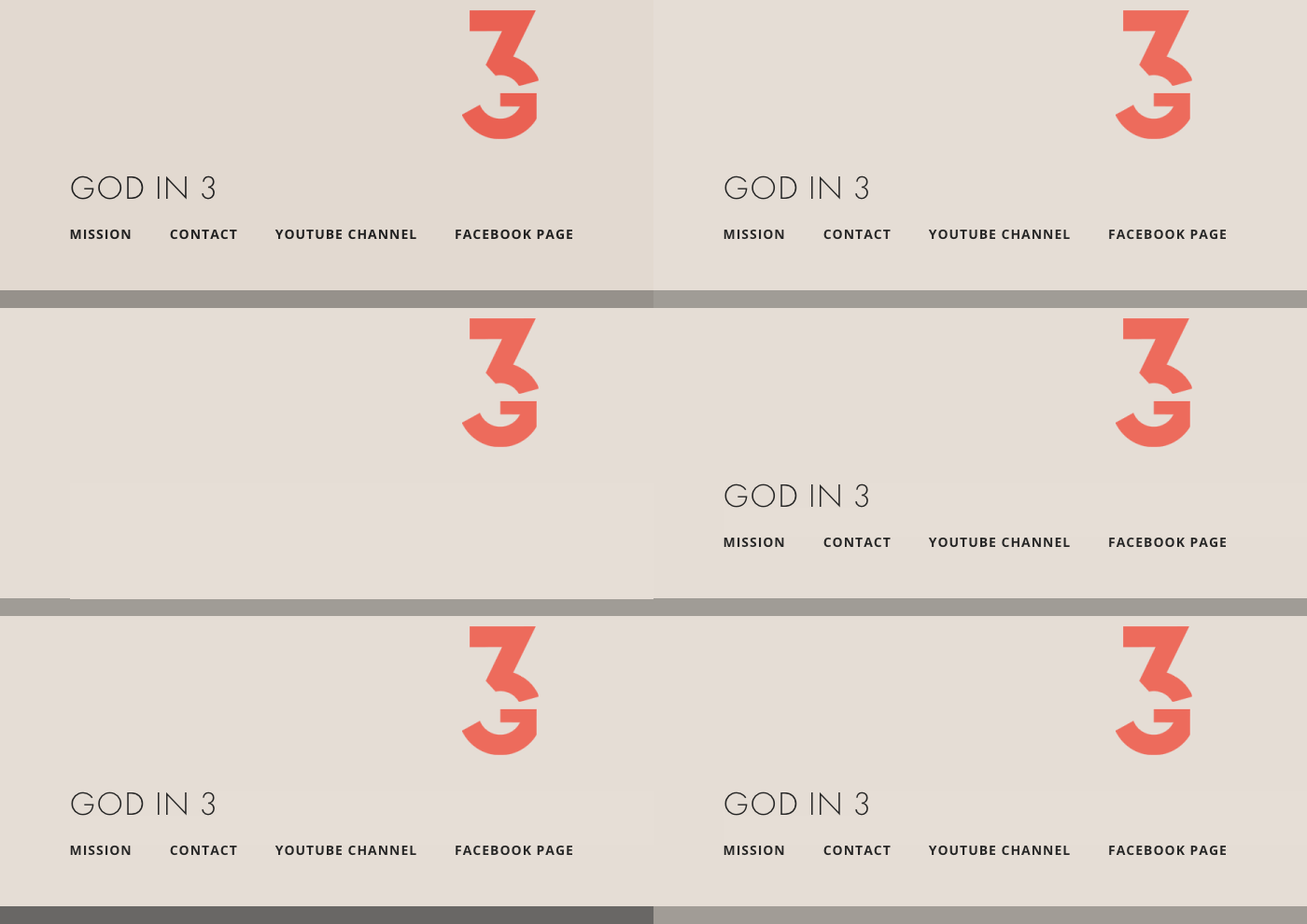
Can you please try clearing out your browser’s cache?
If you’re still having a problem, please let me know and I will continue to assist you until it’s resolved.
-
@pmciano – thank you for hanging in there with me!
1. What you looked at and linked to on “cloudup” was my site utilizing the Radcliffe theme, so the problem wasn’t happening. I would prefer to use Saga, so I switched back and am currently on Saga again.
2. My site is currently using the CSS code you last gave me. So the title no longer expands; however, the Font is not Futura PT, which is what Custom CSS offers. There is a slight difference, but I really prefer Futura PT versus the font designated in the CSS code you provided.
3. Additionally, when using your CSS code (versus Futura PT in Custom CSS), my tagline is no longer in Futura and is in some italicized font.
***I’m really tempted to give up and go with Futura PT at “0,” to avoid the expanding; however, that makes my tagline so small and hard to read.
Honestly, this is all a little disappointing. I paid to upgrade to Custom CSS to be able to choose Futura PT and make the title and tagline bigger, but now it doesn’t seem possible.
Thank you for all your help!
-
1. What you looked at and linked to on “cloudup” was my site utilizing the Radcliffe theme, so the problem wasn’t happening. I would prefer to use Saga, so I switched back and am currently on Saga again.
I observed the same behavior before you switched themes, as well.
2. My site is currently using the CSS code you last gave me. So the title no longer expands; however, the Font is not Futura PT, which is what Custom CSS offers. There is a slight difference, but I really prefer Futura PT versus the font designated in the CSS code you provided.
As far as I can tell, your site’s title is in Futura PT:
3. Additionally, when using your CSS code (versus Futura PT in Custom CSS), my tagline is no longer in Futura and is in some italicized font.
Try this:
/* Adjust Site Description */
.site-description {
	font-family: futura-pt, Lato, sans-serif;
	font-style: normal;
}
If you need further adjustments, please use the examples you’ve received and the great documentation we have to start making your own customizations. Once you start playing around with it, it can be a rewarding experience.
To learn more about how CSS editing works at WordPress.com, see these helpful pages:
http://en.support.wordpress.com/custom-design/css-basics/
http://en.support.wordpress.com/custom-design/editing-css/
http://en.support.wordpress.com/custom-design/how-to-find-your-themes-css/
https://cssworkshop.wordpress.com/
Let us know if you have any more questions.
-
Thank you. I removed the “-pt” after futura in the code and I got the look I wanted. I also tweaked your code for the tagline, based on some research. Thank you!


- The topic ‘Expanding Title Size’ is closed to new replies.
 WordPress.com Forums