

Featured Image – different size on similar page
-
I’m using the featured image option with the Twenty Twenty theme and for some reason, it appears really small on most pages, like this one:
I want them to appear large like the one on this page:
I haven’t done anything different on the second example. The images are also the same size.
Can anyone help?
Thanks
The blog I need help with is: (visible only to logged in users)
-
Hi,
The featured image on the first page you mention is small because the file image (http://eherge2.com/wp-content/uploads/2020/04/ERG2_61_Zombillenium_Web-88×88.jpg) is very small, whereas the featured image in your second example is much larger.
On a test site with the Twenty Twenty theme applied, I’m not able to reproduce a case where file images used for featured images on pages or posts are automatically scaled to 88 pixels width. In my tests large file images were scaled to 1200 pixels width when set as featured images. However, I’ll call for staff attention. Staff will respond here.
Please note that on paid sites such as yours, Live Chat support is available. You may find the Live Chat feature faster and more convenient than submitting requests to the community forums.
-
Hi, this site isn’t actually hosted here on our servers, so it wouldn’t get live chat, though you’d be welcome to sign up for that if you’d like.
I’d recommend uploading a much larger image to see if that helps. If it doesn’t, can you post here?
https://wordpress.org/support/theme/twentytwenty/ -
It’s strange because both images have the same size

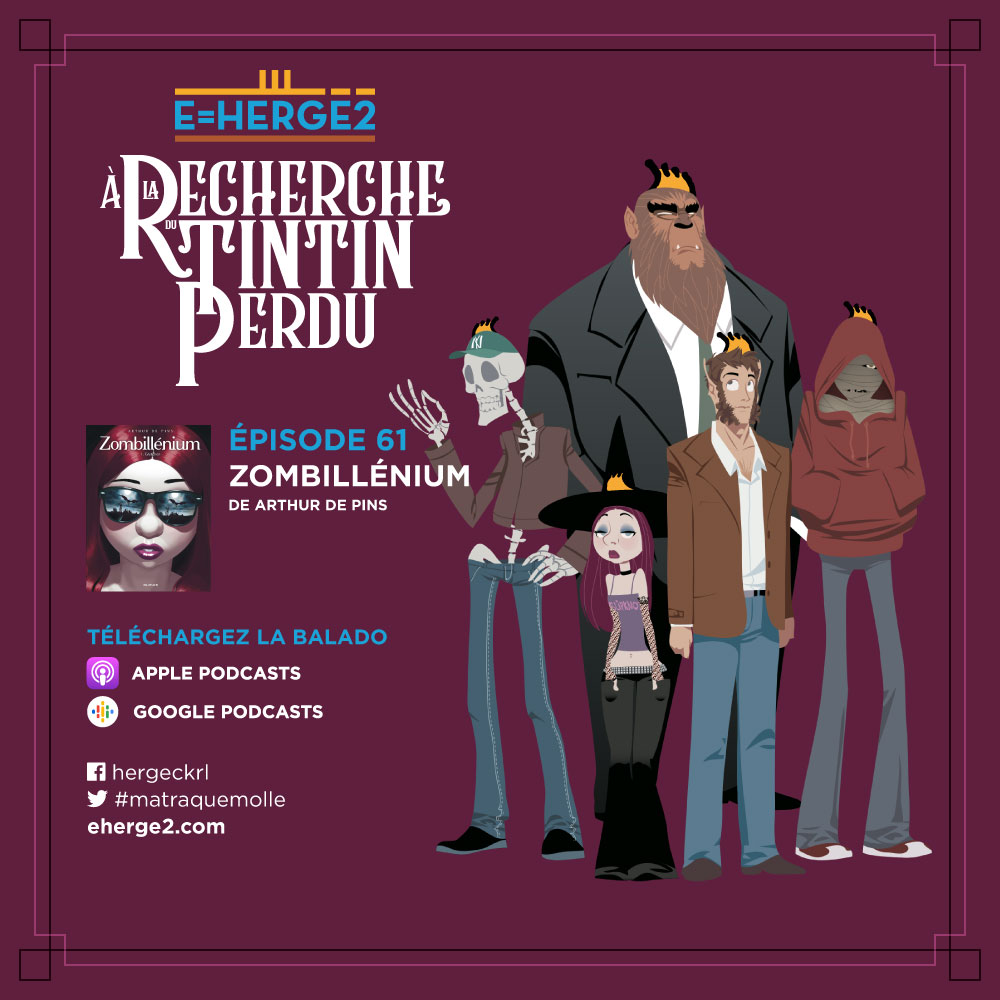
I don’t know why the 88×88 version gets put there… there’s no way to set any other parameter other than “use as featured image”.
-
It works when I reupload the same image but a bit bigger. It also worked with other images (same size) that were uploaded a while back.


- The topic ‘Featured Image – different size on similar page’ is closed to new replies.
 WordPress.com Forums
