Featured Image not displaying on posts page
-
Whichever Page is set to display Posts will not display a Featured Image:
– If Front Page Display setting is set to show latest posts, then that Page will no longer display its Featured Image at the top of the page
– If set Front Page Display setting is set to use a static front page and display posts on a separate page (i.e. /blog) then that page will not display it’s Featured Image at the top of the page.Note: Using the Etco theme on a new site where I originally started with a different theme. If I start with a blank site, it works as expected.
The blog I need help with is: (visible only to logged in users)
-
Hi,
– If Front Page Display setting is set to show latest posts, then that Page will no longer display its Featured Image at the top of the page
The default posts page can not have a featured image, because it isn’t a static page. You can’t find it among the static pages. Also, it’s not a post, a project, a testimonial, etc., so how could you assign a featured image to it?
Therefore, choosing “Your latest posts” at Customize > Static Front Page > Front page displays can not result in a featured image on the posts page.
– If set Front Page Display setting is set to use a static front page and display posts on a separate page (i.e. /blog) then that page will not display it’s Featured Image at the top of the page.
The front page of the site https://evolvingblonde.com/ displays a static page, which displays either a custom header or a featured image. I’m not sure which. The Ecto theme guide says:
- If a Custom Header is activated, it will appear on every post and page. If a Featured Image is set for a post or page, it will be displayed instead of the Custom Header.
- The Custom Header or Featured Image set for the homepage appears larger than on other posts or pages.
The “Blog” page on the site, https://evolvingblonde.com/blog/, has evidently neither been assigned as the page on which to display posts nor assigned a featured image.
I fail to find the errors that you describe. Am I misunderstanding you?
-
-
Currently, the “Blog” page on the site, https://evolvingblonde.com/blog/, DOES have an assigned featured image but will not display it. That is the issue.
Thank you.
-
Thanks for that clarification. I’ve flagged the topic calling for staff attention. Please wait for staff to respond here.
-
You may click on the “Subscribe to Topic” link in the sidebar of this topic so that you’ll be notified when someone, e.g. staff, posts a response.
-
I reread this from the theme guide:
If a Custom Header is activated, it will appear on every post and page. If a Featured Image is set for a post or page, it will be displayed instead of the Custom Header.
I was wrong when I said that the “Blog” page hadn’t been assigned as your posts page. It obviously has been, and contains one test post. However, I suspect that the posts page may be excluded from the places on which the featured image will display. Staff will know for certain if my suspicion is accurate.
The phrase “every post and page,” presumably means “every post and every static page.” Once a page is assigned as the posts page it becomes a dynamic page, essentially an archives page.
-
So your original statement in the OP
Whichever Page is set to display Posts will not display a Featured Image
is evidently correct with respect to static pages, and this is likely due to design choice by the theme authors. Perhaps the theme guide might be modified to make this aspect more clear.
-
Thank you for the follow up. The reason that I believe there is an error and that this is not a design feature, is that:
1) Ecto them demo illustrates that the page set to display Posts can have a Featured Image on the Page (see home page of https://ectodemo.wordpress.com/)
2) In a different site test this functionality works as expected (Post show on homepage of https://testing2167.wordpress.com/ and keep Page’s Featured Image intact)In my site, any page I set to show posts (Home page or /blog) will then no longer display the Featured Image of the page.
Thank you.
-
Again, answers from staff when they respond will be more definite. For the mean time I’ll add my two cents one more time:
1) Ecto theme demo illustrates that the page set to display Posts can have a Featured Image on the Page (see home page of https://ectodemo.wordpress.com/)
The demo might not have a static front page. And if it doesn’t, and displays the site’s default blog page on the front page, how would you add a featured image to it? That the image at the top of the front page is likely the site custom header is attested to by the fact that all of the other pages linked to in the menu display the same image (cropped differently).
2) In a different site test this functionality works as expected (Post show on homepage of https://testing2167.wordpress.com/ and keep Page’s Featured Image intact)
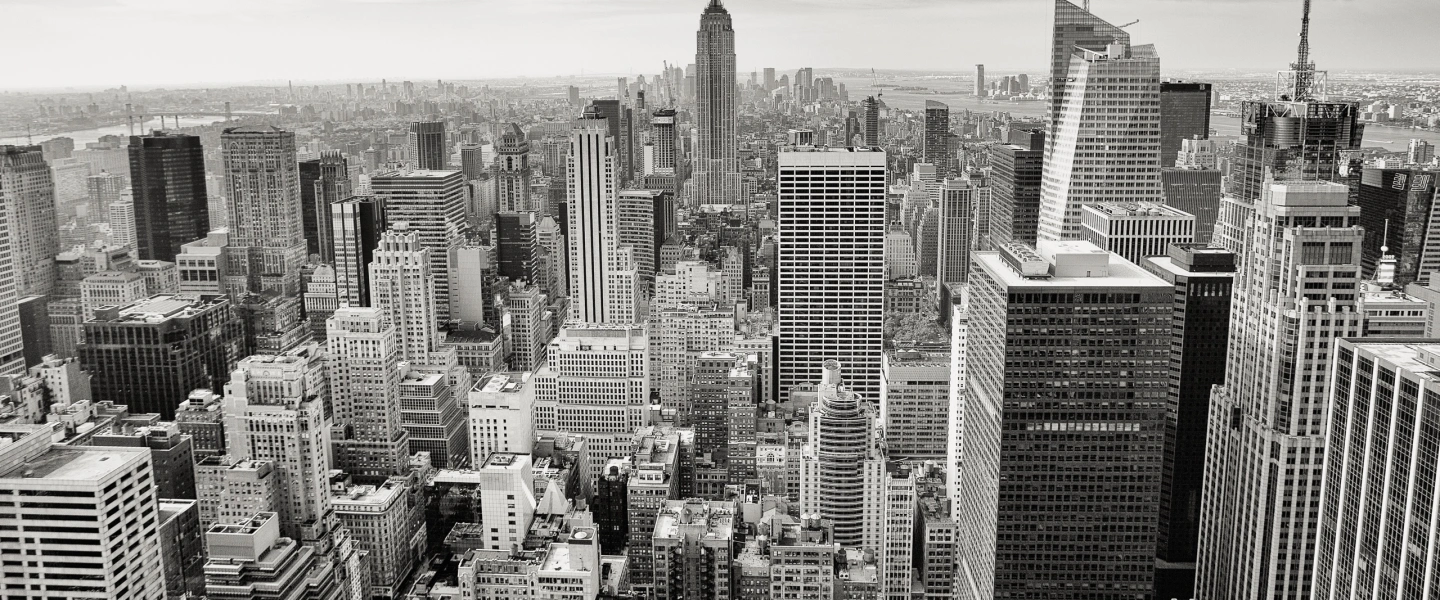
The front page of https://testing2167.wordpress.com/ displays the blog page. The blog page can’t be assigned a featured image. It isn’t a static page, or another type of entity that may be assigned a featured image. Therefore, the image at the top of the front page is a custom header image, as is suggested also by its URL, https://defaultcustomheadersdata.files.wordpress.com/2016/07/city1.jpg?resize=1440,600.
-
Hi there,
The Posts page is a dynamic page. Even if you set a static front page and then set a different page as the posts page, the posts page becomes a dynamic page the moment you set it as such, and the static page settings no longer apply, so that page will no longer show the featured image but will show the site’s custom header. This is not a bug, but how this theme works.
Only regular static pages will show a featured image, and all dynamic pages, no matter how you create them, will show the theme header.
-
-
You can set that in the Customizer. Click on My Sites, then click the Customize button next to Themes. Then click on Custom Header in the menu.
For best results on your theme, use a custom header that’s 1440 pixels wide. The height does not matter.
-
-
-
Thanks, kokkieh.
I hadn’t known, or had forgotten, that it’s universally true that “all dynamic pages, no matter how you create them, will show the theme header.”
-
I think it depends on theme – I don’t know of a technical reason it can’t work the other way – but in my experience most themes work this way. Ultimately it’s up to the designer.


- The topic ‘Featured Image not displaying on posts page’ is closed to new replies.
 WordPress.com Forums