font size in text mode editor: out of control!
-
Hello everyone: in the past day, my post editor has seen its font size grow considerably, in text mode, which makes writing a post a nuisance. Reducing the font size by Ctrl.- means everything else on the page is ridiculously small. I am working with Firefox 33.0 for Ubuntu. Thanks for your help in this matter, Christian
The blog I need help with is: (visible only to logged in users)
-
Hey there!
When I log in as you, and take a look at your post editor, I see all fonts in the text editor as normal. This leads me to believe that the issue isn’t WordPress.com, or your account, but rather the settings on your browser.
I see that you are using Firefox. To change the default font size on your page, you can click on Firefox → Preferences in your browser’s toolbar. Then, click the Content tab. Where you see Default Font, change the size to 12, or something smaller than it currently displays.
That should do the trick! Refresh your post editor in your browser, and see how the font looks. If this didn’t fix the issue, you should clear your browser’s cache using the directions below:
http://en.support.wordpress.com/browser-issues/#clearing-your-browser-cacheIf I can help in any other way, please drop me a line. Cheers :)
-
Thank you for your reply!
I had cleared my cache and restarted Firefox earlier, to no avail. And modifying the font size to a tolerable size inside the editor window means almost unreadable fonts outside that window. So the problem is in the difference between the font sizes inside and outside!
I also notice that in the “distraction free mode”, the column where I can write got quite narrow compared with my screen. For instance, all that fits into a line is
“The main part of the paper consists in applying those”
Let me precise I use the classic mode of the editor, rather than the new editor (which is missing special characters for my math posts). The feature of the over-large fonts does not appear with the new editor.
Thanks!
-
Hey again!
Two requests: first, please log into WordPress.com using Google Chrome, and let me know if you’re seeing the same large fonts.
Next, send me a screenshot of what you see in your editor. I’ll need shots from BOTH Chrome and Firefox, so I can compare and contrast to better understand the issue. You can simply upload the screenshots to your Media Library, like any other images, and I’ll be able to access them from there.
The page at the following link has some helpful tips for taking screenshots:
Just let me know when there’s something I can take a look at.
Looking forward to hearing from you. Thanks very much.
-
Ok, the screenshots have been dowloaded to my Media Library, with the fact that Chrome does not suffer from the problem.
-
Hey there!
These screenshots and your research have been very helpful. We’re working on your issue and will find you a resolution asap!
Thanks for your patience. In the meantime, I know it’s not optimal, but I do suggest you use Chrome so you can see your text editor in its intended format.
I’ll be in touch as soon as I have a solution for you. Thank you!
-
-
Hi, Robyn: my Ubuntu is 14.04 and if it matters I am under the Kubuntu version of the OS…
-
Hello!
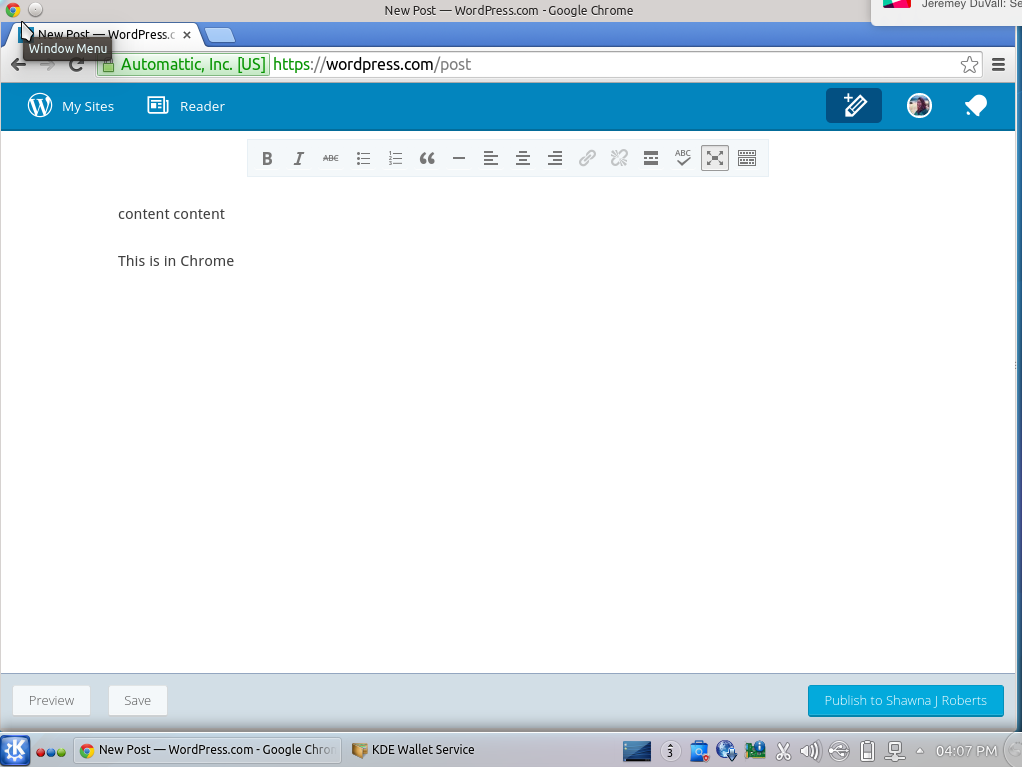
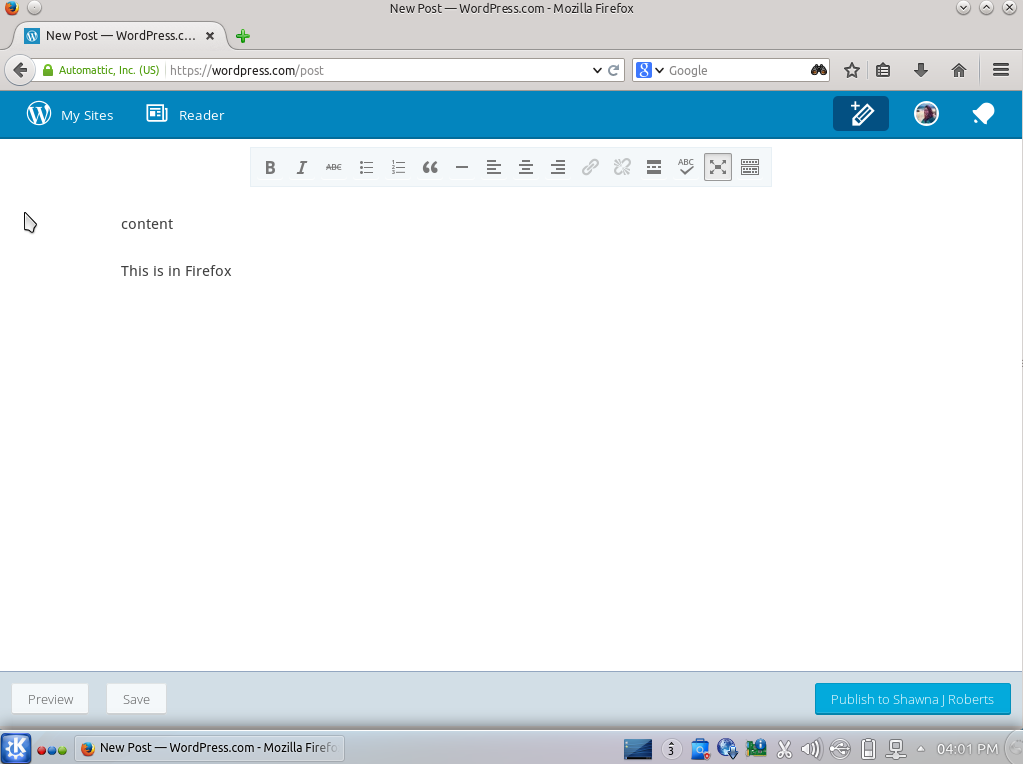
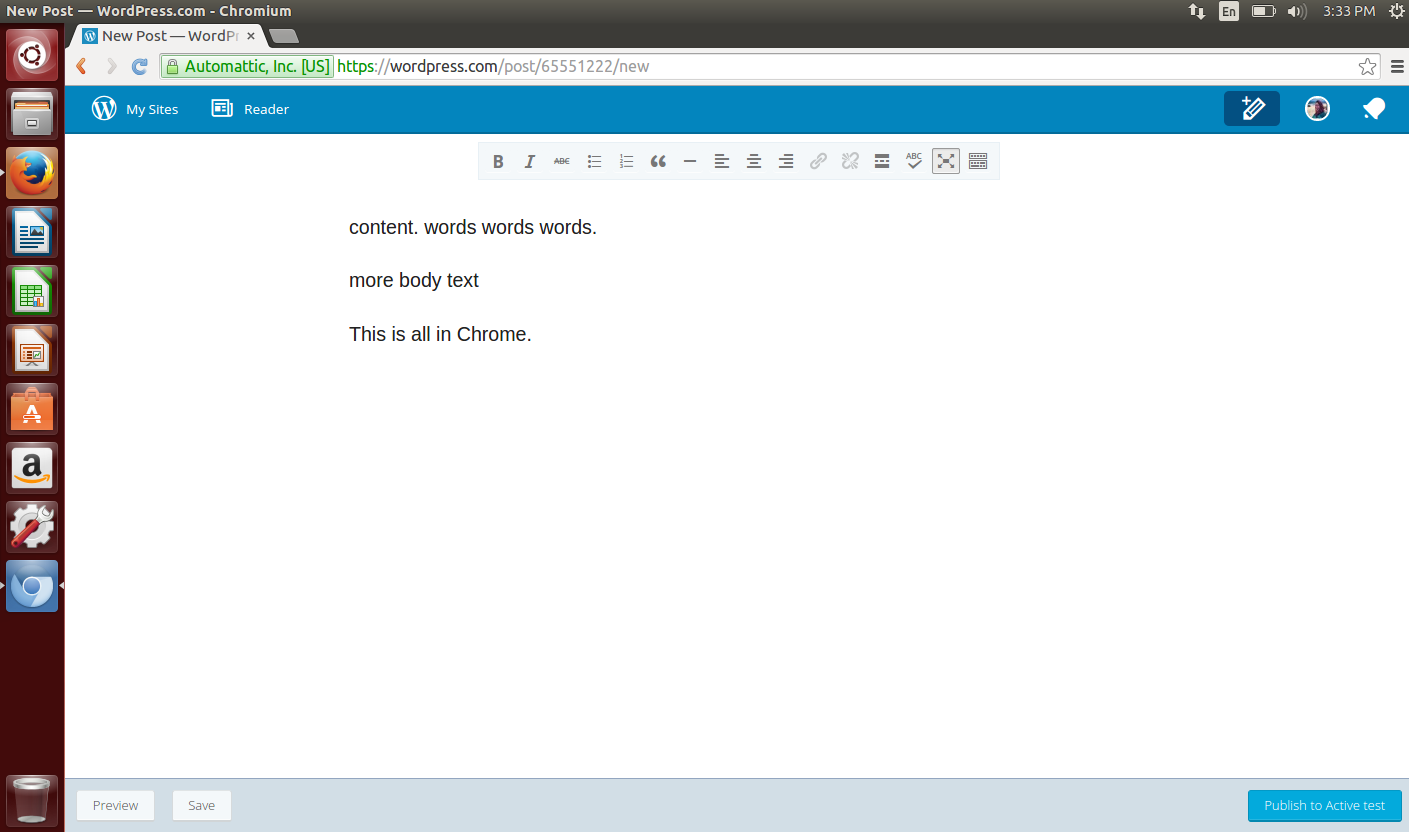
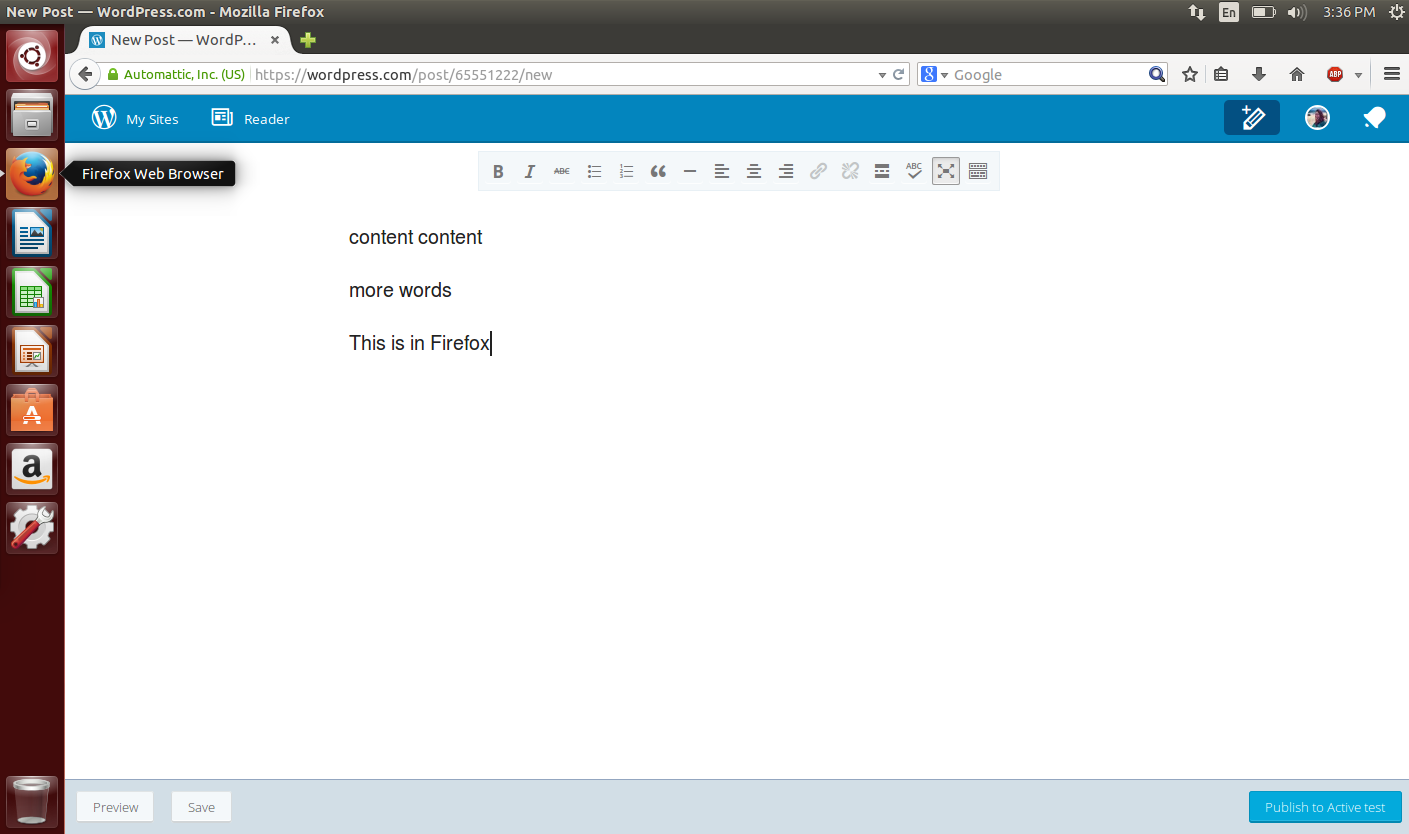
I just did some testing with both Ubuntu and Kubuntu version 14.04 and I’m not able to replicate the issue you’re having. Here are the screenshots I grabbed.
- Kubuntu Chrome: https://cldup.com/jKMTp_N4iW.png
- Kubuntu Firefox: https://cldup.com/bVbh2DaWAk.png
- Ubuntu Chrome: https://cldup.com/rWpVgQ6sFX.png
- Ubuntu Firefox: https://cldup.com/0izYdc6QhK.png
It sounds like you maybe have some browser-specific settings in Firefox. Can you check? Here are my default settings in Firefox in Kubuntu:
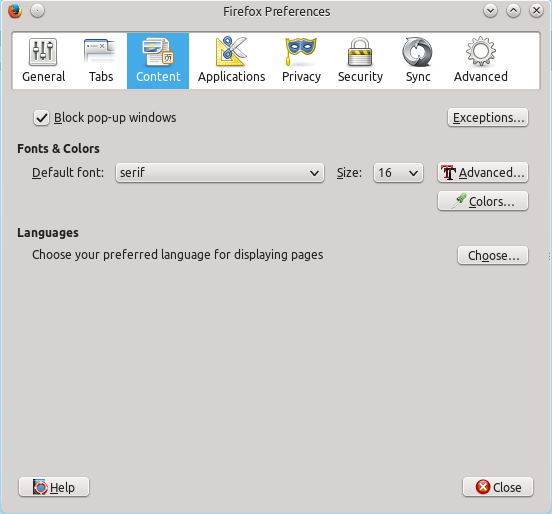
Let me know if you see any differences in your browser settings.
-
There was an answer on another thread that indeed there had been a core change that explains the font size jump: see
-
Shawna, I notice your screenshots are under the “new” editor, which is also fine with me. I do not use that editor but the “standard” one. And the font size is fine under text, it is only in visual that it jumps to an unbearable size. My current fix is to keep both Firefox and Chrome open, using a smaller overall font size in Chrome and dedicate it to blog editing…
-
-
Hey there — I’ll pass this note along to Shawna. Thank you so much for following up with us. Sorry for that inconvenience. You were really helpful during the troubleshooting process!
Wishing you the best.


- The topic ‘font size in text mode editor: out of control!’ is closed to new replies.
 WordPress.com Forums