

Formatting
-
Right side of blog is getting cut off
The blog I need help with is: (visible only to logged in users)
-
I see the issue and that’s a very old retired theme that no longer supports all WordPress.COM features. I tagged this thread for Themes Staff assistance. Please subscribe to it so you are notified when they respond. To subscribe:
1. Look in the sidebar of this thread and find the subscribe to topics link.
2. Look below the comment box:
_ Notify me of followup posts via e-mail -
In the posts where the content is being cut off, it looks like the culprit is this Paris Grocery graphic, which at 650px wide is wider than the content column:

If I remove the image tag in a browser inspector, everything fits fine:
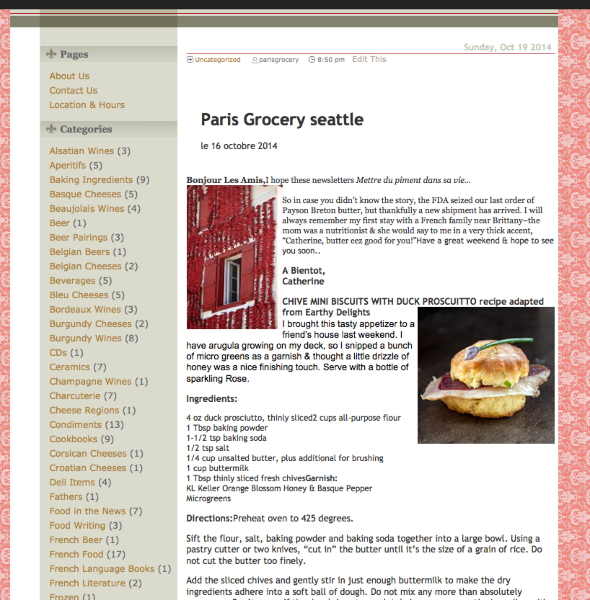
Try resizing your image in a graphics program so that it’s at most 510px wide – perhaps by cropping out some of the white space to the left and right – and reinserting it in your post.
Let me know if that does the trick.


- The topic ‘Formatting’ is closed to new replies.
 WordPress.com Forums