

Gallery goes crazy when clicking on picture
-
Hello, I’ve just made a website using the Sela theme. I made a gallery (simply by selecting multiple pictures when creating the page) and selected the Tiled Mosaic option. When I click on a picture, it opens the full-sized version, as I expected, but all the things around it are in the wrong place – the caption is almost invisible, a faint outline at the very top of the page, the comment box is barely accessible in one corner and all the information about the picture is scattered on one side. Does anyone know what could have happened and how to fix it? Thank you!
https://emidelbene.wordpress.com/gallery/
The blog I need help with is: (visible only to logged in users)
-
Hi there! When I click the images in the gallery, everything opens up and displays as expected (in Chrome), so I’ll need some more info to see what’s going on…
Which device(s) & browser(s) are you seeing this in? (And what version of the browser?)
If possible, please take a screenshot of what you’re seeing on your end and share it. (You can use a service like CloudUp to upload your image and share the link here, or upload it into your Media Library and Staff can check there.)
Thanks!
-
Hi, thank you for taking the time to reply!
I’m also using Chrome (version 49.0.2623.110) on a computer, Chrome on a tablet, I also tried opening the gallery on Mozilla Firefox (44.0.2) and Opera (36.0.2130.32 ) with the same problem.This is what I see when I click on an image on Chrome, Firefox and Opera:
https://www.dropbox.com/s/d0eikohbj1kmzow/Screenshot.jpg?dl=0Thank you!
Emi
p.s. Internet Explorer (8.0.7601.17514) displays the gallery correctly
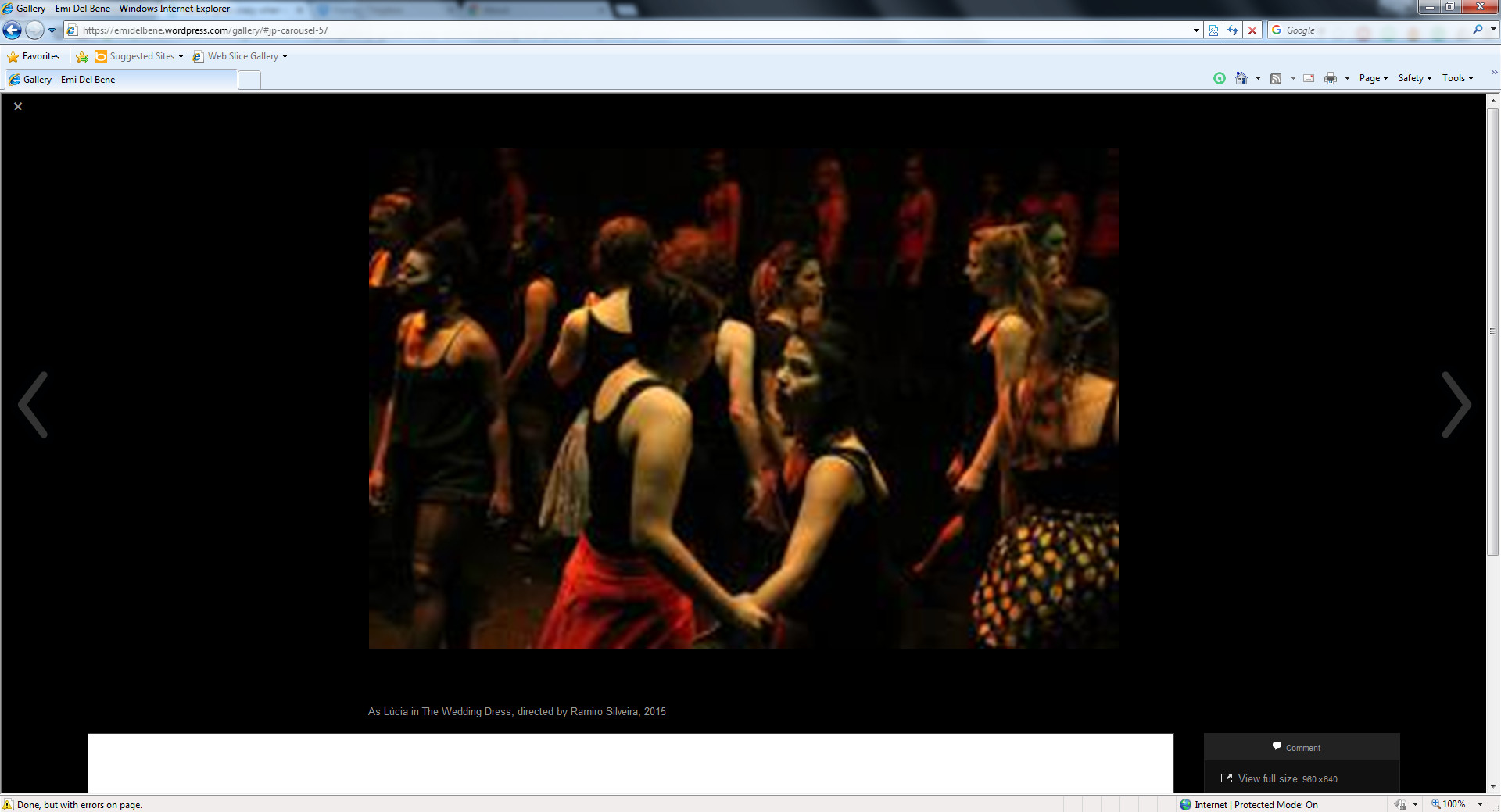
but with very low resolution pictures and the rest of the website is a bit weird, not centered, have to click a menu for the pages to be displayed, like a mobile website, no sidebar:
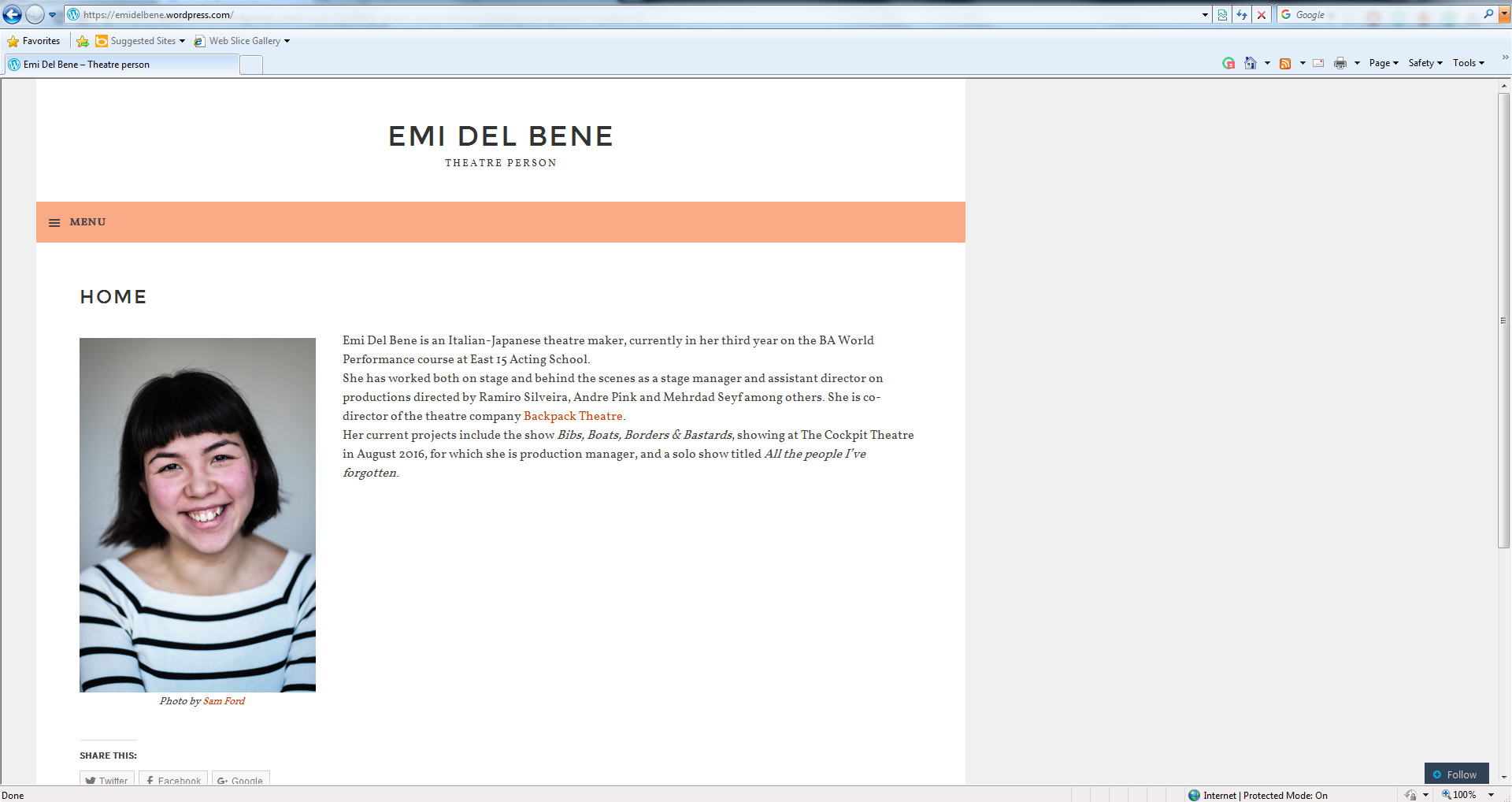
But I’m more concerned about the other browsers!
-
I made comment about the ‘gallery going crazy’ in another thread about the reblog box. The same is happening with me.
[I’ve never used this site so much!]
-
Ah, thanks for the details, all!
We’re trying to replicate it and figure it out on this end so we can get it fixed. Will update here as soon as we can.
-
@warblingcuckoo — Hi! Is this still happening on your site? It seems like it may have been related to a reblog issue that may have been corrected.
When you have a moment, can you check to see if it works now? And also see if at the bottom of your site you see the reblog problem described in this thread: https://en.forums.wordpress.com/topic/gallery-goes-crazy-when-clicking-on-picture
Thanks!
-
@sarahblackstock – FWIW I don’t see the errant reblog box or the messed up Gallery Carousel any longer on the OP’s website.
-
-
Hi I got this exact same problem with the Hero theme…the last thing I did before the galleries all got messed up was change a writing setting “WordPress should correct invalidly nested XHTML automatically”
Nor does to seem to be a browser-dependent issue – latest version of chrome and IE show the same effect. Just posted a formal request on this one, maybe the Hero theme author . The blog I need help with is photosynthetic
-
oncelweasel – please continue in your other thread:
https://en.forums.wordpress.com/topic/exploding-photo-galleries


- The topic ‘Gallery goes crazy when clicking on picture’ is closed to new replies.
 WordPress.com Forums
