Goran Theme Problems And Other Problems
-
Hello Jeremeylduvall,
I would also like to know if an option for Custom Header Images will be added for Posts and for the Home Page/Front Page?
Because right now Custom Header Images are only show for Pages in the Goran theme.
Now about my three problems from #6 (the third problem was not added in #6, it is the problem with the Random option for Header Images not working, if I select random the Header will get bigger like a header image is there but none of my images show up so it is just the default reddish colored Header area in the Goran theme but bigger), this problem is starting to make me thing that maybe something is wrong with my WordPress.com account because there are several strange bugs that seem to only be effecting/affecting me, and I will try to explain more below.
I have had the three problems in #6 since the last few versions of Firefox, I tried Firefox in Safe Mode with no extensions and I tried using the Big Brother theme but these three problems still happened, and so I tried the latest version of Google Chrome; and the three problems were still there with only one difference, in Google Chrome I see what I think are broken image icons for the previews for my images in the Media Library and in the Header section, like all of my images are possibly broken oddly even though I tried adding new ones today.
I also have two other strange problems on WordPress.com and one of them that I reported already involves problems with Spell/Grammar Check in the Classic Editor not working sometimes randomly (https://en.forums.wordpress.com/topic/proofreading-suggestions-not-showing-up-on-the-first-try-most-of-the-time?replies=24#post-2025915) but this is not a huge problem (but it still happens sometimes), but the other problem which might be connected with #6 is that I can not create Polls like I used to be able to years ago even after making sure that my account was linked to Polldaddy by re-linking it because I get a message saying that there was an error every time I try to create a poll in the Classic Editor and from the Dashboard.
I am wondering if some of these problems are only effecting/affecting my account?
My account history is a bit unusual because originally it was a Windows Live Spaces blog that was moved to WordPress.com when Microsoft discontinued Windows Live Spaces, eventually I created a new account and imported my old one to it, I created another new account and I imported the previous blog to it, I changed my username, and then I deleted my two oldest blogs leaving me with only one now; and so maybe there could be something strange happening where certain things are still linking to one or more of the deleted accounts and/or my old username? :D
Thank you,
-John Jr -
I would also like to know if an option for Custom Header Images will be added for Posts and for the Home Page/Front Page?
The Home Page/Front Page features the main featured image with the text overlay (provided you have the front page template enabled). Posts make use of the featured image feature as well to display an image towards the top of the post. Can you explain the use of a custom header image in those areas?
Regarding the other issues, since they’re not related directly to the Goran theme, please report them in another thread (like you did with the Spell/Grammer Check)!
-
Hello Jeremeylduvall,
What I mean is that on most themes when you have Custom Header Images they show on all pages, posts, and the home page/front page; but on the Goran theme it only shows on pages.
I do not use featured images usually, so having Custom Header Images is what I use sometimes to have certain images show in the header.
I am used to sometimes using Custom Header Images so that they will randomly show on each page/post/the home page when ever someone visits my blog; but Goran is the only theme that I have used where it does not work like that, only when visiting pages will visitors see my Custom Header Images, and the do not show on posts or the home page.
So I was wondering if this could be fixed/changed or if an option could be added to allow this to behave normally like most themes do?
For those other bugs do I report each one in its own topic?
-John Jr
-
Hello Jeremeylduvall,
I really/seriously do not feel like creating new topics for those other bugs and having to type everything again and/or copy and paste, I am not feeling well today, and it makes me feel like quitting blogging/WordPress.com honestly since I am in a depressive mood today (these bugs are not that huge of problem, but my current mood/personal problems combined with them = a big annoyance for me personally); and so could you please pass this on to the developers so they can read what I already typed here instead of me having to create new topics (because I probably will not, at least not today, with how I am feeling)?
I know that separate topics make sense and that these bugs are not related to the Goran theme, but I am just being honest with how I am feeling today; and so it is not likely that I will be able to get myself to create those topics, and I am not even sure how much longer will I continue blogging.
*Depressive Jibber-Jabber Alert From The Loser Known As John Jr*
Besides my personal problems I am just tired of all the bugs and having to report so many bugs that I do not even report them all, and some bugs still have not been fixed in over a year; and there are other annoyances on WordPress.com that have been bothering me over the years, and the number of annoyances seem to be increasing instead of decreasing so after 7 years of blogging it is getting harder to stop myself from quitting blogging and WordPress.com.
It would be okay if I were a paid beta tester, I have been unemployed and needing a job for over two years and so I could really use a job, but I am not a paid beta tester (but I would be willing to take a job as a beta tester or probably almost any job if WordPress offered one to me); and so it is really getting harder and harder to justify taking the time to keep reporting so many bugs with no rewards/pay/discounts/job opportunities/et cetera, and to know that some bugs will never be fixed.
I do appreciate the bugs that have been fixed and the times when I got good support and the good things about WordPress.com and the nice people at/on WordPress.com, but I am tired today honestly and I do not even feel like typing my post on my blog today (I have not missed a day of typing my posts in over a year, but I might not post today with how I am feeling).
I apologize for sharing this, and for wasting your time.
Thank you for responding earlier,
-John Jr -
Hi JohnJrOnline:
What I mean is that on most themes when you have Custom Header Images they show on all pages, posts, and the home page/front page; but on the Goran theme it only shows on pages.
Thanks for the clarification. This isn’t a bug within the theme. It’s a decision made by the theme developer on how the theme would operate. If you would like to set a custom header, you will need to select another theme.
So could you please pass this on to the developers so they can read what I already typed here instead of me having to create new topics
I’m sorry you’re not feeling well. However, in order to troubleshoot those other issues, you will need to open a separate thread.
We really appreciate the time you put forth to help us identify and fix bugs at WordPress.com. I realize some bugs may take longer to fix. This is a result of priority as other items might take precedence, not our reluctance to fix bugs at WordPress.com.
-
-
-
Hello Jeremeylduvall,
You are welcome. :)
I was able to create a poll finally today, so that is no longer a problem I guess, and I created another topic for those three other problems like you recommended. ;)
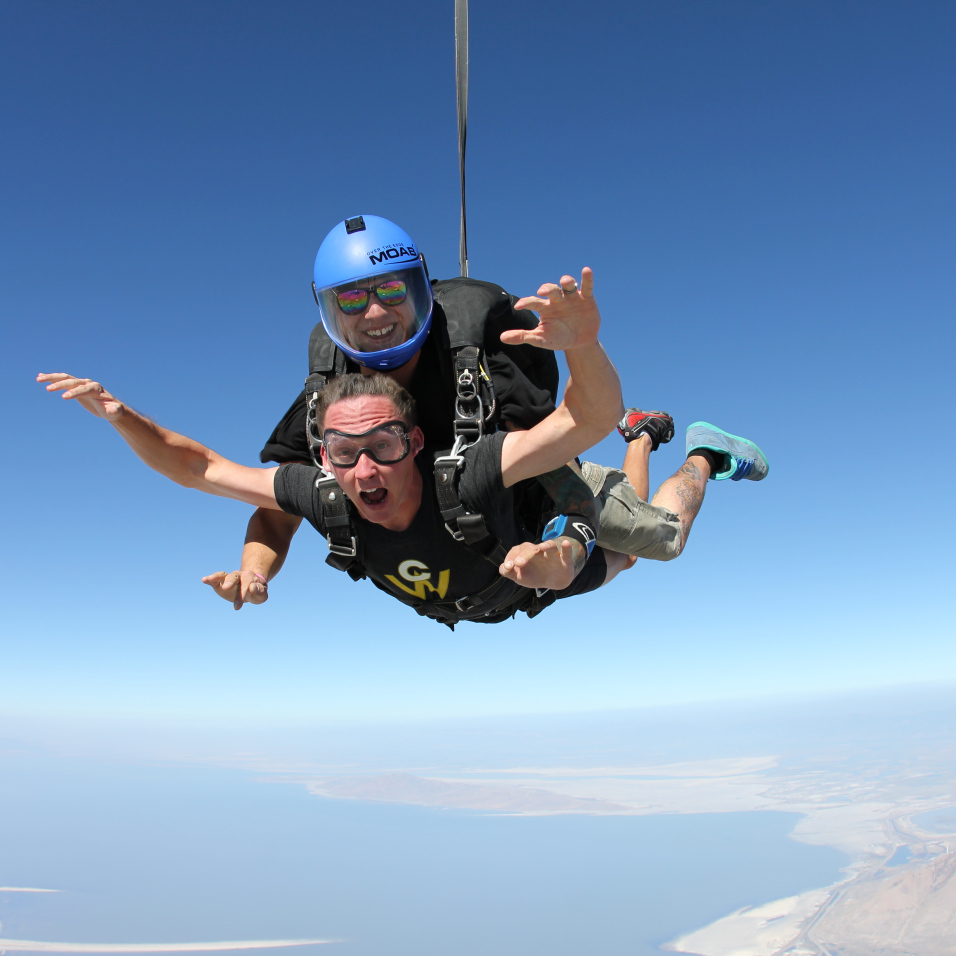
Also I think that I saw what I am assuming is an image of you skydiving in the latest WordPress.com News Blog Post
, that looked fun, congratulations. :D-John Jr
-
-
-
I was JUST editing some page text in the Goran theme when all of a sudden…my page options disappeared from the “edit page” section! :O
I have the “Publish” box, and the “Featured Image” box, but the “Page Attributes” has mysteriously disappeared in the last 15 minutes. :(
How do I get it back?
-
Figured out how to get my “Page Attributes” box back! That’s what I get for clicking on things.
-
-
Hi @JohnJrOnline,
Regarding the site tagline option, this will not be added in as a theme option. However, if you would like, you could use some CSS to enable the tagline option. Something like this should work:
h2.site-description { display: block; color: #fff; } -
Hello Jeremeylduvall,
Okay, and thank you for sharing that; that CSS should help those who have the Custom Design Upgrade. :)
I do not have that upgrade, and so I am using the Top Content Area instead; which is a nice compromise I think for those of us without that upgrade, and so I am glad that Mr. Guillot added that area to the Goran theme (maybe he could add a Top Content Area to the Edin theme as well, if there is not one already). ;)
Have a nice day,
-John Jr -
Hi @johnjronline,
Great! I’m glad the top area on the Goran theme is working well. Regarding the Edin theme, we don’t have plans to add that at the moment (separate theme, different features).
Let us know if you run into anything else!
-
Hello Jeremeylduvall,
Okay, thank you, I was just suggesting that since Goran is based on Edin and they are both business themes and they are both made by the same person and they both lack a tagline option and Mr. Guillot added Page Breadcrumbs to both themes after their release so even though they are two different themes it would be easy and make sense possibly if they both had a top content area; but I understand what you are saying. ;)
The Goran theme’s header area (blog title, menu, top content area, et cetera) is always the last thing to load and it loads a bit slowly compared to most themes (the rest of the theme loads, but there is a pause and finally the header loads), and I think that could be partly responsible for/connected to another Goran problem that I reported (https://en.forums.wordpress.com/topic/the-header-for-the-goran-theme-gets-cropped-on-the-preview-for-gravatar-profile?replies=3#post-2050349); but that is a wild guess.
Other than that and the other things that I have suggested and reported so far, the Goran theme is functioning normally it seems, but I will try to remember to report other things as I notice them.
Thank you,
-John Jr -
Hi JohnJrOnline,
It looks like this is a result of how the javascript is kicking in. Thomas took a look at this, and for right now, we don’t have a better way to implement this into the theme.
-
Hello Jeremeylduvall,
Okay, and thank you for explaining that; and thank you to Mr. Guillot for looking into this. :)
-John Jr
-


- The topic ‘Goran Theme Problems And Other Problems’ is closed to new replies.
 WordPress.com Forums