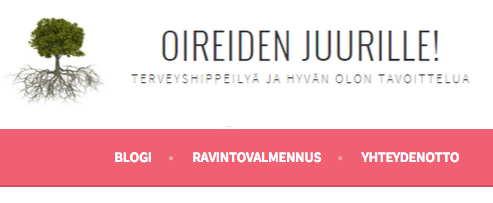
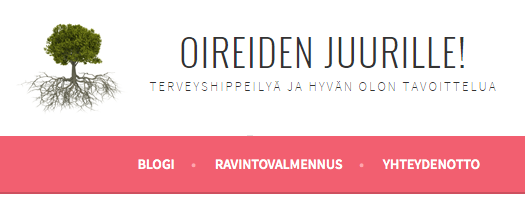
Header image goes from sharp to blurry
-
The header image size in my blog is what the theme requests: 1180×160. When the blog is displayed on full width computer screen, the image looks sharp.
But when the browser is resized to be narrower the image suddenly gets blurry. It’s also blurry in tablet and phone -mode. Is there anything that could be done to it?
I tried both png and jpg. In both it’s sharp on full width, but gets blurry when the window is not full sized. I’m using the Sela theme.
The blog I need help with is: (visible only to logged in users)
-
Hi there – it looks like you’ve uploaded your logo using the Custom Header option. I would suggest you use the Site Logo option instead, it’s meant for logos. You can find it in the Customizer under Site Title, Tagline, and Logo:
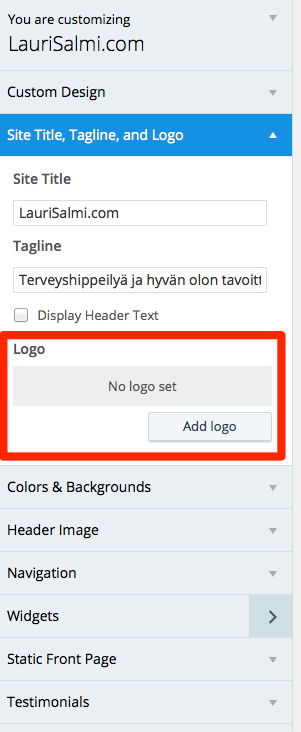
Let me know how it goes.
-
Hi there, I’ve viewed your site on my iPhone and on my iPad and the header image looks very much like what I see on my desktop monitor and Mac laptop. The tagline underneath the title is a little hard to read, which is mainly do to the width of the stroke on that font, but that is substantially the same on phone, tablet and desktop.
On Safari and in Firefox, everything is clear and clean, but in Google Chrome, it is definitely fuzzier. Considerably fuzzier actually.
Given the above, I’m not sure if anything can be done to make the image clearer on Chrome.
Chrome screenshot: https://cldup.com/Yiw-lVn3UR.png
Firefox screenshot: https://cldup.com/5PoJqN3ntq.png -
Ok. Thanks thesacredpath. I didn’t realize it looks different on different browsers. I use Chrome and the text looks sharp when the window is over 1000px wide. And fuzzy with anything narrower.
Kathryn, I didn’t use the logo-option, because I wanted the title in the header to be different than the name of my blog. I guess the only way I could achieve that was to use an image?
-
Kathryn, I didn’t use the logo-option, because I wanted the title in the header to be different than the name of my blog.
I’m not quite sure what you mean by that. You can use the same image in the Site Logo area that you’re currently using in the Custom Header area. Not only will it look sharper, it will scale down better at smaller screen sizes. Right now, the edges of your graphic get cut off at small sizes like phones, while the site logo will scale down to smaller sizes.
-
Thanks Kathryn, I think the logo-option solved it! I thought the logo meant some small icon…
Now, as a logo, the header works as a link to the frontpage too. Which it didn’t as a image.
-


- The topic ‘Header image goes from sharp to blurry’ is closed to new replies.
 WordPress.com Forums