

HELP, I can't see my website's content
-
Hi
I cannot see my website page. Im rubbish at this wordpress stuff so its all self taught.
I typed in the wrong shortcode into the theme (I think) & now I can’t see my content, my page shows up but its a blank page. I can’t get into my WP Admin at all or Dashboard :(
Please say I don’t have to start again
http://www.ladygraygraphics.com
The blog I need help with is: (visible only to logged in users)
-
I have visited ladygraygraphics.com and viewed several of its pages, and it appears to be functioning correctly:
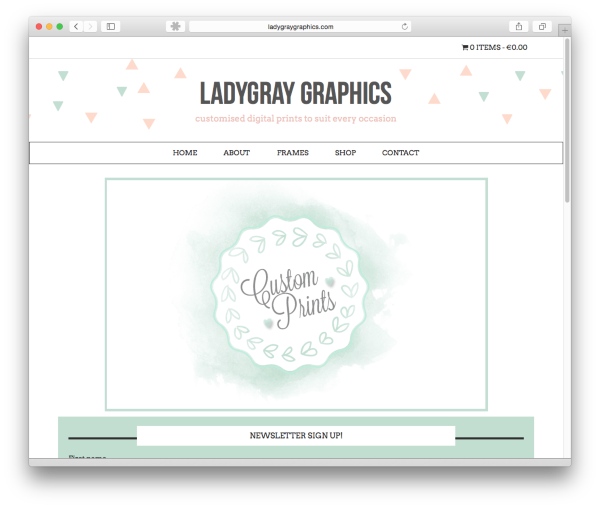
The issue you encountered was most likely due to your browser’s cache.
Can you please try clearing it out?
Also, you’ve reached support for the free blogs hosted at WordPress.com. The site you’ve indicated, ladygraygraphics.com, is running a self-hosted/installed version of WordPress (using the free WordPress.org software).
To clear up any confusion, WordPress.com and WordPress.org are two different entities. You can read more about that here:
Since your site is self-hosted with a different provider, support staff at WordPress.com do not have access to your site’s files or the ability to provide support for your current issue.
You can find support for your self-hosted WordPress site here:
You may also wish to contact your host’s support team for more assistance.
In regard to your issue, the following page may be of assistance:
http://codex.wordpress.org/Common_WordPress_Errors
If you have any questions regarding WordPress.com, please let us know.


- The topic ‘HELP, I can't see my website's content’ is closed to new replies.


 WordPress.com Forums