

Help with Flounder Theme
-
I just got the Flounder Theme and can not seem to figure out how to change or remove the menu to the right. I´m not talking about the widget menu to the far right, but the one under the little pin, right next to blog posts. Right now I have the date, my name (about author), info and edit. I do not want them there. How and where do I edit and/or delete these?
(email visible only to moderators and staff)The blog I need help with is: (visible only to logged in users)
-
Hi Petra,
That’s the post metadata – the date, your byline, the categories or tags you’ve added to your post, and an edit link (which only you see when logged into your account).
Different themes display this meta data in different places; often it’s under the post title or blow the post itself by the comment link. With Flounder, it’s out to the side.
It looks to me like you might be wanting to use a static front page, rather than posts. We have a guide for how to set this up here:
Front PageIf you used a page, that stuff on the side wouldn’t be there. You can read more about the differences between posts and pages here:
Post vs. PageLet me know if you have further questions!
-
Thank you for your help. A static front page sounds like what I need. But just a question; is there no way to remove categories “date” and “author” in that right column? I don´t have these tags/categories in my posts but they seems to appear automatically. Anyway to get rid of them and just have categories I choose?
/Petra -
Hi Petra,
Those aren’t categories. All posts are dated, but I see you’re now using pages. :)
-
If they are not categories – how do I remove them? I would love to be able to have last blog as first page but I do not want date and my name in the right column, just the categories that I choose. Is that possible or not? Thanx!
-
Hi Petra!
After looking into your blog, I see that your pages do not have your date/name in the right column as seen in the screenshot below:
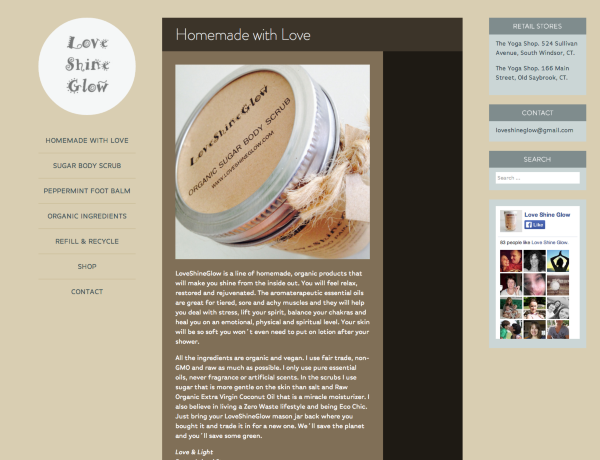
Were you able to figure this out? Let me know if you have any questions!


- The topic ‘Help with Flounder Theme’ is closed to new replies.
 WordPress.com Forums