

Help with with posts and Flickr images width
-
Hello, I love this theme!!! But I am having two problems. A little bit of background: I am using my home page as statical home page and I am using my photojournalism/blog page for my posts, but my photojournalism/blog page and the posts are not full widths. My second problem is how to I make my images from my Flickr account on my posts full width?
Thanks so much for this theme!!!
The blog I need help with is: (visible only to logged in users)
-
Hi Hugo,
I am using my home page as statical home page and I am using my photojournalism/blog page for my posts, but my photojournalism/blog page and the posts are not full widths.
You can add this CSS to your site to make the blog posts as wide as your home page:
body.single .content.center {
    width: 1400px;
}
Add it in the My Site > Customize > CSS area of your site.
how do I make my images from my Flickr account on my posts full width?
There is a margin between the left and right edges of your content and the rest of the white background for your content:
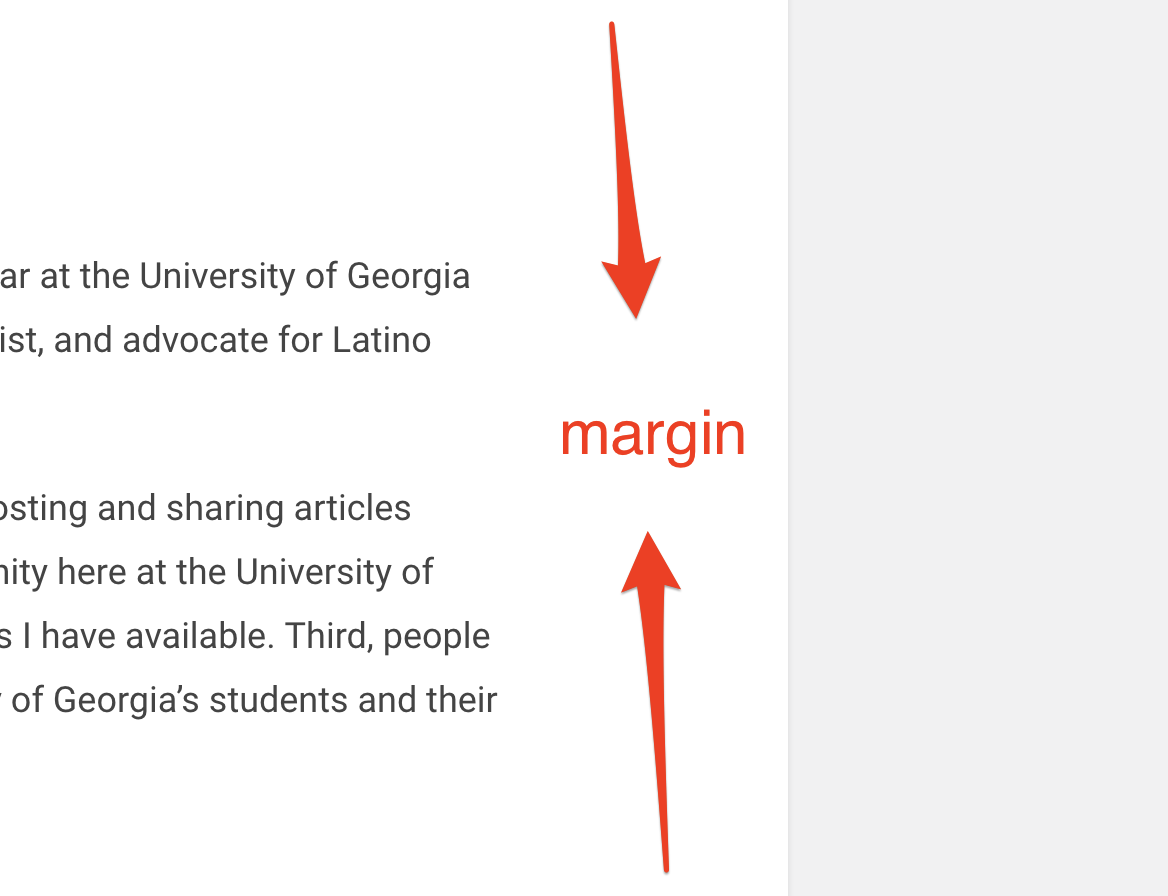
That margin prevents the content you enter through the editor (like Flickr images) from filling the entire white background. Are you wanting to remove this margin from your site? If so, just for blog posts, or also for pages?
-
Yes, I want to remove the margins from my blog posts and other pages as well.
Thanks for your help!!!
-
Sure, you can use this code to reduce the spacing (it’s actually padding in this case, not margin) there:
/*Adjust spacing around page and post content*/

.single .post-content {
    padding-left: 2%;
    padding-right: 2%;
}
Feel free to adjust them down to 0%, but I didn’t think it looked great that way. Their default is 10%, so change them to how you like them.
-
Thanks for your help. I am still unable to center my Flickr images on my posts. Maybe I am doing something wrong.
-
Ah, those will need some CSS as well:
/*Center all Flickr Images*/

img[src*="staticflickr.com"] {
    margin-left: auto;
    margin-right: auto;
    display: block;
}
If that doesn’t center one of your Flickr images, send over a link to the area of your site where the image is visible, and I’ll take a look.


- The topic ‘Help with with posts and Flickr images width’ is closed to new replies.
 WordPress.com Forums