

How can I disable comments on the mobile version of my site?
-
I have disabled comments on my regular blog but when viewed on my iPhone it still invites comments. How can I disable comments on the mobile version? Why doesn’t it reflect my settings? Please tell me how to fix this!
(And why doesn’t the blog URL on this question reflect my paid upgrade?)The blog I need help with is: (visible only to logged in users)
-
Hi there,
I just checked your site on my computer/phone and found that it is exactly how you set it.
I found that your site was loading when I went to your domain http://backyardobserver.com/ as seen in this screenshot below:
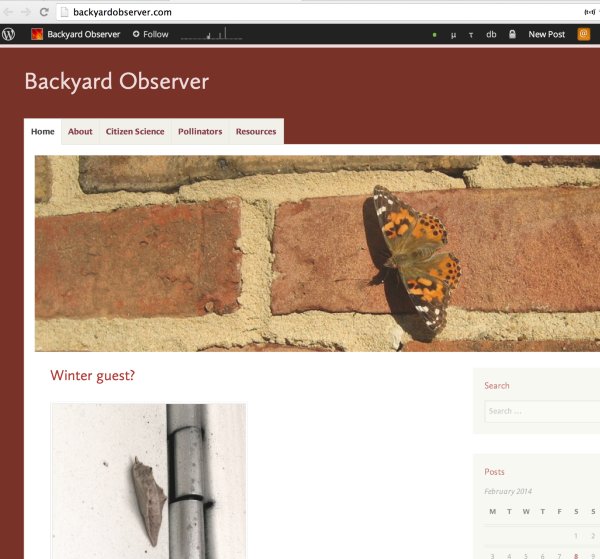
and
https://cloudup.com/csk5iE03P8V (on mobile)
It can take some time to propagate. If you find that it is still not loading properly, can you please try clearing out your cache and cookies using the guide below?
http://en.support.wordpress.com/browser-issues/#clear-your-cache-and-cookies
Feel free to reach out if you have any questions!I also went to your site through my phone and found that the comments were disabled as seen here:
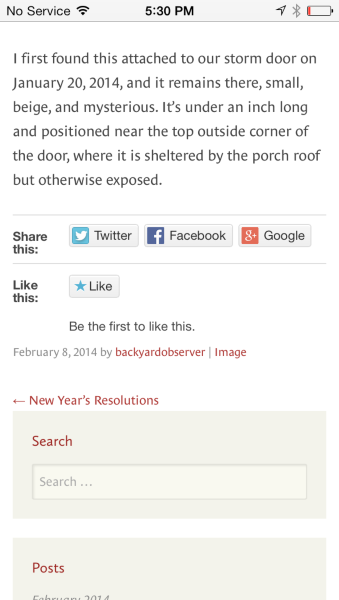
Let me know if you find otherwise!


- The topic ‘How can I disable comments on the mobile version of my site?’ is closed to new replies.
 WordPress.com Forums