

How do I center images in my blog?
-
My images won’t center even though I set it to center. I also tried to fix it in HTML but the changes I made disappeared after I made them and wouldn’t go through. I don’t know what’s going on.
The blog I need help with is: (visible only to logged in users)
-
Try clearing your browser cache and cookies, then centre the images again and update the post. See if it helps.
-
-
I’ll tag this thread for staff. They can access your post editor and see if there’s perhaps an error within the html code or some other bug in the system causing this. Make sure you’re subscribed to the thread and then be patient while waiting for a response.
-
Hi there!
I’m looking at your site now, and can see the images centering quite nicely.
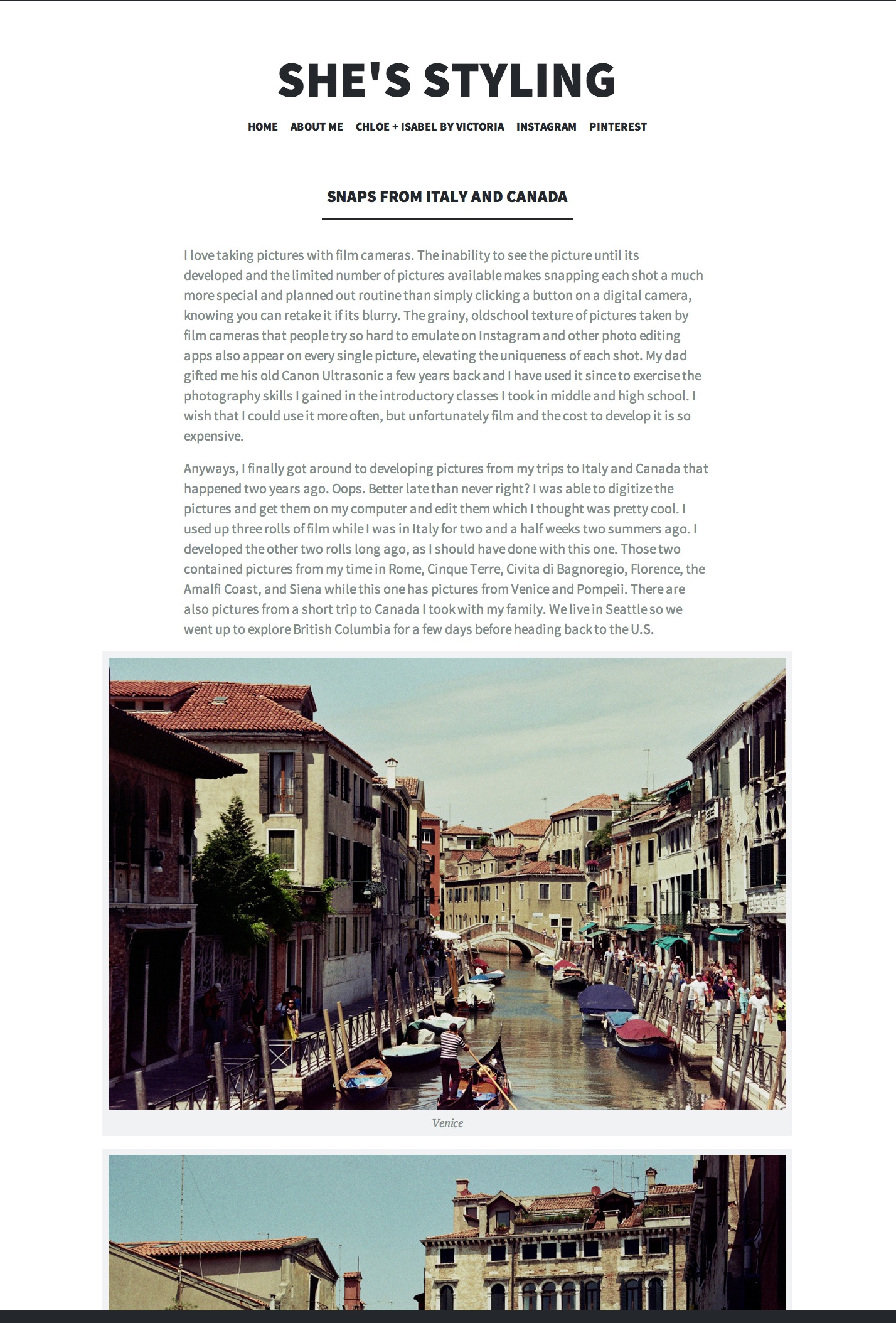
Are you seeing something else? If so, can you please take a screenshot of what you’re seeing?
Hoping to hear from you soon. Thanks!
-
Hi,
I “fixed” the problem by making the images larger but they still aren’t technically centered. It’s ok though because they look centered now. Thanks though, I appreciate it!
-
My best advice is to familiarize yourself with the way the theme works http://theme.wordpress.com/themes/illustratr/.
-
Hey Victoria!
I do see the problem there and I apologize about this! I’ve gone ahead and given you a free Custom Design upgrade to enable me to temporarily fix the problem via CSS. What I did was go into Appearance -> Customize in your admin panel:
http://sheisstyling.wordpress.com/wp-admin/customize.php
and entered the following CSS code to center all your images:
.wp-caption {
	margin: auto;
}
It’s not the most elegant way of doing things, but hopefully for now you’ll find this useful. To learn more about the Custom Design upgrade and Custom CSS, please look through our support pages:
http://en.support.wordpress.com/custom-design/
http://en.support.wordpress.com/custom-design/custom-css/Let me know if you need anything else. Thanks!


- The topic ‘How do I center images in my blog?’ is closed to new replies.
 WordPress.com Forums