

How do I get my downgraded domain URL to stop giving people a warning message?
-
I recently downgraded the domain from a .co to wordpress.com and now when people try to access femtrends.wordpress.com they are having trouble. It keeps telling them the domain expired. Yes, this is true- but I downgraded the domain already. Is there any way to stop this notification and have the new downgraded website work simply?
The blog I need help with is: (visible only to logged in users)
-
-
Hi femtrends,
Please navigate to the Domain Management page:
https://wordpress.com/domains/manage/femtrends.wordpress.com
Click on your WordPress.com URL.
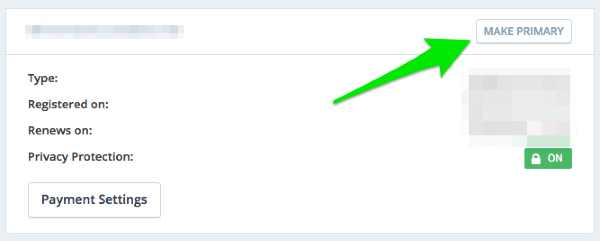
Select ‘Make Primary’:
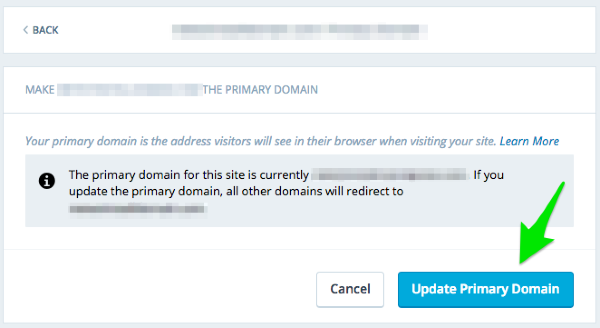
Then ‘Update Primary Domain’:
Let me know if you have any questions.
Thanks!


- The topic ‘How do I get my downgraded domain URL to stop giving people a warning message?’ is closed to new replies.
 WordPress.com Forums