

How do I get my Navigation Menu (Custom Menu) to appear on my front page?
-
I’m using the Espied Theme which states it supports up to two menus. I have a Main Menu and a Social Connection Menu, and they are not showing on the Front Page. I’ve double checked all the settings and everything is set according to WordPress directions. All I get however is a square in the uppe-right corner of the page; If I click on the square the menus appear in a new window. But the square is not labeled in any way.
The blog I need help with is: (visible only to logged in users)
-
Hi Robert!
It looks like you were able to get this resolved as I currently see two menus active on your site now as shown here:
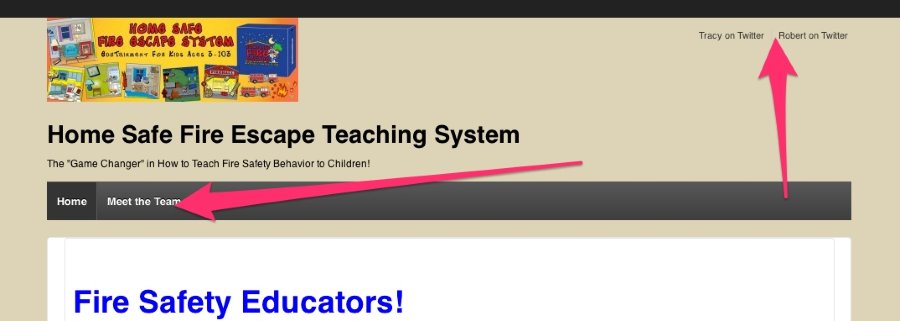
Please let me know if you’re still having trouble!
-
Jeremy,
Thanks for your message. However, my issue is not resolved. If you go to the About Us page on my site, you’ll see that I have a slideshow and the Internet Defense logo showing up on the right-hand side of the page. I want the same thing on my Home Page, especially the slideshow. How do I make that happen?
-
Hi Robert,
To do that, navigate to the Edit Page screen here for your Home Page:
https://teachfiresafetywell.wordpress.com/wp-admin/post.php?post=5&action=edit
On that page, choose “Content/Sidebar” under “Page Template” on the right-hand side of the page. Then, click the blue “Update” button. You should be all set!
Let me know if you need anything else!
-
-


- The topic ‘How do I get my Navigation Menu (Custom Menu) to appear on my front page?’ is closed to new replies.
 WordPress.com Forums