

How do I get my widgets to display horizontally instead of vertically?
-
The widgets I have added in my first ‘footer side bar’, which appears at the bottom of each of my pages, display in a vertical manner. This looks strange as the theme ‘motif’ has been laid out out for the widgets to display horizontally and also shows this in its ‘demo’. I have been able to find a way to format which way the widgets display.
The blog I need help with is: (visible only to logged in users)
-
Hi Maddy!
You can have the footer widgets align horizontally by adding new widgets to Second Footer Sidebar and Third Footer Sidebar. If you add widgets to the First Footer Sidebar it will add is under your already added Contact Info widget.
This is due to the fact that the footer is split into three sections: First, Second, and Third horizontally.
As a test, I added the Archives widget to the Second Footer Sidebar and it looks like this:
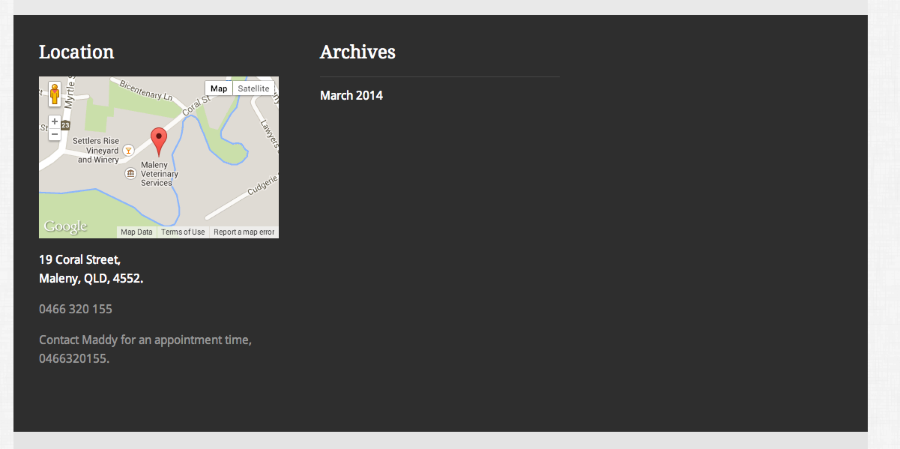
Feel free to reach out if you have any questions!


- The topic ‘How do I get my widgets to display horizontally instead of vertically?’ is closed to new replies.


 WordPress.com Forums