

How do I get the featured image to show on the article page
-
Using Chronicle theme, how do I get the featured image to show on the page with the full article? It shows on the main page with the intro paragraph, but when I click on an article the image does not appear with the full text.
The blog I need help with is: (visible only to logged in users)
-
Follow up: I have discovered that I have to use the “insert media” function. Unfortunately it does not seem to work well with the text which aligns too close to the image. I’ve tried everything suggested to manipulate the image but I can’t create a vertical space between image and text.
-
Hi,
Unfortunately it does not seem to work well with the text which aligns too close to the image.
Am I understanding correctly that you’d like to add some more space between the image and the text on the post page, here?:
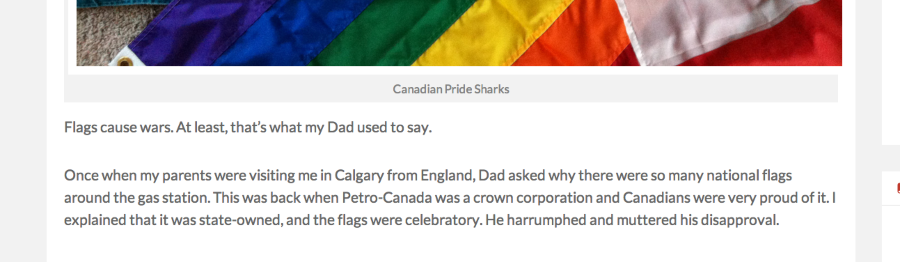
If this is correct, you could use the Custom Design upgrade to add custom CSS to the page, however there isn’t a way to edit the theme without changing the CSS. The amount of space there is what the theme author set when designing the theme.
Let me know if you have any questions about this :)
-


- The topic ‘How do I get the featured image to show on the article page’ is closed to new replies.
 WordPress.com Forums