

How do I get trophies to appear on my side-bar in this blog?
-
I love the trophies and have seen other bloggers displaying them proudly. How do I get mine to display? Just got one for 500 likes at http://www.marthaschaefer.com
The blog I need help with is: (visible only to logged in users)
-
Hi there,
You can view your trophies here:
http://wordpress.com/trophy-case
If you want to put it on your blog you can just copy the image and upload it like any other image. :)
If you want it in your sidebar, you can use an Image Widget.
Congrats on all the likes!
-
I can view the trophies but see no way to copy them. As to the Image widget, it doesn’t appear I have that with my theme. More help please?
-
Hi there,
Please right-click the image and open the image in a new tab. The copy the image URL and paste it into the Image Widget. As for the Image Widget, you can add it by going to Appearance > Widgets in your Dashboard. You can find it here:
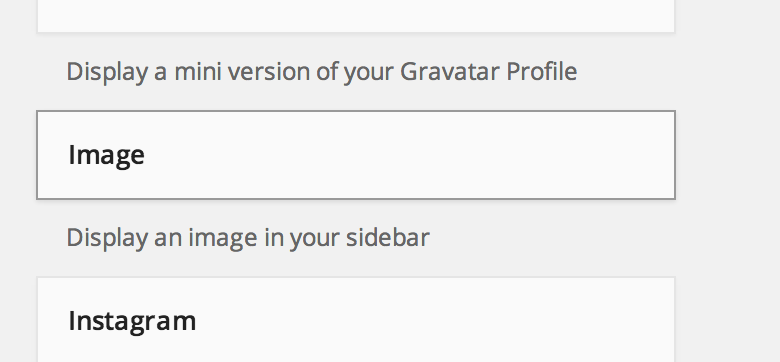
by going to:
https://marthaschaefer.wordpress.com/wp-admin/widgets.php
Hope this helps.


- The topic ‘How do I get trophies to appear on my side-bar in this blog?’ is closed to new replies.
 WordPress.com Forums