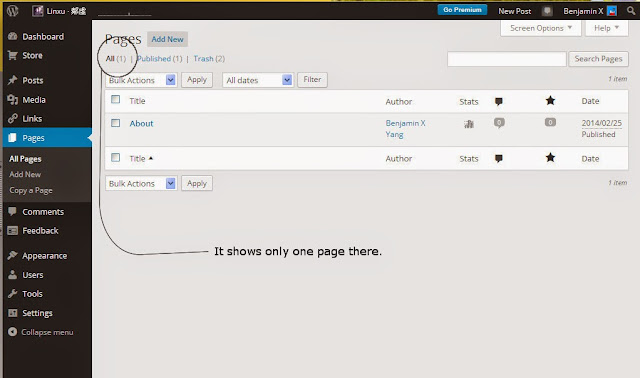
How to edit/remove the page?
-
To whom it may concern:
I have 2 pages added to my blog, one is “front page”, the other one is “About”. Recently I discovered a problem that my “front page” linked to my another blog which I suspended. I would like to edit the page or remove it if necessary, but I can not locate it in dashboard while I can see the page “About” and only the page “About”. What is the solution? Thank you.The blog I need help with is: (visible only to logged in users)
-
-
Go to > Dashboard > Pages > All Pages
hover over the Page title and click the Trash link. -
-
-


- The topic ‘How to edit/remove the page?’ is closed to new replies.
 WordPress.com Forums