

How to modify Home button's appearance
-
Dear Support Team,
How is possible to change the appearance of Home button?
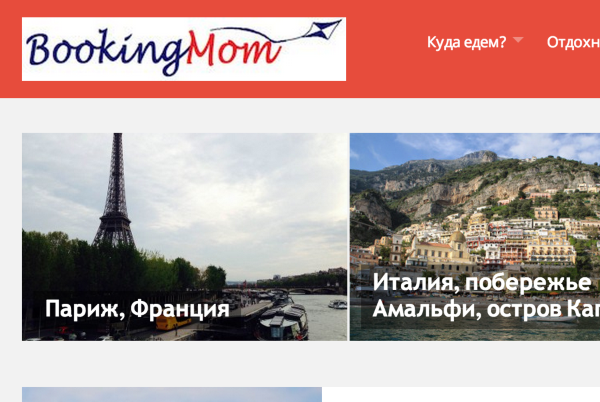
In our case we have ‘BookingMom’ button as a home button, but we would like either to change the font of this button (as we have our specific font for the logo) or even replace the ordinary text with the logo image.
Many thanks in advance for your help!!!The blog I need help with is: (visible only to logged in users)
-
Hi there,
Yes, it is approximately what we’d like to get in the header.
I’m working now on suitable logo creation.
Would you kindly show how to add it to the header so I could do it myself as soon as the logo is ready?
Should I use .branding in CSS to parameterise it?Thanks once again!
With best wishes,
Katherine -
Hi Katherine,
Yes you should. It would depend on how big it is, but for the example I provided this is what I used:
.branding {
padding-left: 45px;
height: 55px;
background: url('IMAGE URL') left center no-repeat;
}

h2.description {
display: none;
}

.masthead .branding h1.logo a {
font-size: 50px;
color: transparent !important;
}
That should do it. Let me know if you run into anything with this!


- The topic ‘How to modify Home button's appearance’ is closed to new replies.
 WordPress.com Forums