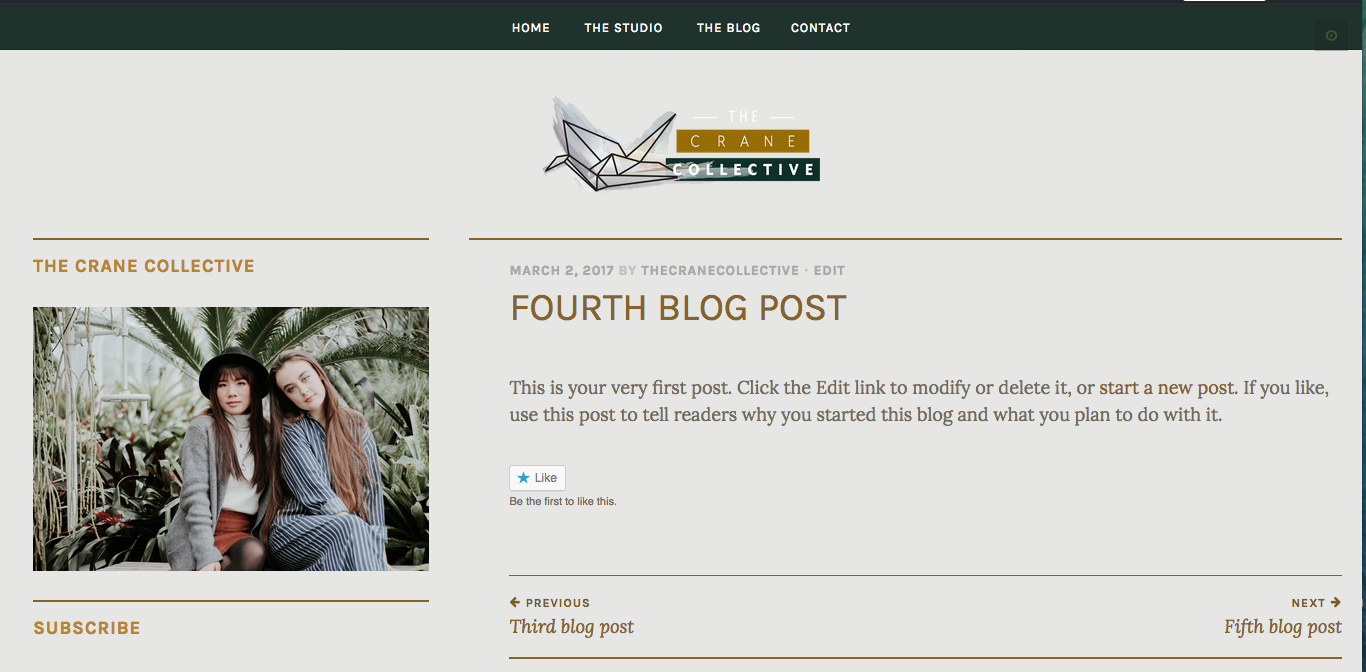
How to NOT make feature image the header for individual blog posts. Help!
-
I’m using the pique theme.
When I upload a featured image to a blog post, it makes it the background for the panel on the blog page, which I like. However, this then turns the feature image into the header on the individual blog post’s page, which I do not want. But when I delete the featured image, it makes the panel blank on the blog page.
https://cloudup.com/cYTv5H7hJXd
How do I keep the feature image for the panels on the blog page, without it become the header for individual blog posts? I really like the header on the blog page (succulents with my logo on top), and I would like to keep that my header on individual blog post pages as well. How do I achieve this?
The blog I need help with is: (visible only to logged in users)
-
Give this a try. It takes away the featured image on the single post pages.
.single .pique-header { display: none; } -
Hi, that worked in removing the header from the individual posts while still keeping the background images on the panels! However, it makes my header / logo all funky on the individual posts.
http://local-cloudup.com:3000/czQrXEx9I0S
Additional help??
-
-
Hello, I am having the same issue with the size after using the CSS you provided to hide the header image, what should I do now? My URL is jessicabertram.com
-
-
@jessicabertram, add the following to your custom CSS, which will space your title down under the menu.
.single .site-header .site-branding { margin-top: 40px; } -
@thecranecollective, since your Cloudup link is not coming up for me, this is a screenshot of what I see on single post pages on your site. I’m not seeing any “funky” on the single post page with the header/logo.
Screenshot: https://cldup.com/njRKDSgsOJ.png
-
-


- The topic ‘How to NOT make feature image the header for individual blog posts. Help!’ is closed to new replies.
 WordPress.com Forums