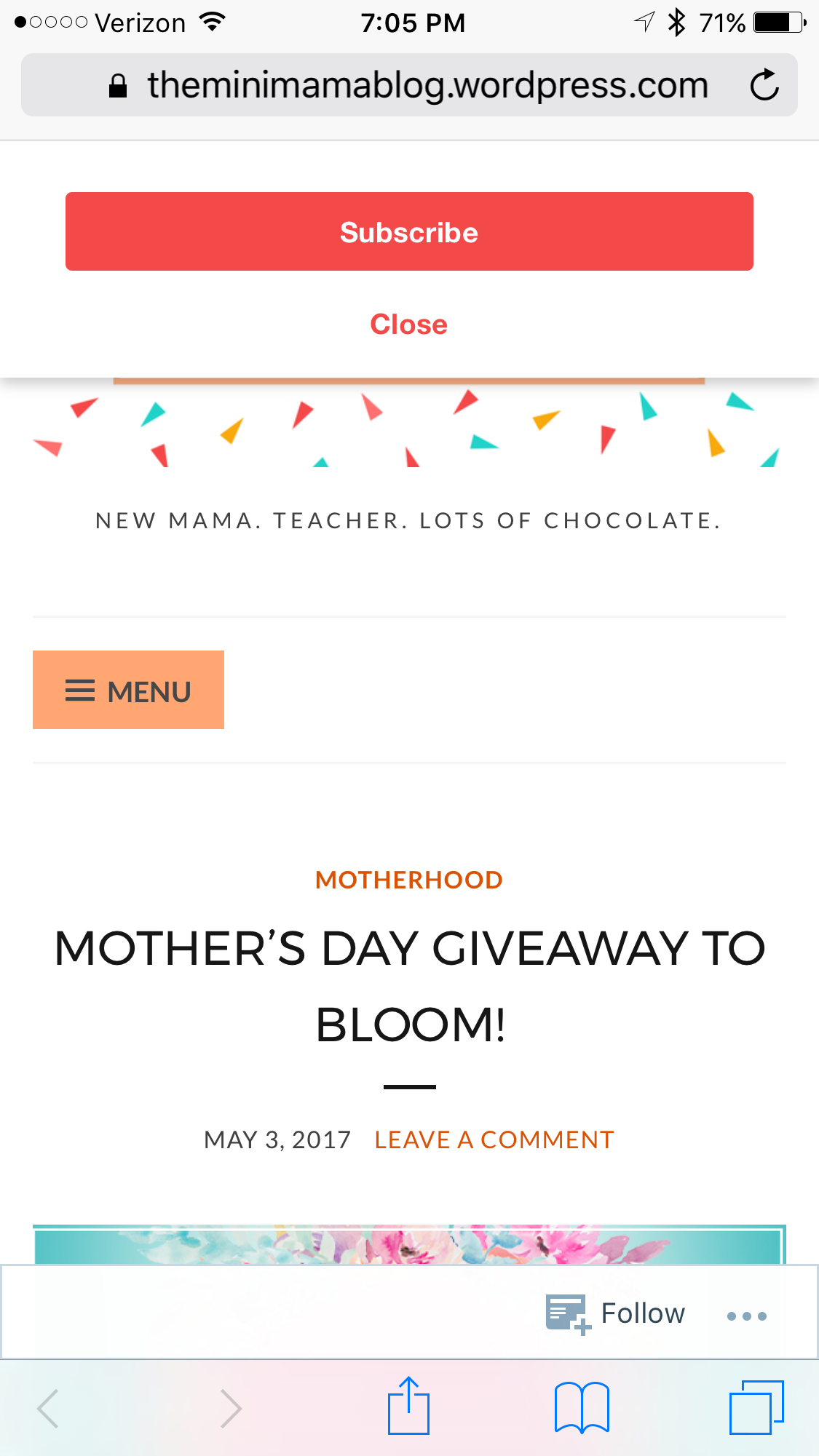
How to style the MailChimp pop-up in the mobile version of your website.
-
I am having difficulty getting my pop up subscriber sign to look right on the mobile view. please help :)
The blog I need help with is: (visible only to logged in users)
-
Hi there
It looks excellent on my Android phone! What does not look right to you? What type of mobile device are you looking at it with?best,
dave -
-
it came up as a button at the top that says Subscribe. When i clicked on it the form came up. I had to wiggle up and down a bit for the button to pop up. try that and see, please.
d -
@theminimamablog, this is what I see on my iPhone 6s +: https://cldup.com/yndGk_2sAw.PNG
Are you not seeing something similar?
Also, see my reply in this other thread where you asked about this issue as well: https://en.forums.wordpress.com/topic/how-to-show-title-of-blog-instead-of-having-to-scroll-through-full-posts?replies=6


- The topic ‘How to style the MailChimp pop-up in the mobile version of your website.’ is closed to new replies.
 WordPress.com Forums