

How to upload pictures right?
-
Hey wordpress team. I got a big problem, I can not upload pictures and put them on my blog, i just cant see them. I am able to see them, when I click on edit, but they appear on my library and on my blog as white planks. could you please help me? Pascal
The blog I need help with is: (visible only to logged in users)
-
I’ve seen that error before. I think you’ll need staff help, so I will flag this for them.
-
Hi there,
I do see the issue of your image not appearing in your post:
But URL for that image leads to 404 error, which means there is no file at that address:
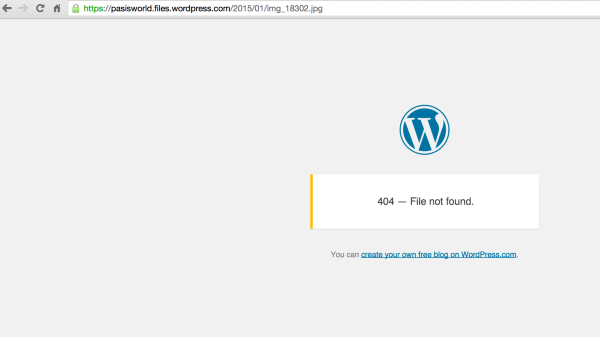
Given that error, not seeing the image would be expected. The image also fails in the Edit post screen.
Could you please attempt to Edit the post, remove the image, add a new image from your Media library, then update the post?
Normally when images appear as only white boxes in your Media Library, it’s because the upload fails for some reason. That doesn’t seem to be the case here otherwise I would not be able to see them.
Would you please follow the instructions here to take a Screenshot of your HTTP headers while looking at your media library?
Then upload that image to your media library for me to view the results.
-Alex G.


- The topic ‘How to upload pictures right?’ is closed to new replies.


 WordPress.com Forums