

I am unable to access my blog online.
-
I have added my domain name – and at first it worked, but now if I try to load it, the address bar alternates between my wordpress address and my domain name and then gives me this error message:
The page isn’t redirecting properly Firefox has detected that the server is redirecting the request for this address in a way that will never complete. This problem can sometimes be caused by disabling or refusing to accept cookies.The blog I need help with is: (visible only to logged in users)
-
Hi there,
Your domain is not pointing to WordPress.com name servers. You can view the current name servers on this page:
http://en.support.wordpress.com/domain-helper/?host=freshlyfound.com
You’ll need to update the name servers with your domain registrar. This article explains how:
http://en.support.wordpress.com/domain-mapping/map-existing-domain/
The name servers for WordPress.com are:
- NS1.WORDPRESS.COM
- NS2.WORDPRESS.COM
- NS3.WORDPRESS.COM
If you’re not sure how to change them, please contact your registrar for assistance.
Once you have updated the name servers, it may take up to 48 hours for the domain to be pointed to your WordPress.com site.
-
I received this message from my domain registrar. He has stopped the domain from directing to the wordpress blog. But now my wordpress blog is inaccessible and takes me to my old website.
This is what my registrar said:
It seems that the http://freshlyfound.wordpress.com/ site is directing to the freshlyfound.com site. I did not do this, do you know if anyone might have done this., cause I had redirected the freshlyfound.com site to your blog site http://freshlyfound.wordpress.com/. Thats why it wasn’t working because they were both redirecting to eachother. I have removed the redirect from myside now so least you have a site up until we can remove the redirect on the http://freshlyfound.wordpress.com/ site. -
Hi there,
It seems that the http://freshlyfound.wordpress.com/ site is directing to the freshlyfound.com site.
Yes this is happening but freshlyfound.com is not a WordPress.com site at the moment:
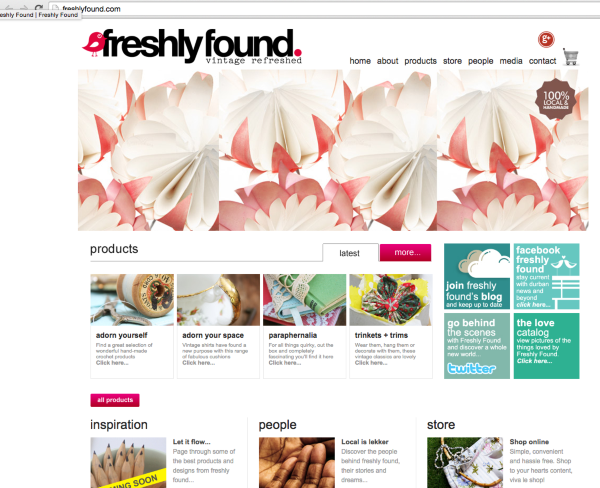
It is hosted by symbioticithosting.com. If you want your domain to show up on your WordPress.com site, have them change the nameservers to:
- NS1.WORDPRESS.COM
- NS2.WORDPRESS.COM
- NS3.WORDPRESS.COM
We cannot add any redirects from our end as we are not the domain’s registrar.
-
Thanks for the response :-)
Yes – I will get them to change the nameservers again.
But in the mean time I am unable to view my freshlyfound.wordpress.com blog. Can you organise it so that I am able to view it? -
Sure! I have updated it as seen here:
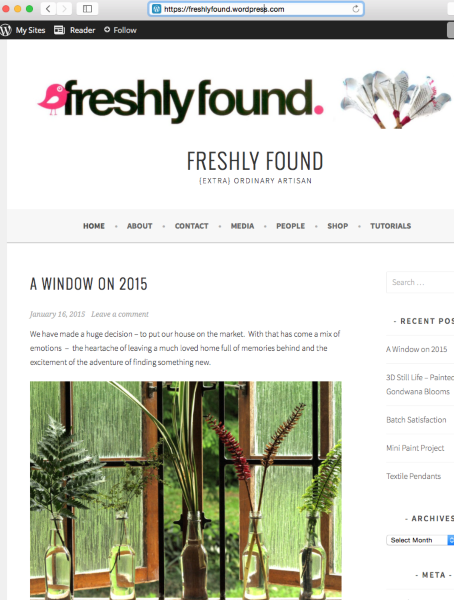
If that is not what you see, can you please try clearing out your cache and cookies using the guide below?
-
-


- The topic ‘I am unable to access my blog online.’ is closed to new replies.


 WordPress.com Forums