

I wrote the blog. How do I actually publish it?
-
Wrote the blog. Went to next page of “email confirmed, etc., but how do I actually publish the blog? Expected a tab with something like “Publish now” on it and the only tabs are for upgrading to a better package. How do I publish?
The blog I need help with is: (visible only to logged in users)
-
Hi there,
After looking into your account, I found that there was a draft post in the Post > All posts tab of your Dashboard. Please hover over the title and the Edit link will appear. Click that and you will see the Publish module on the right hand side of the page. Click on Publish and you should be set. It will look like this:
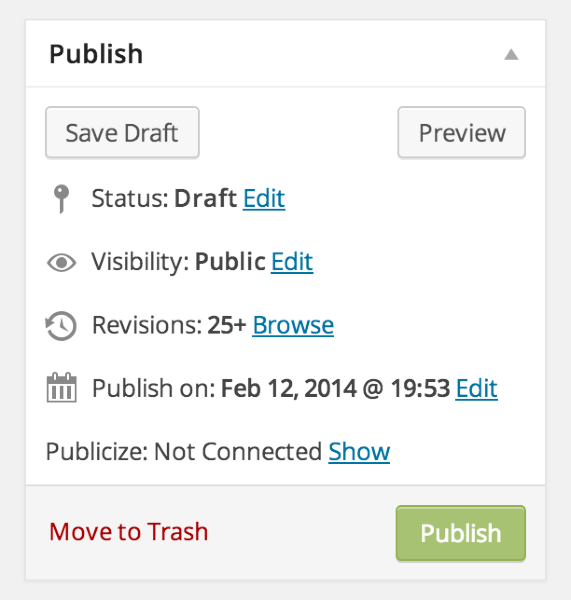
Feel free to reach out if you have any questions!


- The topic ‘I wrote the blog. How do I actually publish it?’ is closed to new replies.


 WordPress.com Forums