

I'm using the Stay theme and the home page
-
I followed the directions for the ‘Stay” theme to apply the scrolling home page image, however both the scrolling image as well as the featured image (necessary for the image to be present in the scroll bar) appear. How do I prevent the featured image from appearing on the home page while maintaining the appearance of the scrolling image bar?
The blog I need help with is: (visible only to logged in users)
-
Hi there,
Just to get a better understanding, do you want to remove this image in the slideshow?
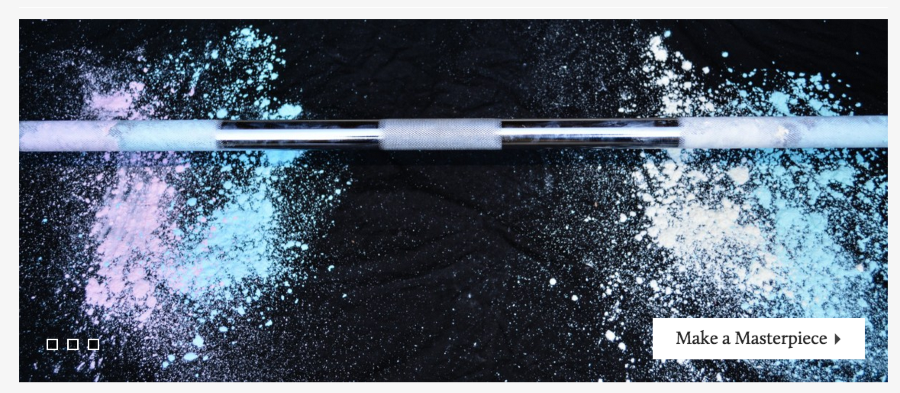
If that’s the case, what do you want in place of it?


- The topic ‘I'm using the Stay theme and the home page’ is closed to new replies.
 WordPress.com Forums