Image rotation has gone completely berserk
-
WordPress is completely screwing up the image rotation. Two separate problems:
1) When I upload images, WP auto-rotates them so they’re 90 degrees out of whack.
2) When you click on a thumbnail in a post, the larger image you get is rotated 90 degrees.
WP needs to just stop rotating anything, ever. I have all my photos rotated the right way. Period. End of discussion.
-
You failed to provide URL for the site in question.
We cannot provide assistance for any issue without it.
Please provide the URL for the blog in question in the form of an active link starting with http:// so we can assist you or this will be the end of discussion – period. -
It makes a difference because WordPress.com and WordPress.org are completely separate and have different logins, features and run different versions of some themes with the same names http://support.wordpress.com/com-vs-org/
-
I’ll tag this thread for a Staff follow-up re; your image rotation issues.
Please subscribe to the thread so you are notified when they respond and please be patient while waiting.
Please post
(a) Exactly what kind of device you are using to connect to the internet and to WordPress.com.
(b) Exactly which browser (and version of it) you’re using by checking here if necessary http://www.whatbrowser.org/
(c) What any error reports you receive state. -
Ah I had never heard of wordpress.org!
– Lenovo Thinkpad, Win 7 Pro 64 bit
– Firefox 28.0
– No error reports have been received. -
-
Hi there!
I’m thinking that the images were taken on your phone on portrait mode, but was somehow saved in landscape mode. This happens to me sometimes too!
Could you please upload the images on other image sharing services such as http://imgur.com or http://tinypic.com and see if the images are rotated there as well?
Note that you may rotate your images to their proper form even after uploading them to your Media Library:
http://en.support.wordpress.com/images/image-editing/#rotating
Looking forward to your reply! Cheers! :)
-
“Note that you may rotate your images to their proper form even after uploading them to your Media Library:
http://en.support.wordpress.com/images/image-editing/#rotating”Don’t you see, that’s not going to help if WordPress applies different rotation to a given photo on different parts of the site? If I rotate it to make it correct in one place, the orientation will be wrong in a different place.
Please confirm that you understand what I am saying so I know we’re on the same page.
-
The main problem is that rotation behaves differently in different parts of the WordPress site, for a single given image. I have an advanced understanding of image rotation and EXIF orientation tags and the whole issue would be avoided if WordPress were consistent. Then I could do whatever was necessary in my image software (Irfanview).
Imgur and Tinypic handle the photo differently but are internally consistent:, unlike WordPress:
Orientation is correct on Imgur: http://imgur.com/OM9kLPa
Orientation is 90 degrees off on Tinypic: http://tinypic.com/r/jzehrs/8
If WordPress behaved like Imgur, great, that’d be perfect. If it was like Tinypic, I’d rotate the photo before uploading – an extra step but not a huge problem.
-
Aha – turns out this is a major problem across the web and is only getting worse:
Results vary wildly across sites, between different products from the same company, between browsers, and even within a single browser depending on context (yes I’m looking at you Safari). Images with the same orientation value may also be rotated differently on some sites depending on whether they’re landscape or portrait.
http://www.daveperrett.com/articles/2012/07/28/exif-orientation-handling-is-a-ghetto/
-
Hi there!
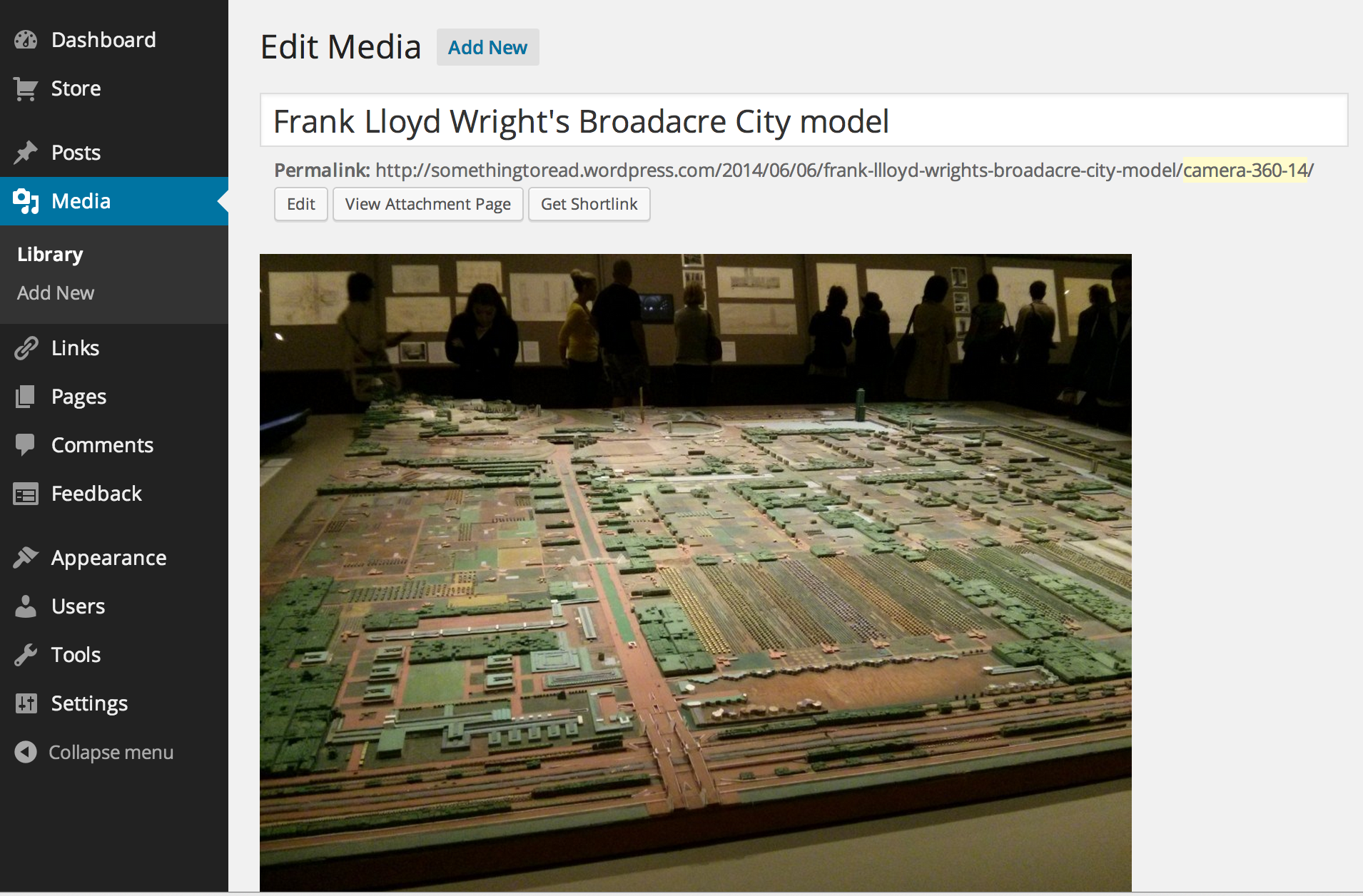
I am seeing the image in your Media Library and looks like it’s rotated correctly. When I click on the source file or view it on your blog post, the image shows up in the right orientation. Can you clarify which parts on WordPress.com are the image not displaying correctly?
Blog Post: https://i.cloudup.com/A9wuzD3Igs.png
Media Library: https://i.cloudup.com/Adj7Ga8mnN.png
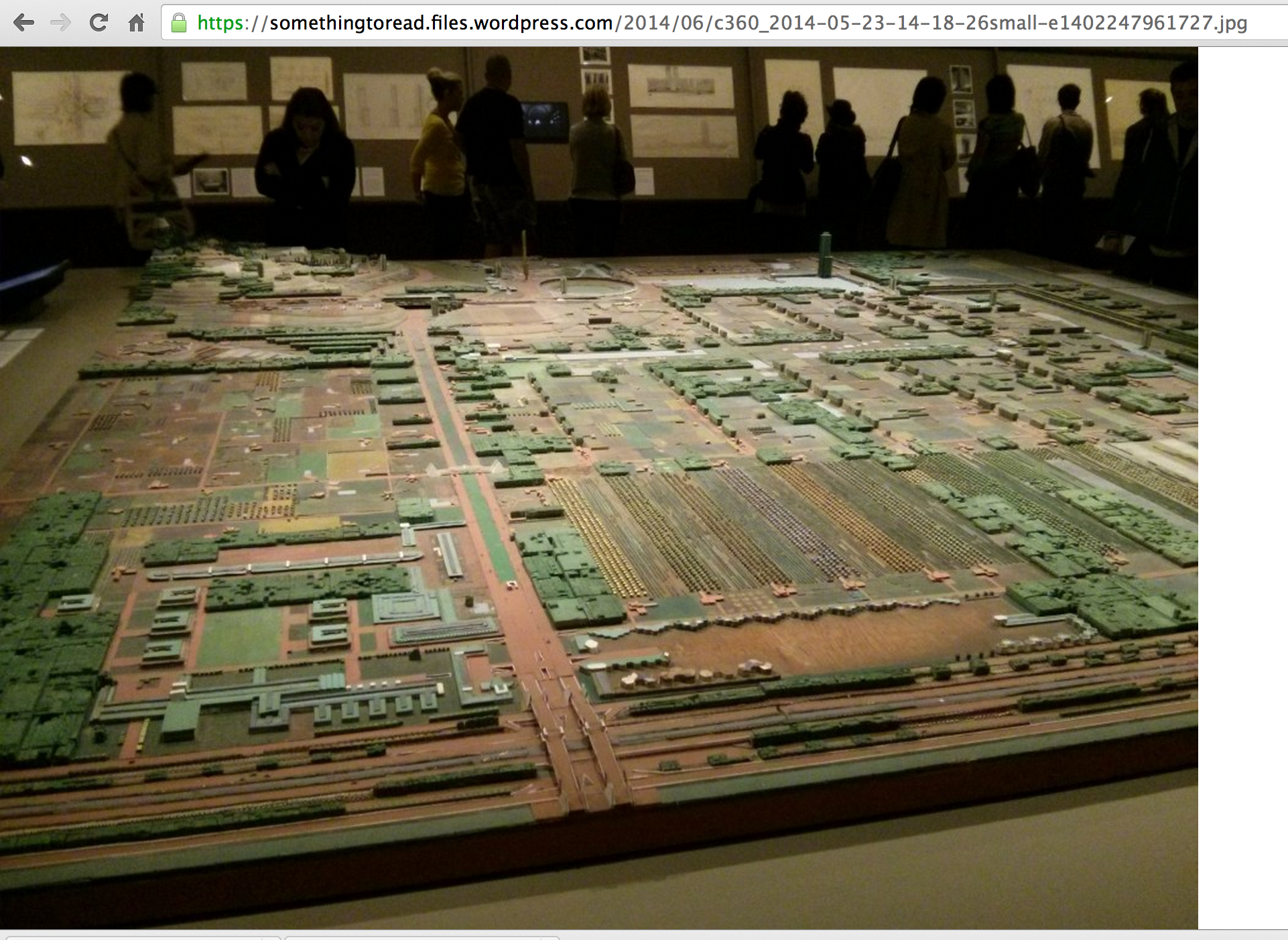
Browser Window: https://i.cloudup.com/AEVP9l7gjy.pngThanks!
-
Hi, many thanks for personally checking on this. Much appreciated.
Please don’t forget there are two different problems (see original post).
The rotation was 90 degrees off in what I believe you are calling ‘browser window’ (problem #2) – i.e., when you click on the photo in the post and are taken to a page which is just photo (and nothing else) taking up the whole browser window. However it is correct now, as you found!
The rotation was correct in the blog post and the media library but onlyafter I had corrected WP’s erroneous auto-rotation that was applied upon uploading (problem #1).
I will upload more photos to try replicating the problem and will post screengrabs. Please bear with me!
BTW I cleared cache, cookies, browser history, etc.; restarted browser and restarted computer before making the original post.
Thanks again
-
-


- The topic ‘Image rotation has gone completely berserk’ is closed to new replies.
 WordPress.com Forums